Inputs Tab
4-14 72A-1589 Rev. C 02/01
D
DD
D
R
RR
R
A
AA
A
F
FF
F
T
TT
T
3
33
3
/
//
/
5
55
5
/
//
/0
00
0
1
11
1
For each input, choose the Type of input and the Sense Condition:
Type Select Potential or Contact from the pick list.
Sense Condition Select the transition that must occur for the input
to be true.
Each input type, Potential or Contact, has two selectable sense
conditions. Table 4.3 summarizes these selections for a relay with
normally open contacts. For normally closed output contacts, use inverse
logic (i.e., instead of Off to On, use On to Off).
The AutoSensE column lies to the right of the pick lists. Each logic
input has an AutoSensE radio button. Selecting AutoSensE for an
input freezes the ramping variable or variables when the required input
condition is sensed.
N
OTE
The default setting for the AutoSensE feature is Off. To enable the
AutoSensE radio buttons, remove the check mark from the Off box at
the bottom of the AutoSensE column.
Locate the Threshold section beneath the Type and Sense Condition
columns. The Threshold section applies to relays that have potential
present at their terminals.
The threshold setting of 15 V is provided to reduce sensitivity to circuit
noise. Use the 1.5 V setting when the circuit does not have noise present,
or greater sensitivity to circuit noise is required.
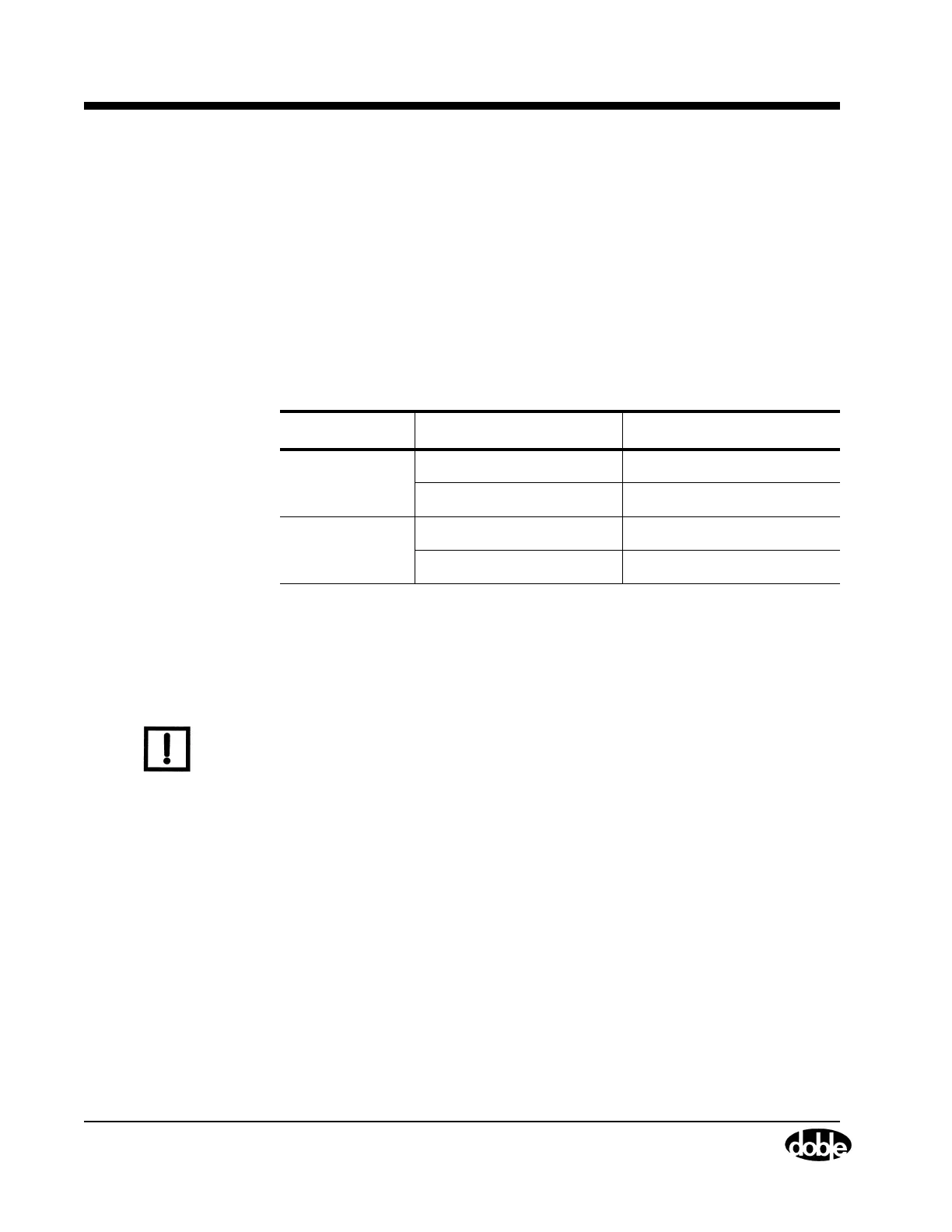
Table 4.3 Sense Conditions for Input Types
Type of Input Sense Conditions Description
Potential
Off
→
On Relay responds
On
→
Off Relay drops out
Contact
Open
→
Close Relay responds
Close
→
Open Relay drops out



 To Next Page