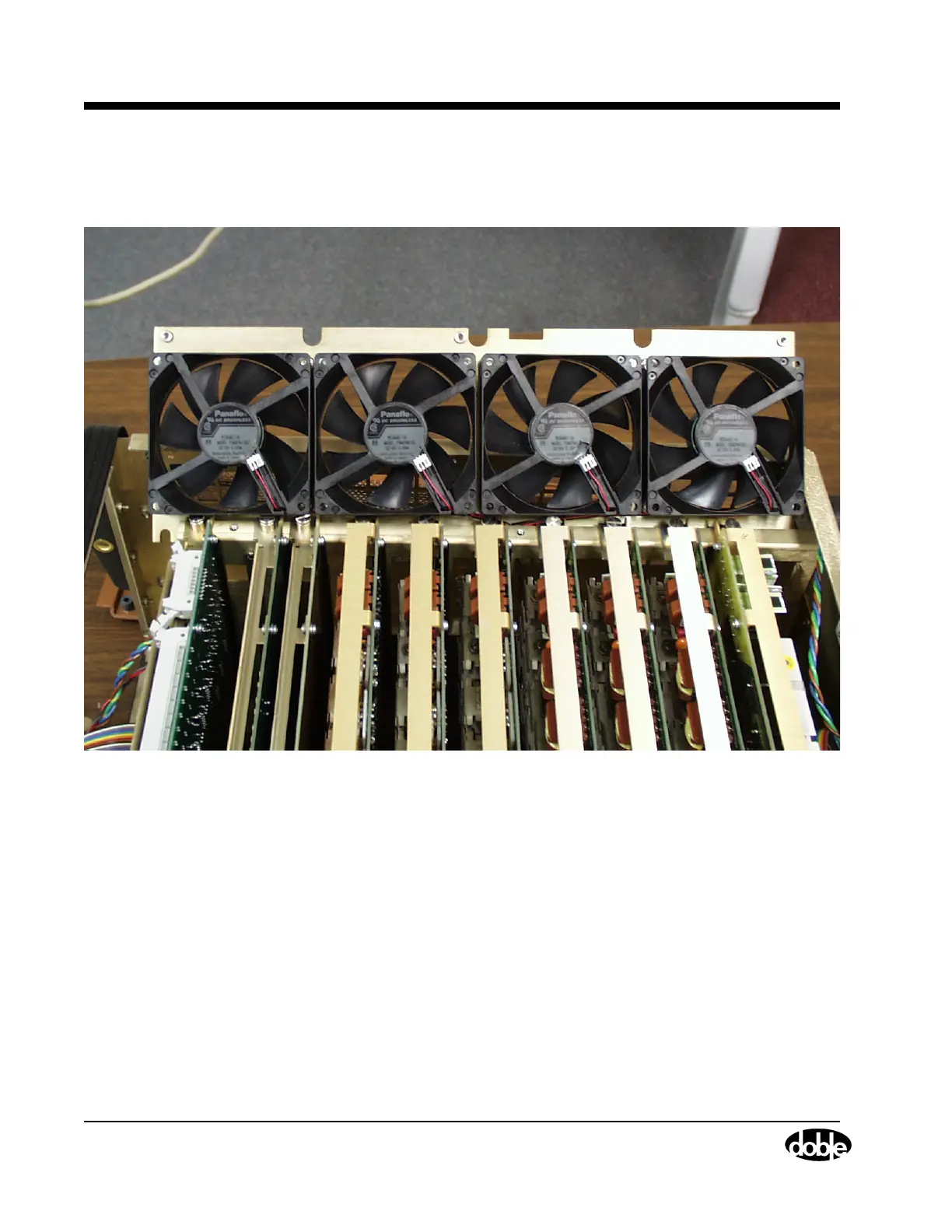
Cooling Fans
7-24 72A-1589 Rev. C 02/01
D
DD
D
R
RR
R
A
AA
A
F
FF
F
T
TT
T
3
33
3
/
//
/
5
55
5
/
//
/0
00
0
1
11
1
8. Pull the fan assembly up out of the instrument until all four wire
connectors are exposed (Figure 7.16).
Figure 7.16 Cooling Fans with Wires Connected
9. Disconnect the wire from each of the four fans.
10. Pull the fan assembly the rest of the way out of the instrument.
11. Use an open-ended wrench to remove the four hex nuts that secure
the fan to be replaced (Figure 7.17).
Use PIC00004.TIF on page 7.



 To Next Page