72A-1589 Rev. C 02/01 A-1
D
DD
D
R
RR
R
A
AA
A
F
FF
F
T
TT
T
2
22
2
/
//
/
2
22
2
0
00
0
/
//
/
0
00
0
1
11
1
Appendix A. Software Maintenance
Use the utilities available in ProTesT to accomplish routine maintenance
of the software:
• The F6000 Flash Loader installs revised firmware.
• F6000 Key Code Update installs F6000 options.
Open both utilities from the Tools pull-down menu in the ProTesT
menu bar.
N
OTE
When the F6000 Instrument boots up, the current firmware revision
number and the options installed appear in the display on the
instrument front panel.
Flash Loader
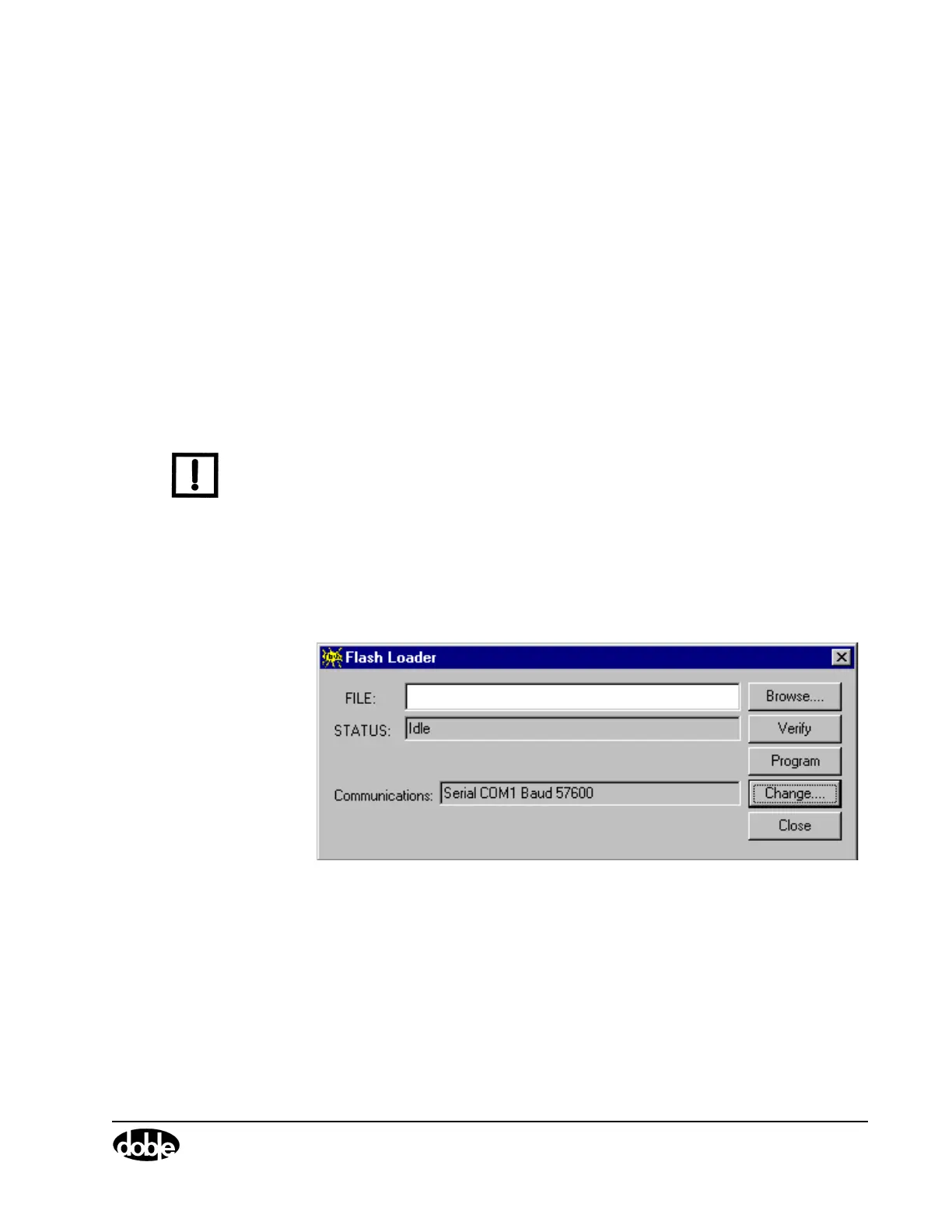
The Flash Loader installs revised firmware in the F6000 Instrument.
Click Tools|F6000 Flash Loader in the ProTesT menu bar to open the
program. The Flash Loader display appears (Figure A.1).
Figure A.1 Flash Loader



 To Next Page