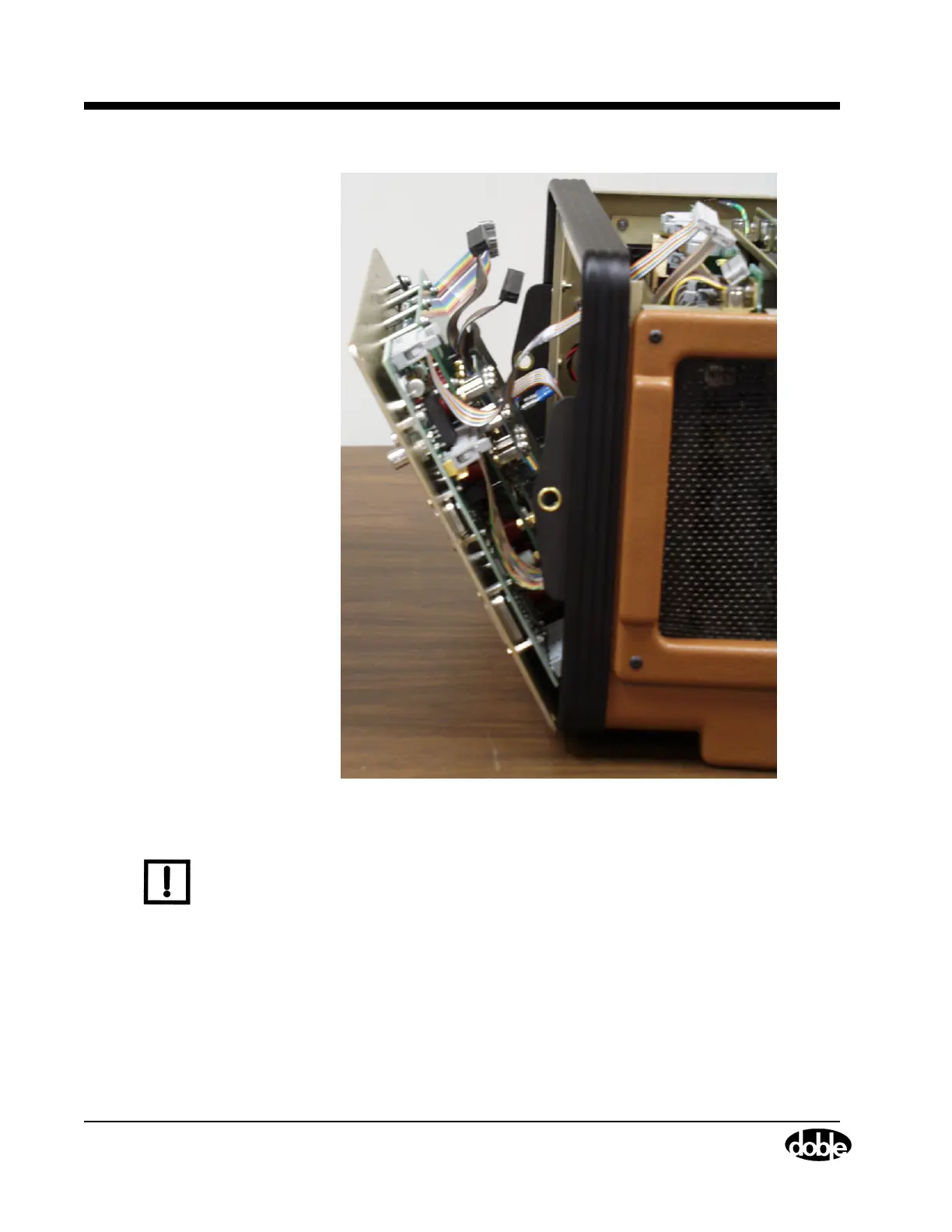
Instrument Front Panel
7-6 72A-1589 Rev. C 02/01
D
DD
D
R
RR
R
A
AA
A
F
FF
F
T
TT
T
3
33
3
/
//
/
5
55
5
/
//
/0
00
0
1
11
1
Figure 7.4 Instrument Front Panel Tilted Forward 30°
N
OTE
A High Current Interface connects the lower part of the Output
Terminal board to the motherboard (Figure 7.5). Carefully work this
connection loose as the front panel tilts away from the chassis frame.
5. Gently lift the front panel up and away from the bottom of the
instrument.
6. Lay the front panel face down on the table in front of the instrument
(Figure 7.5).
Use PIC00008.TIF on page 3.



 To Next Page