311
c HELP Mode Function and Operation Procedures
chap.7
Check that the increment of both digits occurs at a rate of
approximately 1 second per implement, so that over a period of 10
second, there is no marked difference between the two values. A
marked difference indicates abnormality.
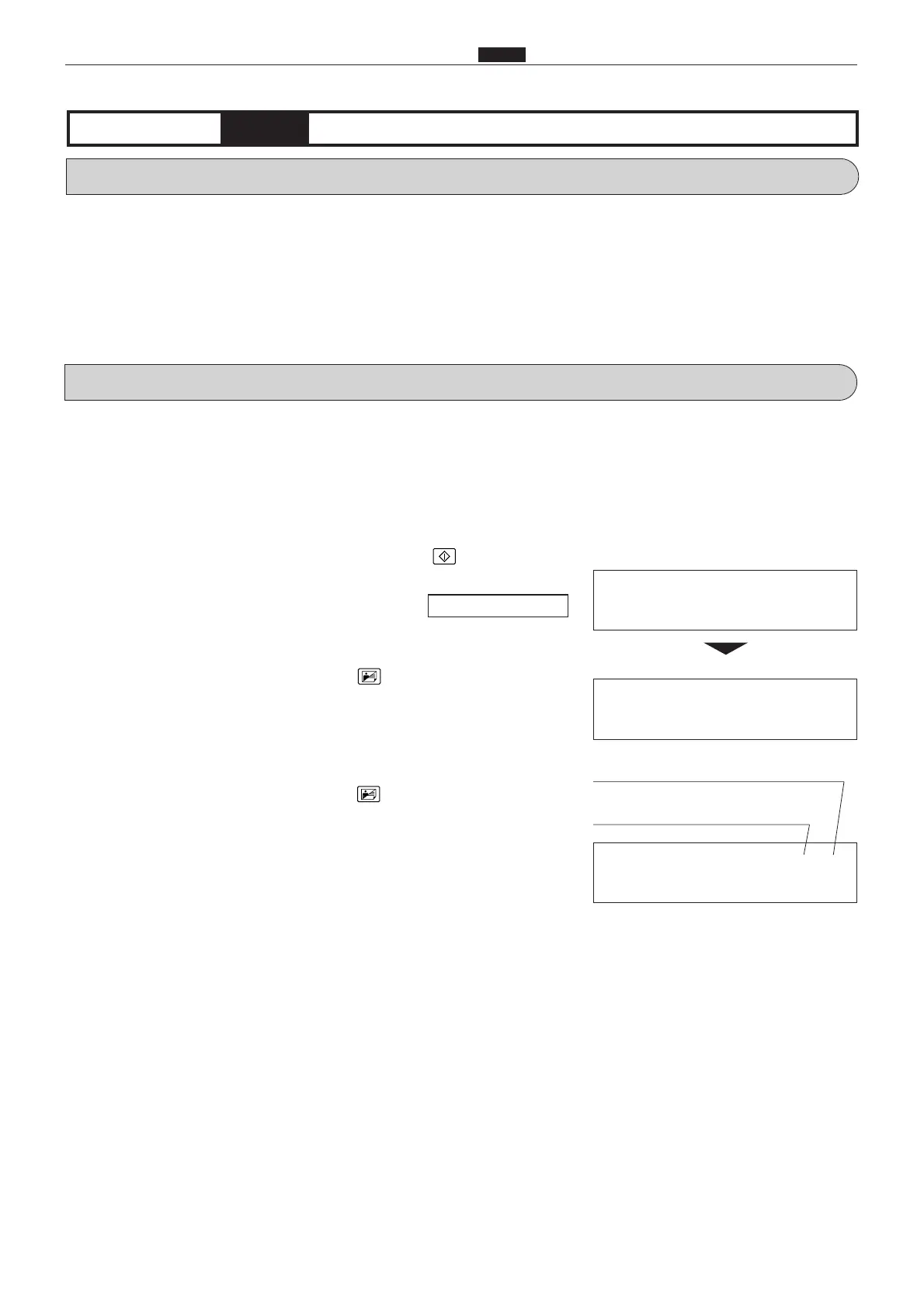
¡ Check of thermal head and main PCB unit synchronized signals
a Press the TEXT/PHOTOGRAPH key as many times as
needed to select the PHOTOGRAPH item.
Two digits will be displayed. The first digit represents a count
based on the thermal head PCB unit's synchronized signal, and
the second a count based on the main PCB unit's start signal.
These counts rise from 0 up to 7, in increments of 1. The
increments occur at intervals of approximately 1 second.
**
Main PCB unit start signal
Thermal head PCB unit
synchronized signal
1. Functions
(1) Checking of AD PCB unit shading memory, thermal
head and main PCB unit synchronized signals;
display of thermistor temperature; display of time
elapsed since last print run
(1) Checking AD PCB unit shading memory, thermal
head and main PCB unit synchronized signals;
displaying thermistor temperature; displaying time
elapsed since last print run
q
Access HELP mode H-12, and press the PRINT key.
For the basic procedure for accessing HELP modes.
w
Select one of the items below, and follow the procedure given for it.
¡ Check of AD PCB unit shading memory, and display of result
a Press the TEXT/PHOTOGRAPH key as many times as
needed to select the TEXT item.
An "FFFF" result display indicates the memory is normal. Any
other display indicates abnormality.
2. Operation procedures
H-12
(1) Function testingHELP mode
¡ Display during check
00
¡Check result display
F F F F
\See page 291










 To Next Page