162
Solution 862
Installation Manual
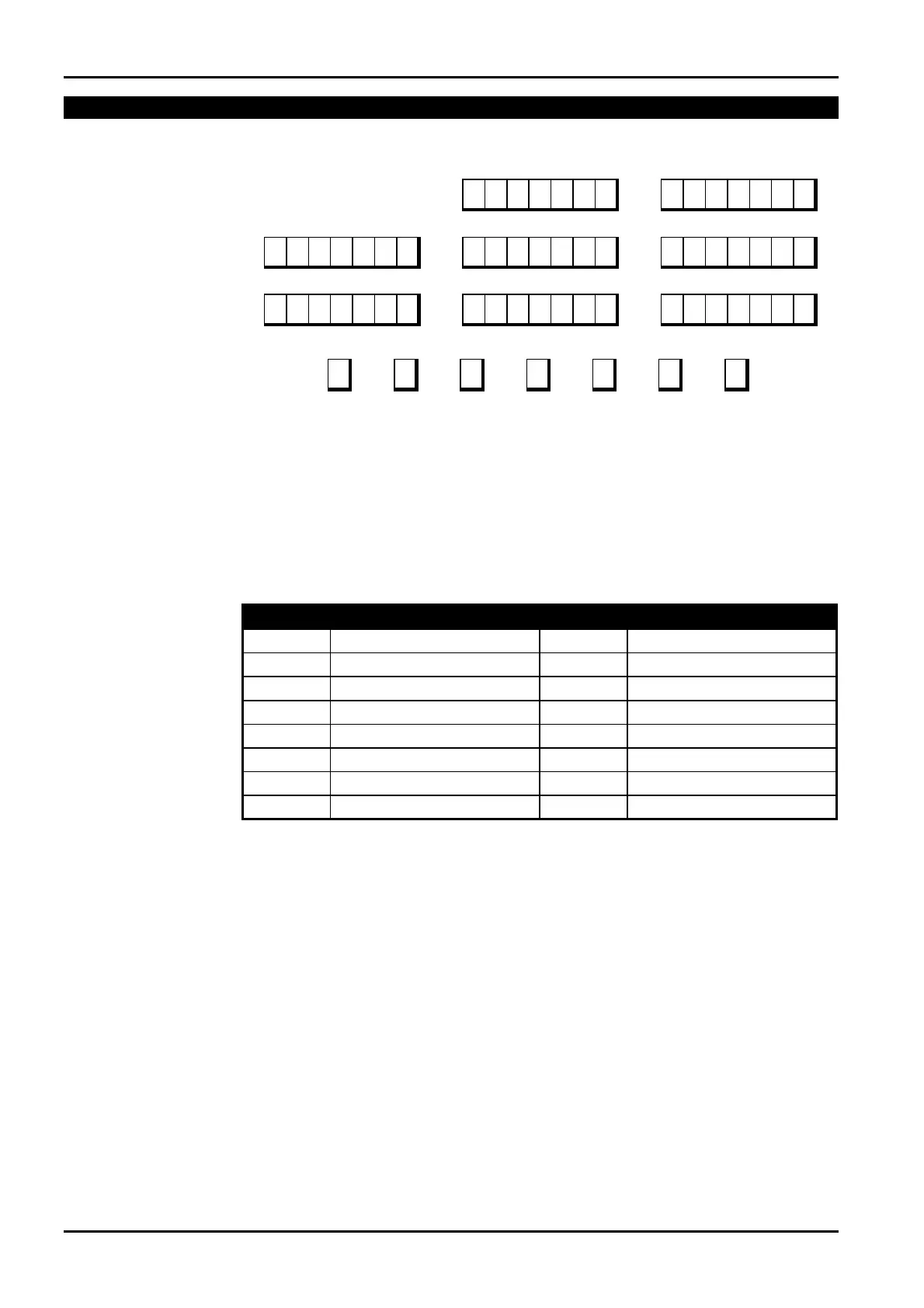
Solution 862 Zones Defaults
LOCATION 267 - 322
Zone 1
Location 267 - 273
2 0 0 1 14 1 1 1 0 0 1 14 1 1
Zone 2
Location 274 - 280
Zone 3
Location 281 - 287
Zone 4
Location 288 - 294
Zone 5
Location 295 – 301
1 0 0 1 14 1 1 1 0 0 1 14 1 1 0 0 0 1 14 1 1
Zone 6
Location 302 - 308
Zone 7
Location 309 - 315
Zone 8
Location 316 - 322
0 0 0 1 14 1 1 13 0 0 1 12 1 1 9 0 0 1 12 1 1
Zone Zone Pulse Zone Pulse Zone Zone Report Dialler
Type Count Count Time Option 1 Option 2 Code Options
Zones 1 – 6 may be programmed as any zone type, whereas zones 7 and 8 may only be
programmed to any 24-hour zone type.
Zone Types
There are sixteen different zone types to choose from. Refer to the table below for the different
zone types available.
Zone Type Description Zone Type Description
0
Instant
8
24 Hour Hold-Up
1
Handover
9
24 Hour Tamper
2
Delay-1
10
Reserved
3
Delay-2
11
Keyswitch
4
Reserved
12
24 Hour Burglary
5
Reserved
13
24 Hour Fire
6
24 Hour Medical
14
Chime Only
7
24 Hour Panic
15
Zone Not Used
0
1
Table 72: Zone Types
Instant Zone
An Instant zone (Contact ID Event Code 130) will sound the sirens and operate the dialler as
soon as it registers as unsealed after the exit timer has expired.
If an Instant zone has not restored at the time the system is disarmed, a zone restore report will
be automatically sent to the receiving party.
Handover Zone
A Handover zone (Contact ID Event Code 130) will act as an instant zone if it has been
triggered by itself. If a handover zone has triggered after a delay zone, the remaining delay
time will handover from the delay zone to the handover zone. Handover may be sequential or
non sequential. The panel is default with the option of sequential handover. Refer to Option 8
in "LOCATION 426" on page 217 if you require to disable handover to be sequential.
If a Handover zone has not restored at the time the system is disarmed, a zone restore report
will be automatically sent to the receiving party.
ISSUE130 Electronics Design and Manufacturing Pty Limited



 To Next Page