80
Solution 862
Installation Manual
Change Telco Arm/Disarm Sequence
3
This installer code function allows you to program the call forward sequence to automatically
operate when you arm the system in AWAY Mode. This feature is only available if your
telecommunication provider has the call forward option available.
When arming the system in AWAY Mode, the control panel will automatically dial the
telecommunication exchange to redirect all calls to your mobile phone, pocket pager or
answering service. When activated, your telephone will still allow outgoing calls to be made.
Contact your telecommunications provider for more information on call forward operations.
Digit Required Number To Program Digit Required Number To Program
0
0
8
8
1
1
9
9
2
2
10
Refer To Digit 0
3
3
11
*
Followed By
1
4
4
12
*
Followed By
2
5
5
Four Second Pause
*
Followed By
3
6
6
Break
*
Followed By
4
7
7
15
*
Followed By
5
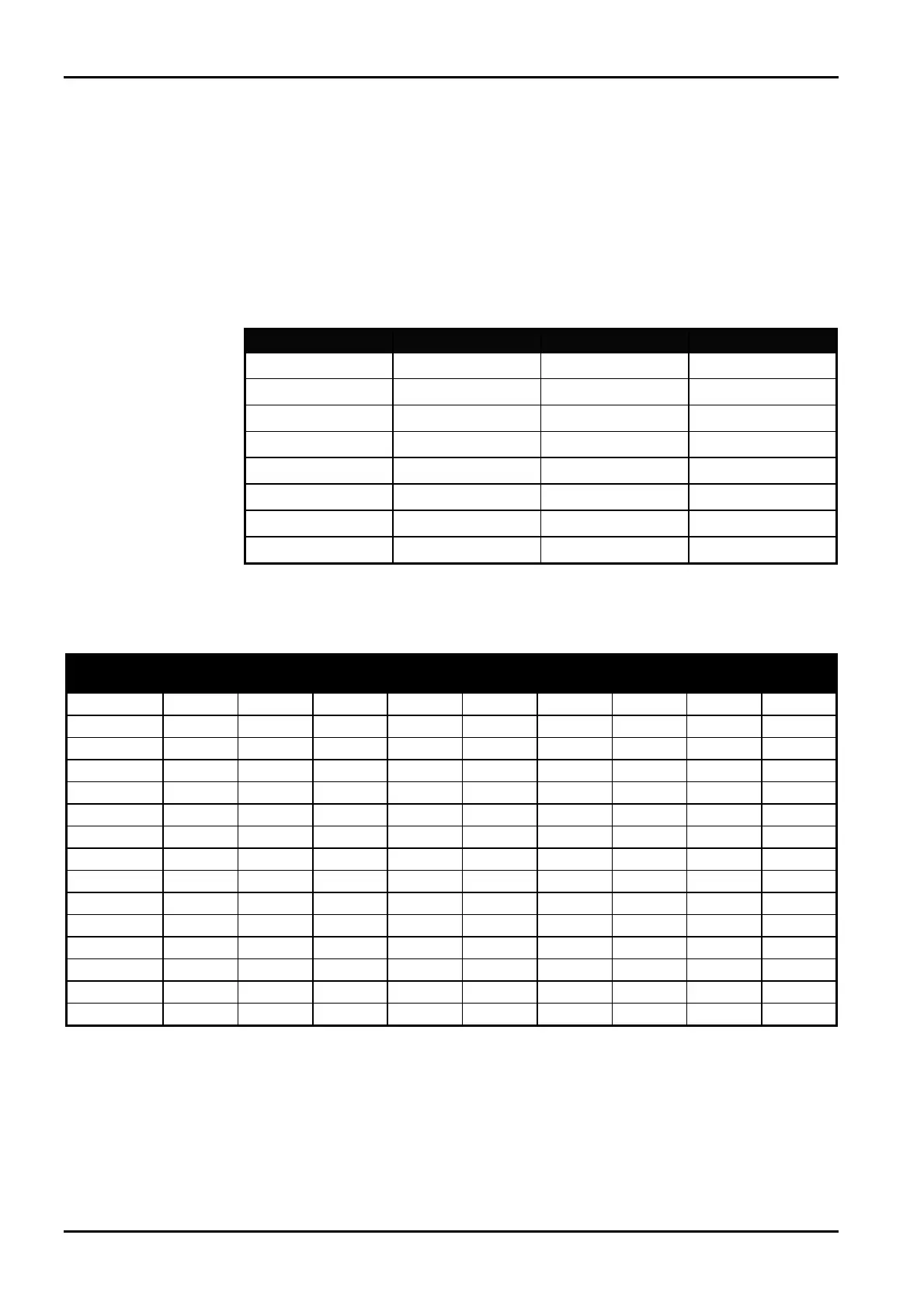
Table 28: Telco Arm/Disarm Dialling Digits
Digit
Zone 1
Indicator
Zone 2
Indicator
Zone 3
Indicator
Zone 4
Indicator
Zone 5
Indicator
Zone 6
Indicator
Zone 7
Indicator
Zone 8
Indicator
MAINS
Indicator
0
V
1
V
2
V
3
V
4
V
5
V
6
V
7
V
8
V
9
V V
11
V V
12
V V
Pause
V V
Break
V V
15
V V
Table 29: Codepad Indicators For Changing Telco Arm/Disarm Sequence
ISSUE130 Electronics Design and Manufacturing Pty Limited



 To Next Page