System Operations 61
Standard Isolating
Standard isolating allows all operators to be able to isolate zones. Therefore, no code is
required to be used when isolating zones.
1.
Press the
button twice.
Three beeps will be heard.
2.
* Enter the
required to be isolated followed by the button.
The zone you just selected to be isolated will now begin to flash.
24 hour zones will automatically isolate as soon as the
button has been pressed.
All other burglary zones will automatically isolate only after the system has been
armed.
Repeat Step 2 if more than one zone is required to be isolated until all zones that are
required to be isolated have been selected.
3.
Press the
button when finished selecting the zones to be isolated.
Two beeps will be heard and the system will return to the disarmed state.
The zones selected to be isolated when you arm the system in AWAY Mode, STAY Mode 1 or
STAY Mode 2 will continue to flash until the system has next been disarmed.
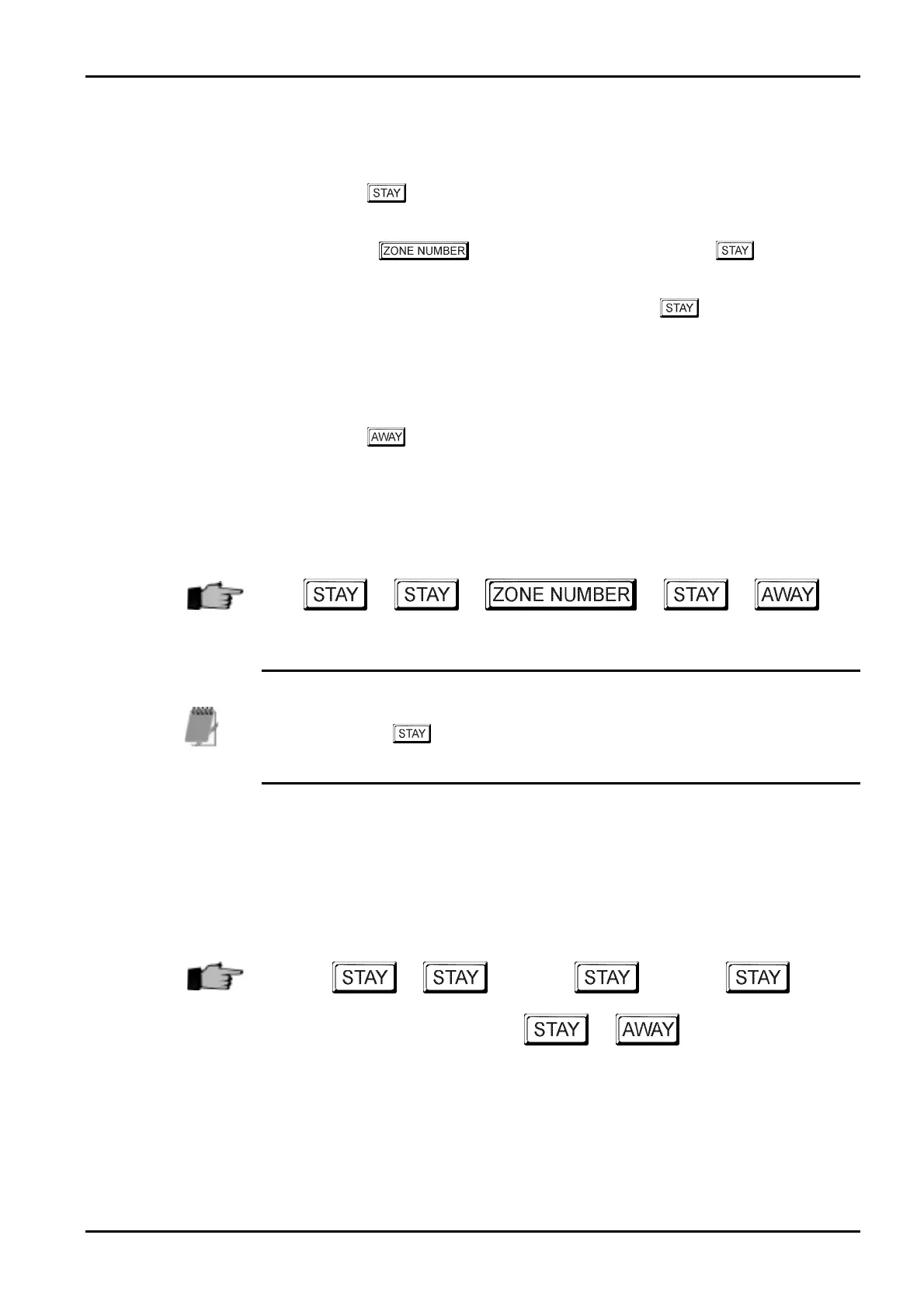
+ + + +
*
As each zone is selected to be isolated, the corresponding ZONE indicator will begin
to flash. If a mistake
is made, press the zone number that was incorrectly entered
followed by the button. This zone is now no longer selected to be isolated and
the ZONE indicator will extinguish.
Example
If you wish to manually isolate zones 1, 3 and 4, the following sequence would be entered
below;
+ +
1
+ +
3
+
+
4
+ +
Electronics Design and Manufacturing Pty Limited ISSUE130



 To Next Page