40
Solution 862
Installation Manual
Command 999 - Display Panel Type Or Software Version Number
When using this command via the remote codepad, the codepad will display the panel version
of the control panel. As there are two different control panel’s using the same PCB, it is
difficult to know which control panel the PCB has been set up to be.
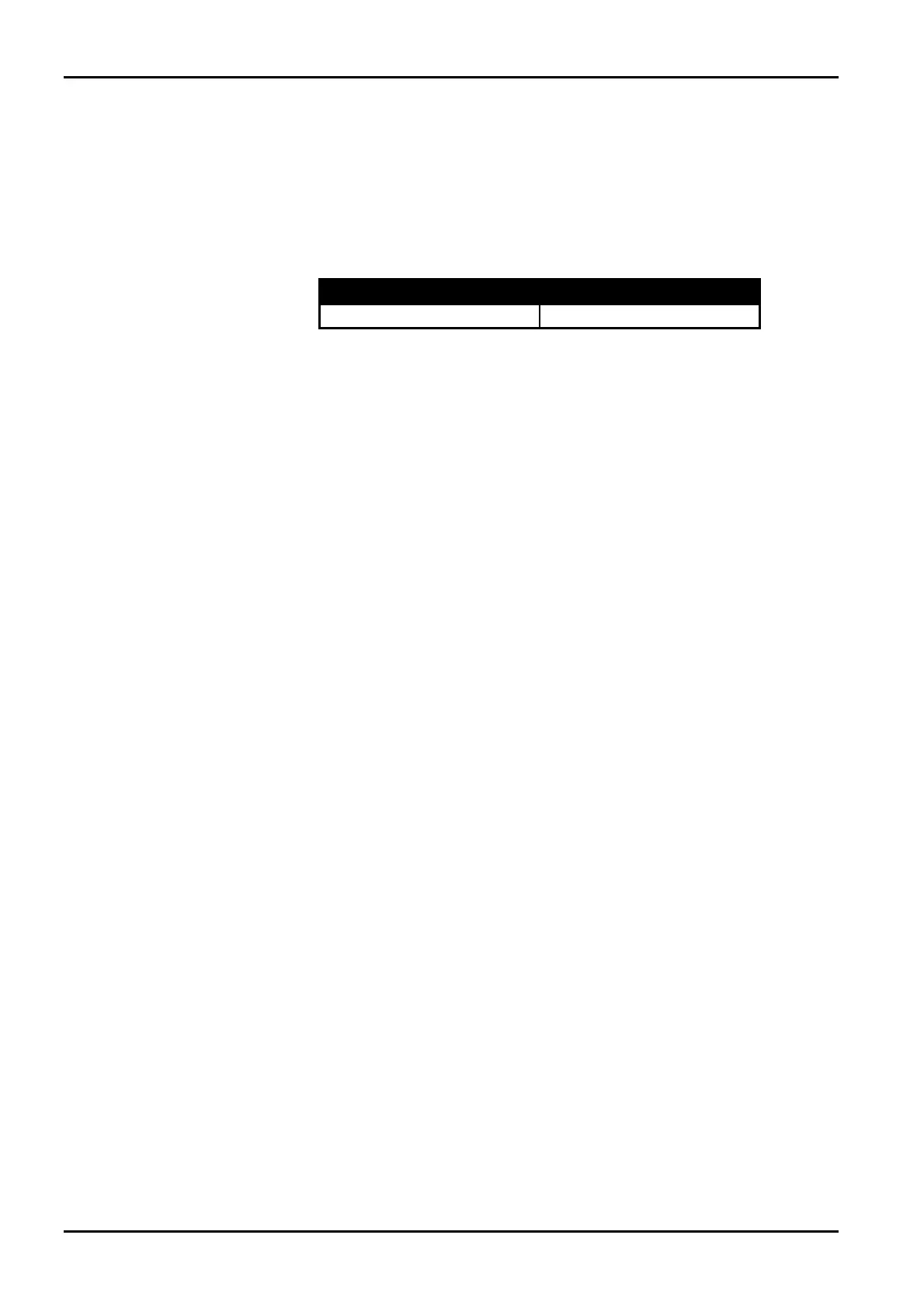
The codepad will display a 6 indicating the software of the control panel. Refer to the “Table
7: Control Panel Type” below for more information.
Indicator Control Panel Type
6
Solution 862
Table 7: Control Panel Type
When using this command via the hand held programmer, the hand held programmer will
display the software version number of the control panel.
How To Display The Control Panel Type Or Software Version Number
1.
Enter Installer’s Programming Mode (i.e.
1234
followed by the
#
button).
Two beeps will be heard and the data currently programmed in “LOCATION 000” will
be displayed via the hand held programmer or remote codepad.
If you are using the remote codepad, the
STAY
and
AWAY
indicators will begin to flash
to indicate that you have entered Installer’s Programming Mode.
2.
Enter command
999
followed by the
#
button.
Two beeps will be heard.
If you are using the hand held programmer, the right display will indicate the software
version number of the control panel.
If you are using the remote codepad, the codepad will display a zone indicator
corresponding to the control panel type. Refer to “Table 7: Control Panel Type” above
for more information.
3.
Press the
#
button to exit this command and return to the Installer’s Programming
Mode.
4.
Enter command
960
followed by the
#
button to exit Installer's Programming
Mode. Two beeps will be heard and the system will now return to the disarmed state.
If you are using the remote codepad, the
STAY
and
AWAY
indicators will extinguish to
indicate that you have returned to the disarmed state.
ISSUE130 Electronics Design and Manufacturing Pty Limited



 To Next Page