10/10
2. Replacement and adjustment of parts
26820
26820
Zigzag adjustment
Bringing up the display
Extension → Maintenance → Various Adjustment → Printer Mechanical Adjustment → Paper Guide Width Correction (for
each Paper Width)
• See
☞5 Paper Guide Width Adjustment (for each Paper Width).
11. Perform Exposure Center Correction→Master of Paper Magazine A2.
☞36070
IMPORTANT
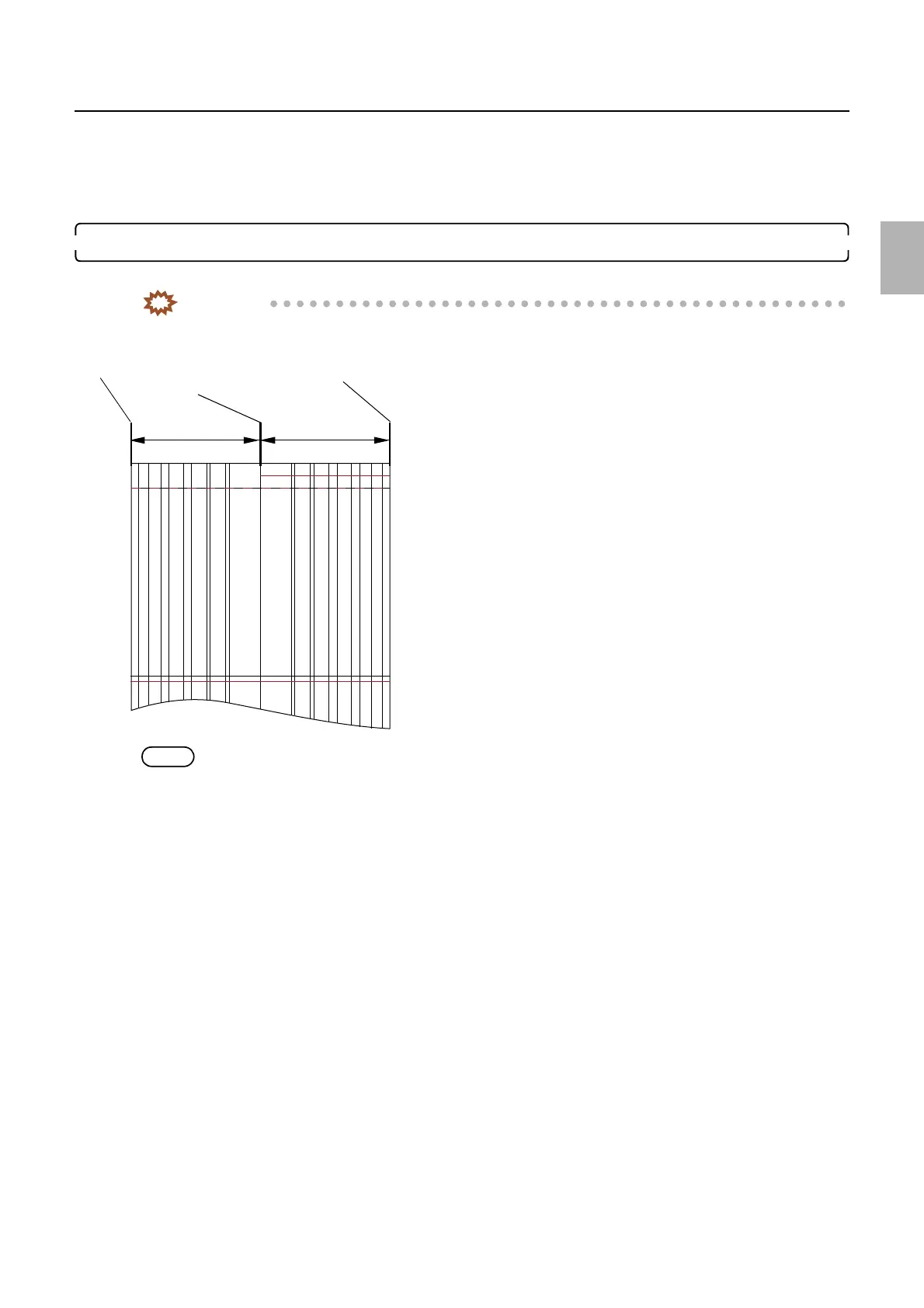
• Make a test print via Test Print Confirmation with Master Value to check the misalignment of the test print.
If it is within 0.2 mm, no adjustment is required.
NOTE
• After performing Exposure Center Correction (Master), perform Exposure Center Correction (for each Paper Magazine)
if you use other paper magazines.
A
Left end of the paper
Center line
Right end of the paper
G068463
Distributed by: minilablaser.com



 To Next Page