80
────────────────────────────────────────────────────
6.5 Changing Settings
────────────────────────────────────────────────────
.5.4 Stop Time
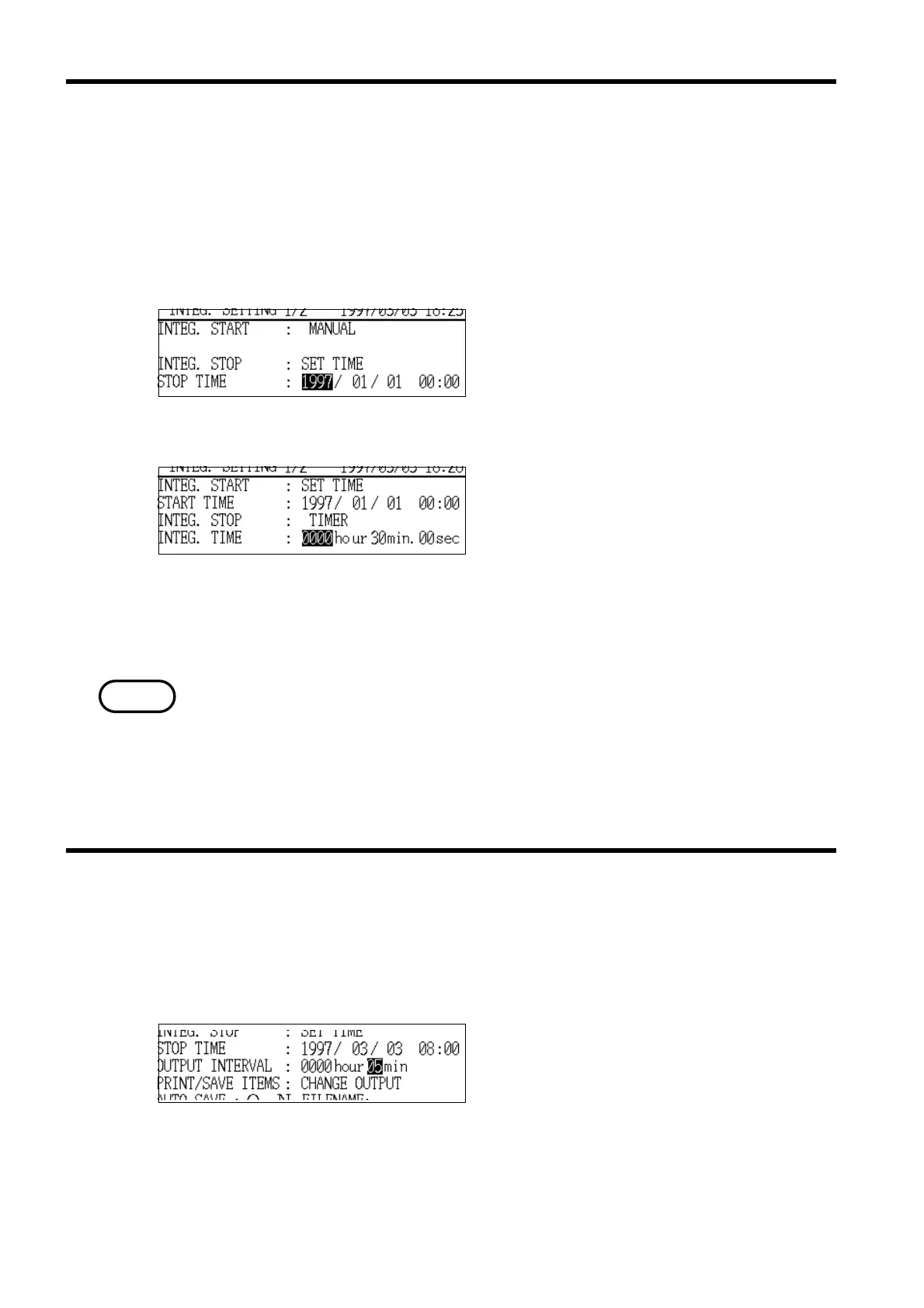
Stop Time Setting
Integration Time Setting
NOTE
.5.5 Output Interval Time
Output Interval Time Setting
This item sets the stopping date and time for integration when "SET
-
TIME" is
set for the integrated measurement stop method.
Note that if the integrated measurement stop method is set to "TIMER" this
item changes to the integration time.
Note that if the setting for the integrated measurement stop method is
"MANUAL" this item has no effect.
Setting format
YYYY/MM/DD HH:MM (24-hour time)
* 1997/01/01 00:02
Timer setting range
"0000hours, 00minutes, 10seconds" to
"1000hours, 00minutes, 00seconds"
(in 10-second steps)
* 0000 hours, 01 minutes,00 seconds
・The setting range extends to 2079/12/31 23:59.
・A time that is earlier than the integrated measurement start time cannot be
set.
Details on the specific method for setting can also be executed in the same
manner for "Start Time."
The measurement data can be printed out or saved to floppy disk at the set
output interval.
This interval is valid only when the FD auto output setting or the RS-232C
auto output setting is "ON."
Setting range
2minutes to 1000hours
* 0000hours and 30minutes
Details on the specific method for setting can also be executed in the same
manner for "Start Time."



 To Next Page