93
────────────────────────────────────────────────────
7.3 Preparations for Measurement
────────────────────────────────────────────────────
1
2
3
4
5
6
7
8
9
10
11
12
13
14
A
.3.1 Selecting the Measurement Mode and Checking the Basi
Setting Conditions
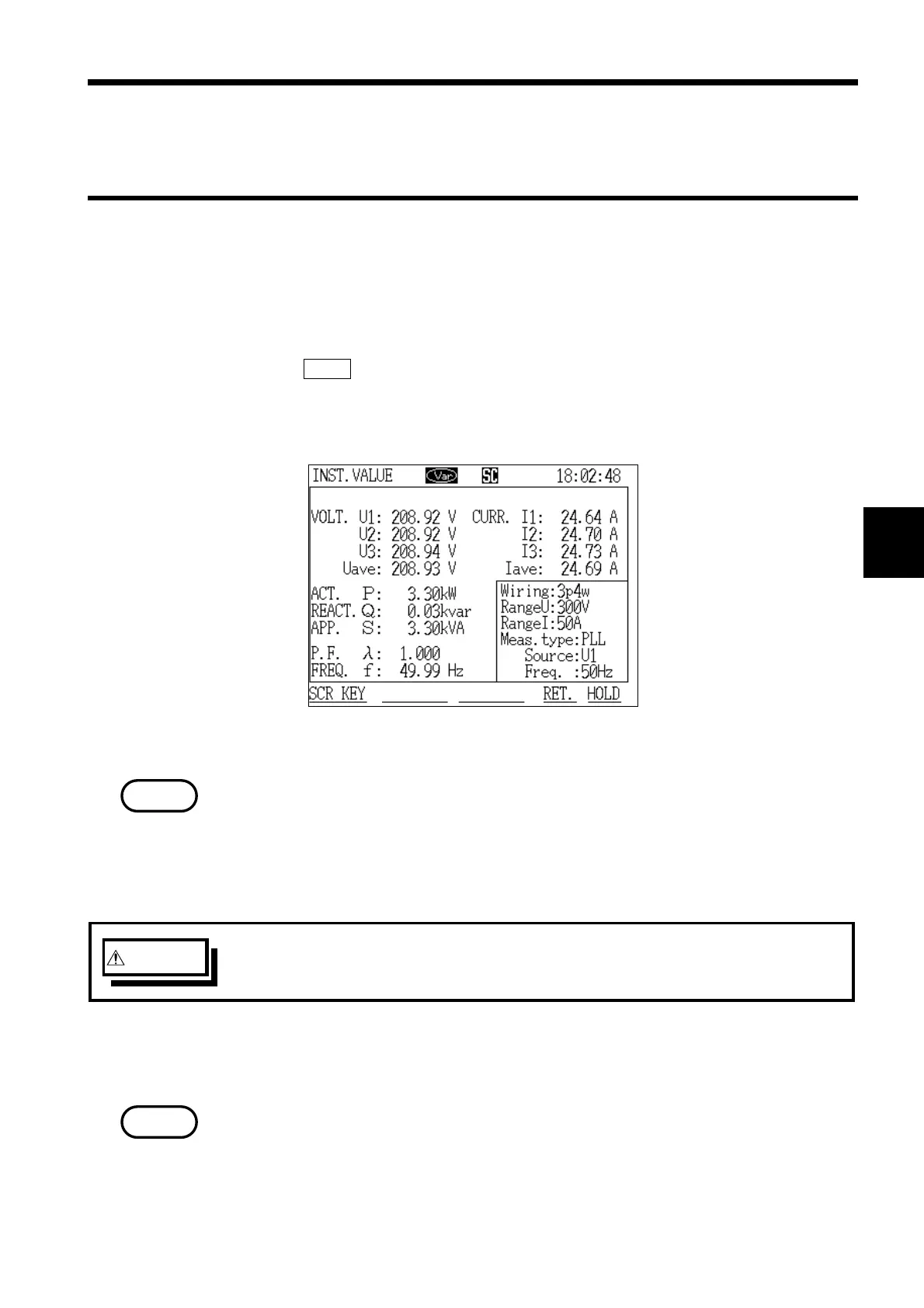
Instantaneous Value Measurement Screen
NOTE
WARNIN
Before wiring the power meter, read chapter 4, "Wiring Methods," very
thoroughly, and then proceed, being careful to avoid electrocution.
NOTE
.3 Preparations for Measurement
(1) Selecting "Demand Measurement" mode
1. On the initial screen, move the cursor to "Demand Measurement."
2. Press the EXEC. function key.
3. The "Instantaneous Value" screen is displayed. Instantaneous value
measurement begins automatically.
Demand measurement has not started yet.
(2) Wiring the power meter to the line to be measured
The wiring setting and wiring diagram suited for the line being measured are
displayed. Connect the voltage cords and clamp on sensors to the line being
measured as indicated in the wiring diagram.
When measuring a three-phase line, match the phase sequence of the lines
that are to be measured with the measuring channel numbers of the power
meter.



 To Next Page