242
────────────────────────────────────────────────────
12.1 Connection Method
────────────────────────────────────────────────────
WARNIN
In order to avoid the possibility of an electric shock, unplug the power
meter’s power cord and disconnect the other wiring before connecting
the RS-232C cable to the interface connector.
Turn the power off when connecting the modem to the power meter.
Connecting or disconnecting cables while the power is on could
damage the equipment.Turn the power off when connecting the modem
to the power meter. Connecting or disconnecting cables while the powe
is on could damage the equipment.
CAUTIO
After connecting the RS-232C cable, always be sure to secure the connection
with the screws on the connector.
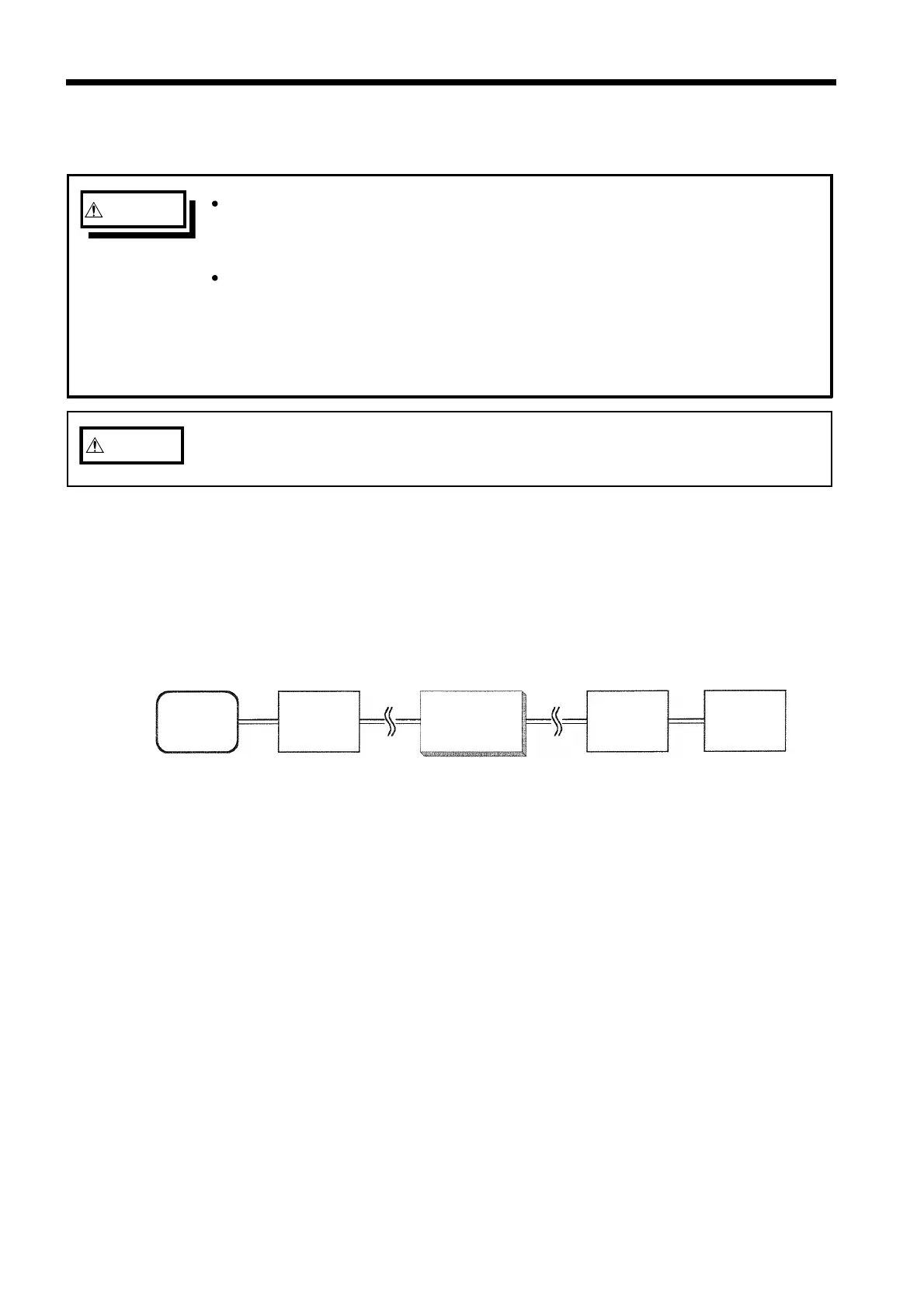
Modem
Modem
Persona
compute
Public
telephon
line
316
Modem Connection Diagram
2.1 Connection Method
An RS-232C straight cable is used to connect a modem to the 3166.
In addition, when connecting the modem to the personal computer, use a
straight cable suited for the connector on the personal computer. The only
differences is that a modem, telephone line, and another modem are connected
between the personal computer and the power meter.



 To Next Page