9
────────────────────────────────────────────────────
2.1 Basic Operations
────────────────────────────────────────────────────
1
2
3
4
5
6
7
8
9
10
11
12
13
14
A
Cursor Ke
Chapter
Key Operations and th
Initial Scree
.1 Basic Operations
This chapter explains the basic key operations needed in order to take
measurements and describes the initial screen.
Basic operations
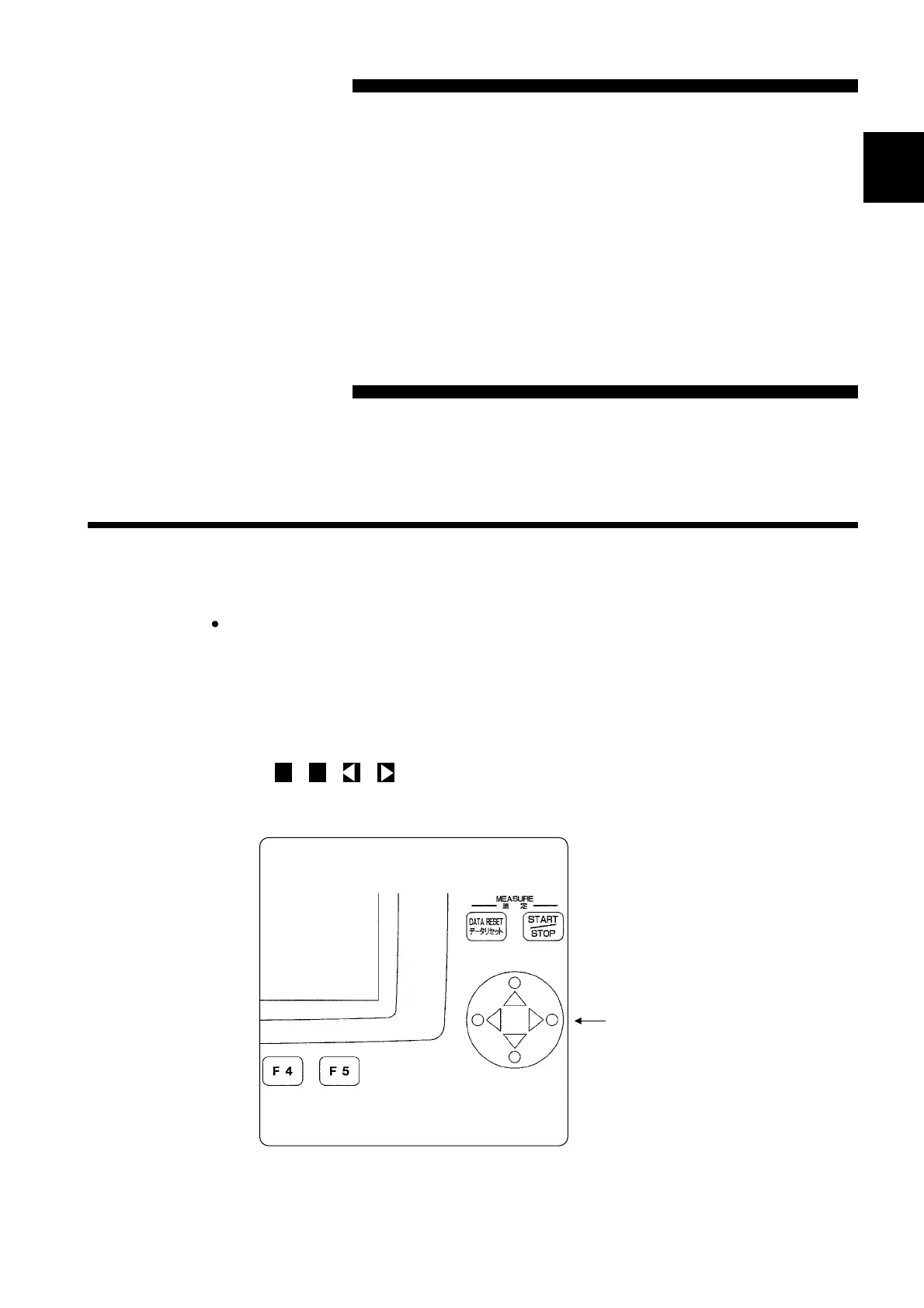
This power meter is operated by using the three types of keys described below.
(1) The cursor key is used to move the cursor in order to select the measurement
mode and to select and change settings. Pressing on the up, down, left, and
right (▲・▼・ ・ ) arrow portions of the cursor key moves the cursor in the
corresponding direction on the screen.
Example Selecting a measurement mode



 To Next Page