70
────────────────────────────────────────────────────
6.4 Taking Measurements
────────────────────────────────────────────────────
.4.1 Clearing Measurement Data and Setting the Range
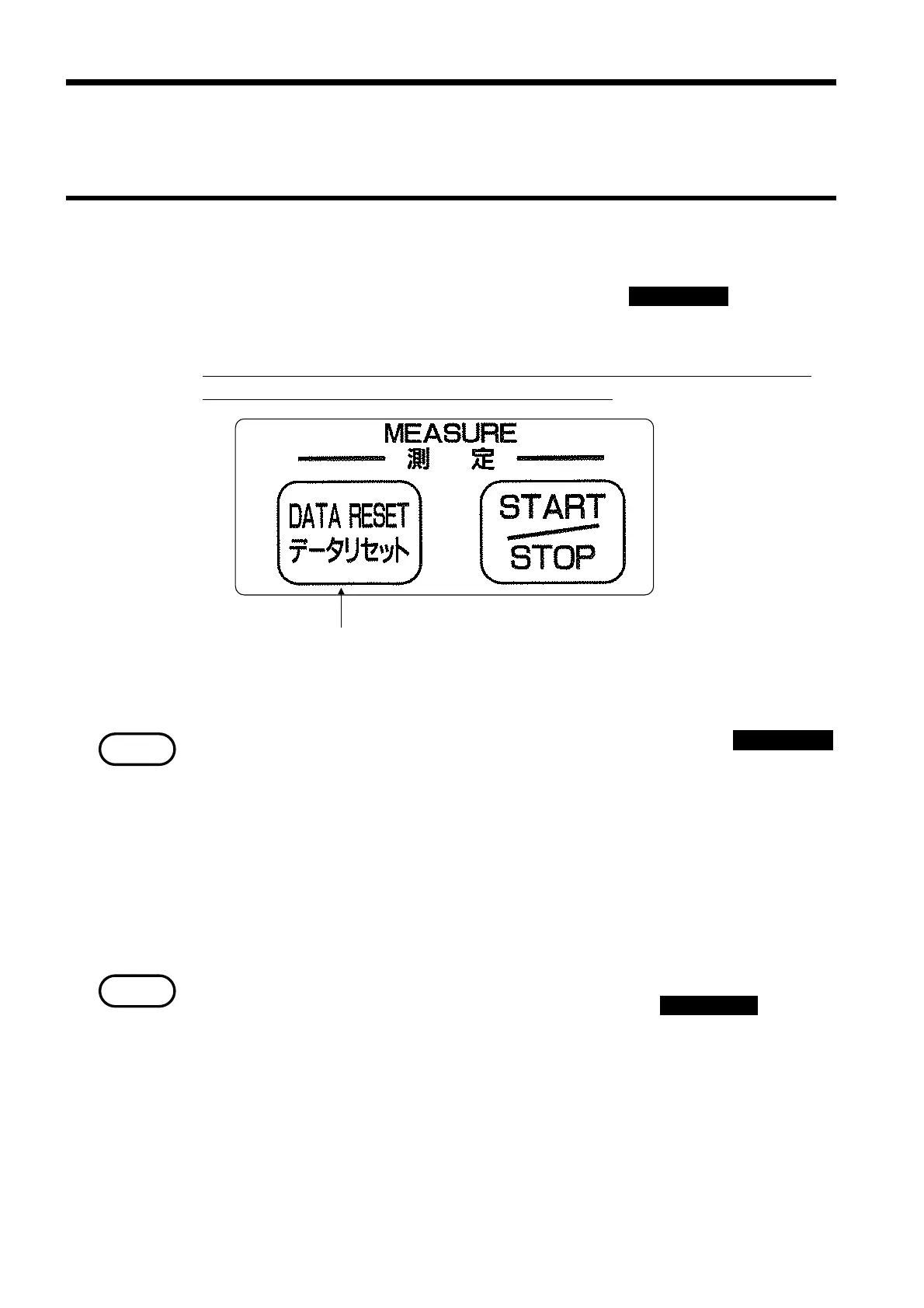
DATA RESET ke
Executing a DATA RESET
NOTE
NOTE
.4 Taking Measurements
(1) Clearing measurement data
Before beginning integrated measurement, press the DATA RESET key to clear
the integrated value and minimum/maximum values for the measurement
data from the last measurement operation.
If the measurement data is not cleared, the data from the current measurement
will be added to that from the previous measurement.
The measurement data stored in memory at the moment that the DATA RESET
key is pressed is cleared to zero. However, detection of the integrated value
and minimum/maximum values does not occur until the integration operation
is started.
(2) Setting the range
The measurement range is fixed while the integration operation is in progress.
Set a suitable voltage/current range (fixed range) before starting integrated
measurement.
・When "Auto" is set for the measurement range:
The measurement range is fixed at the moment that the START/STOP key is
pressed. Note that correct measurement is impossible if there is any input
that is outside of the fixed range that was set. Once the integration operation
is completed, the measurement range setting does not return to "Auto range."
・If a minimum or maximum value is generated while the power meter is in
standby before the start of integrated measurement but after the data has
been cleared, that value is not retained.



 To Next Page