135
────────────────────────────────────────────────────
8.2 Settings for Each Item
────────────────────────────────────────────────────
.2.13 System Reset
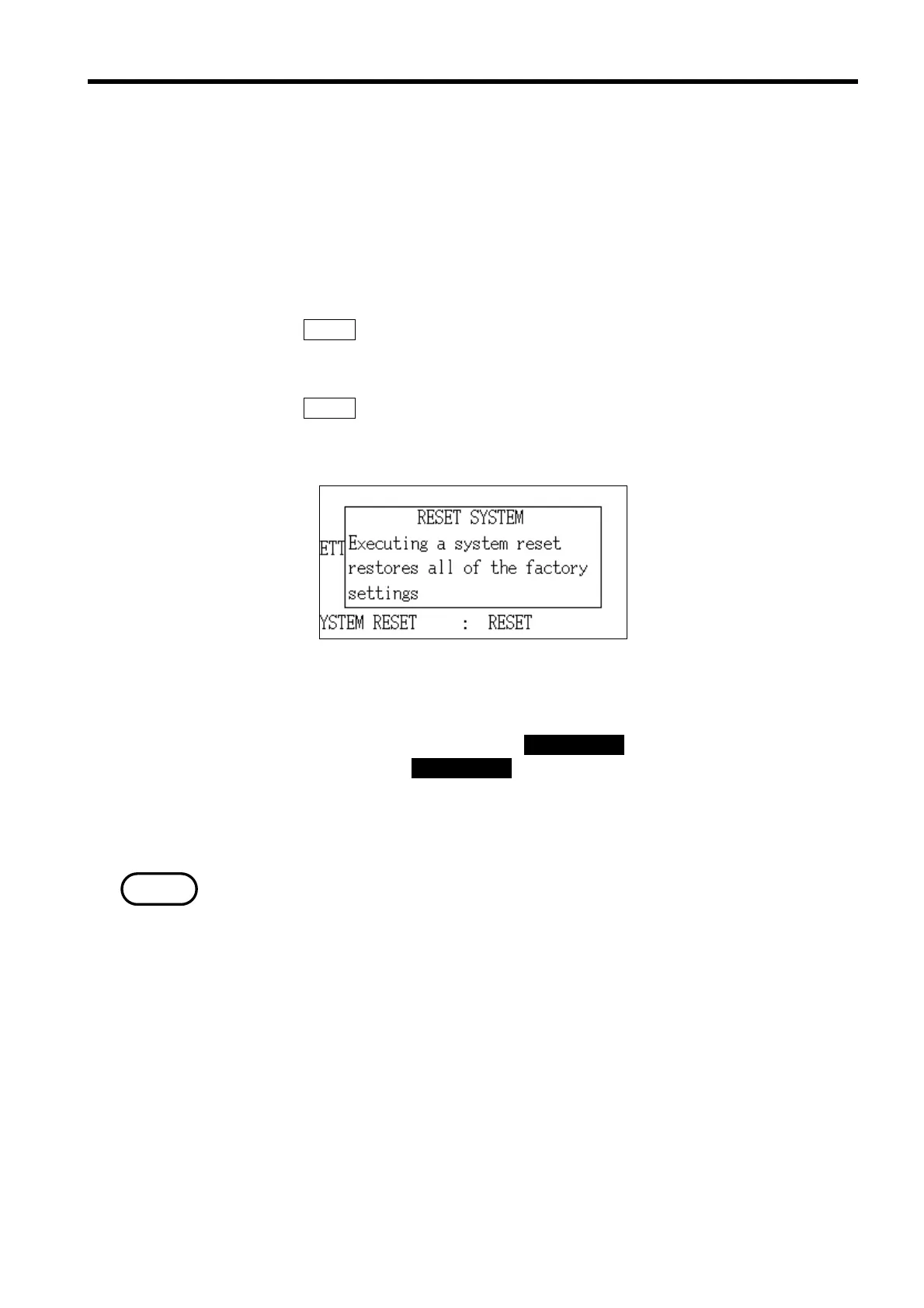
System Reset Execute Window
NOTE
Refer to section 8.2, "Settings for Each Item."
Execute a system reset when necessary.
When a system reset is executed, all settings (except for the "Setting the
Time" and "Contrast") are reset to their initial factory settings.
Procedure1
1. Position the cursor at "System reset (SYSTEM RESET)" item.
2. Press the RESET function key.
3. The "System Reset Execute" window is displayed, asking for confirmation
before executing the system reset.
4. Press the
RESET function key.
5. The initial screen is displayed and all settings (except for the "Setting the
Time" and "Contrast") are reset to their initial factory settings.
Procedure2
1. Turn on the power with pressing the DATA RESET key.
(Continue pressing the DATA RESET key until beep.)
2. The initial screen is displayed and all settings (except for the "Setting the
Time" and "Contrast") are reset to their initial factory settings.
When a system reset is executed immediately, the "SRAM NG" is displayed
due to an internal transaction. This is not a problem.



 To Next Page