152
────────────────────────────────────────────────────
10.4 Operating Procedure
────────────────────────────────────────────────────
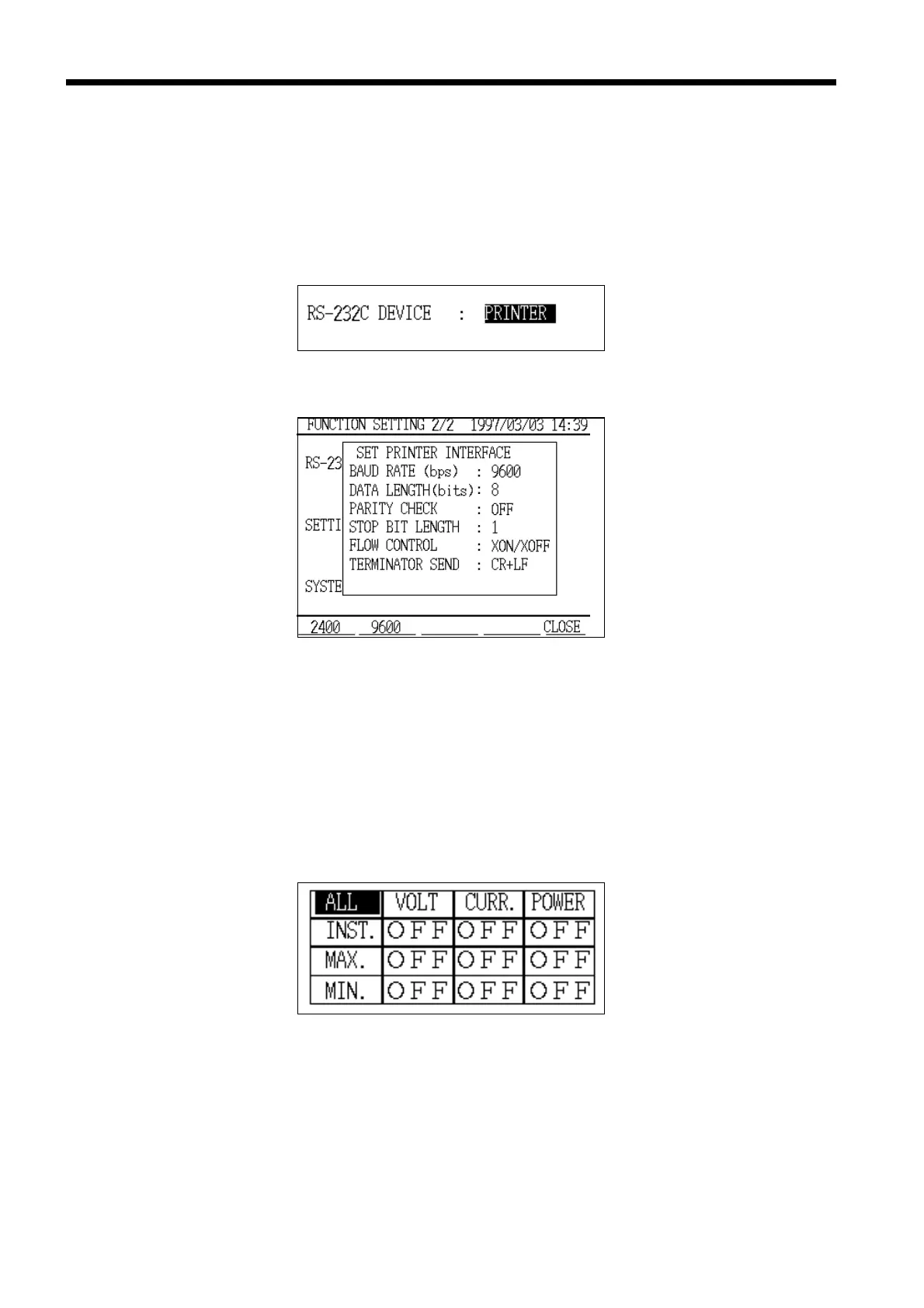
RS-232C Device Setting
Printer Setting Window
Print/Save Items
("Normal Measurement" Mode)
0.4 Operating Procedure
(1) In Setting mode, set "RS-232C device" to "PRINTER".
For details on how to make this setting, refer to section 8.2.11, "RS-232C
Device."
(2) Set the "Print/Save" items on the setting screens for each measurement mode.
Note that these settings also define what information is to be saved on floppy
disk.
1. Normal measurement mode (refer to section 5.5.1, "Print/Save Items")



 To Next Page