243
────────────────────────────────────────────────────
12.2 Functions That Use the Modem (1)
────────────────────────────────────────────────────
1
2
3
4
5
6
7
8
9
1
1
1
1
1
A
2.2.1 Automatic Measurement Data Output
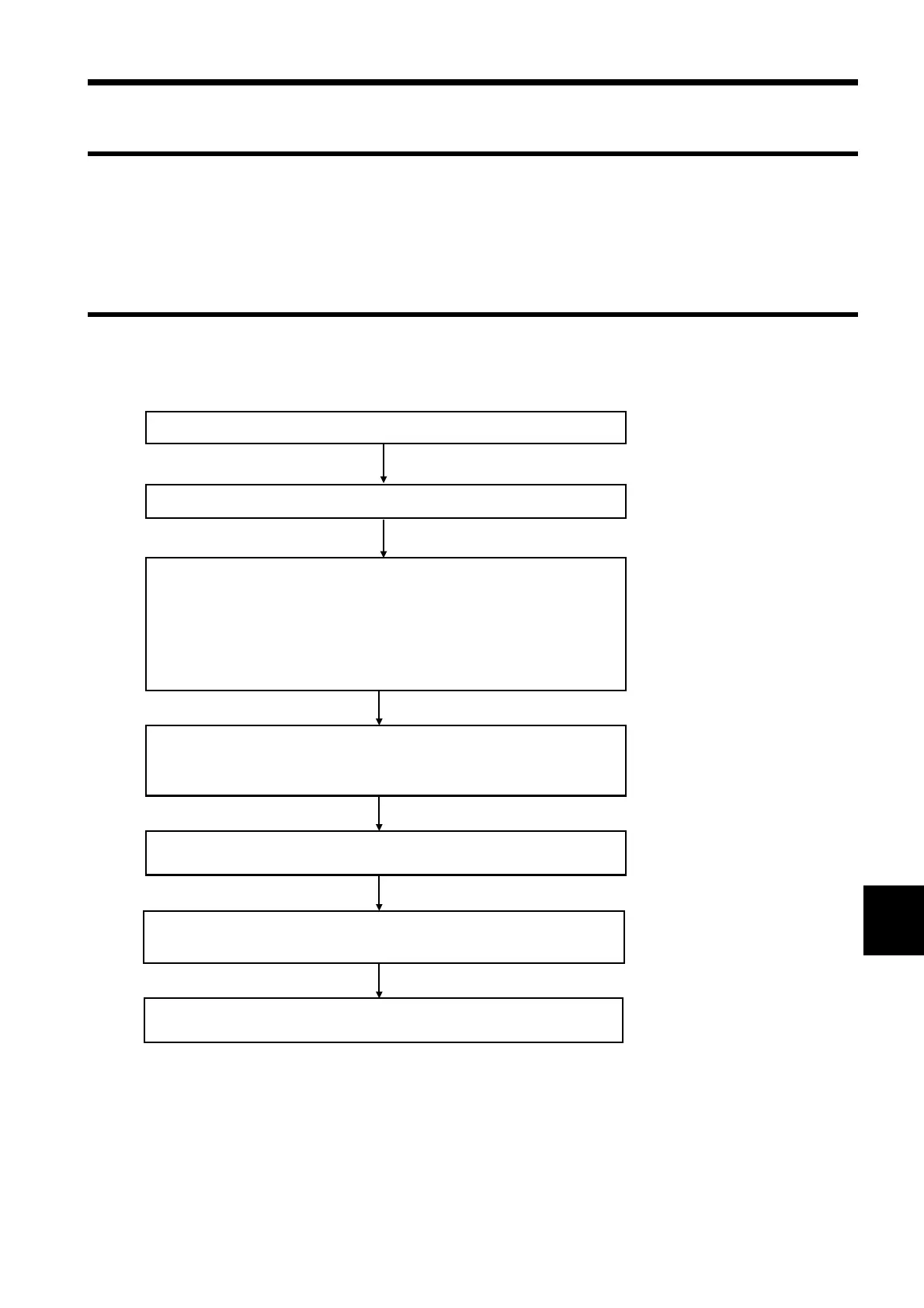
2.2.2 Operating Procedure
Setting the 3166
・Set the "RS-232C device" to "Personal computer".
Set the baud rate, the data length, parity checking, stop bits
flow control, and the delimiter.
・Set the destination telephone number, destination
information, the initialization command, and the ID code.
Setting the modem connected to the personal computer
Use the terminal software to check the "automatic answer
setting for the modem and the modem connection
Set the print/save items and the RS-232C automatic outpu
items in the 3166
Connect the 3166 to the line to be measured an
begin measurement
The measurement data is sent to the persona
computer at the set interval
Connect the RS-232C cabl
Turn on the 3166, the modem, and the personal compute
2.2 Functions That Use the Modem (1)
Measurement data can be automatically output to the personal computer via
the modem during each integrated measurement interval period and each
demand measurement period.



 To Next Page