24
────────────────────────────────────────────────────
3.4 Turning On the Power
────────────────────────────────────────────────────
WARNIN
To avoid electric shock and ensure safe operation, connect the power
cable to a grounded (3-contact) outlet.
Before turning the product on, make sure the source voltage matches
that indicated on the product’s power connector. Connection to an
improper supply voltage may damage the product and present an
electrical hazard.
CAUTIO
When the power is turned off, do not apply voltage or current to the voltage
input terminal, clamp on sensor. Doing so may damage the unit.
Turning Off the Power
Power Supply Inlet
.4 Turning On the Power
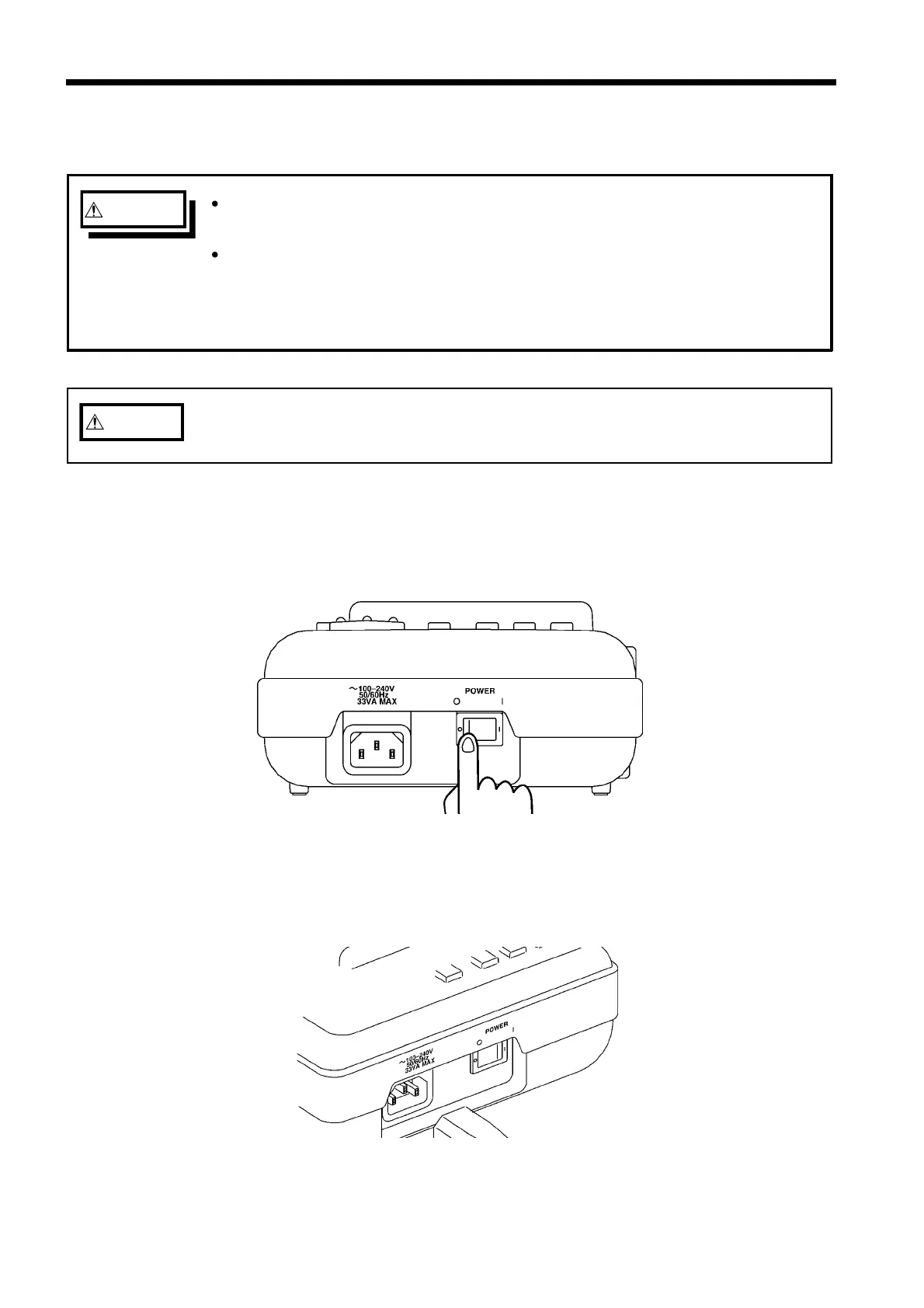
(1) First, connect the power cord. Use the power cord provided with the power
meter.
1. Turn the power switch that is located on the back of the case to the "OFF"
position.
2. Connect the power cord to the AC power inlet.
The 3166 can handle a supply voltage ranging from 100 V to 240 V (50/60 Hz).
(2) Next, turn on the power.



 To Next Page