150
────────────────────────────────────────────────────
10.3 Connection Method
────────────────────────────────────────────────────
CAUTIO
・The initial settings of the 9442 PRINTER when it is shipped from the factory
allow it to be connected to and used with the 3166. When using a different
but equivalent printer, it may be necessary to change the settings. Check
the operation manual provided with the printer and make the settings
accordingly.
・For details on the operation and handling of the printer, refer to the printer’s
operation manual.
・For the printer, use 1196 RECORDING PAPER (thermal paper,10 rolls) or an
equivalent.
・In general, any printer that supports the RS-232C interface can be used with
the 3166, some models may not print properly, depending on the data that is
being output. Therefore, we recommend the 9442 PRINTER.
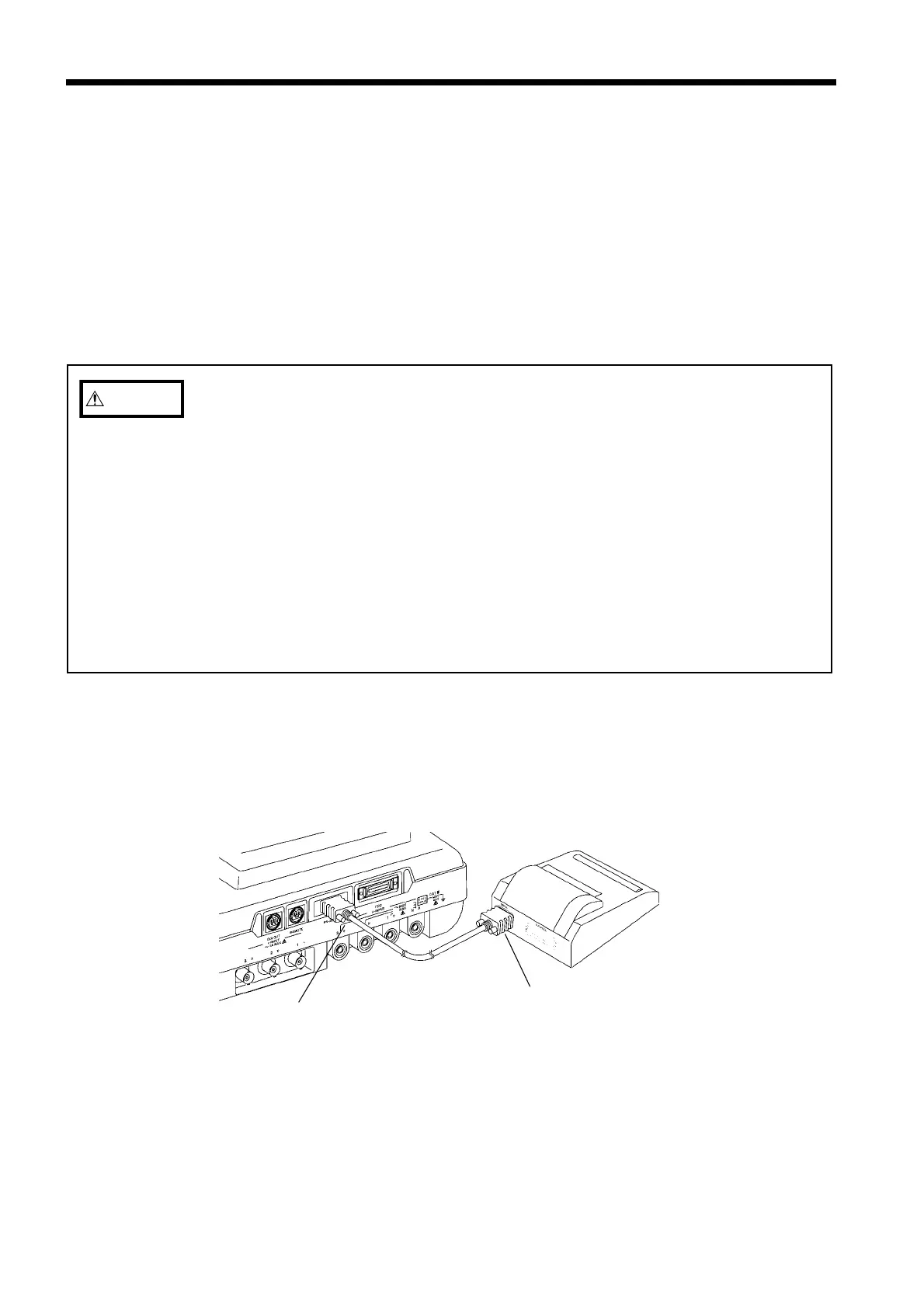
Mal
Femal
Printer Cable Connection
0.3 Connection Method
(1) Recommended printer
Use the 9442 PRINTER, the 9443 AC ADAPTER, the 9444 CONNECTION
CABLE (for Printer), and the 1196 RECORDING PAPER . (All are options.)
9442 DPU-414 (SEIKO INSTRUMENTS INC.)
9443-01 PW-4007-J1 (SEIKO INSTRUMENTS INC.)(JAPAN)
9443-02 PW-4007-E1 (SEIKO INSTRUMENTS INC.)(EU)
9443-03 PW-4007-U1 (SEIKO INSTRUMENTS INC.)(U.S.A)
(2) Connection method
1. Turn off the power meter and the printer.
2. Connect the specified connecting cable between the RS-232C connector on the
power meter and the connector on the printer.



 To Next Page