71
────────────────────────────────────────────────────
6.4 Taking Measurements
────────────────────────────────────────────────────
.4.2 Starting Integrated Measurement
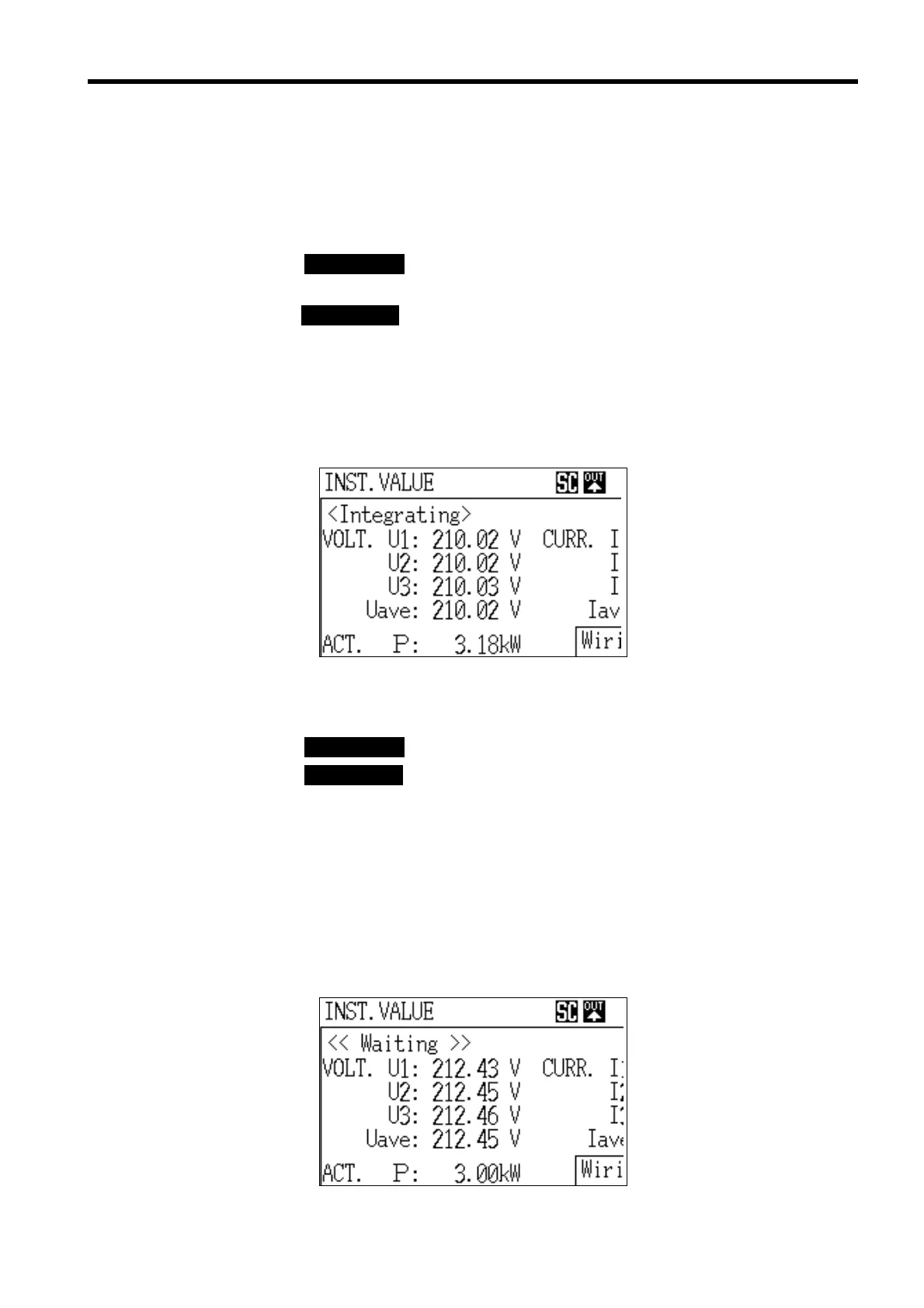
Integration in Progress Screen
Standby Screen
The start of integration operation for each start method setting is described
below.
(1) When integration start is set to "Manual"
1. Press the DATA RESET key to clear all of the measurement data (unless
performing additional integration).
2. Once the START/STOP key is pressed, the integration operation begins
immediately.
While the integration operation is under way, the message "Integration in
progress" is displayed in the upper left corner of the screen.
In addition, the integration start and stop times, etc., are displayed at the
bottom of the integrated value screen.
(2) When integration start is set to "Automatic"
1. Press the DATA RESET key to clear all of the measurement data.
2. Press the START/STOP key.
The power meter enters the standby state until the preset start time arrives;
once the start time arrives, the power meter begins the integration operation.
Reference If the preset start time has already passed, the integration operation does not
begin.
While the power meter is in standby, the message "Waiting" is displayed on
the screen; once the integration operation starts, the message changes to
"Integrating."



 To Next Page