113
────────────────────────────────────────────────────
7.5 Changing Settings
────────────────────────────────────────────────────
.5.3 Demand Period
Demand Period Setting
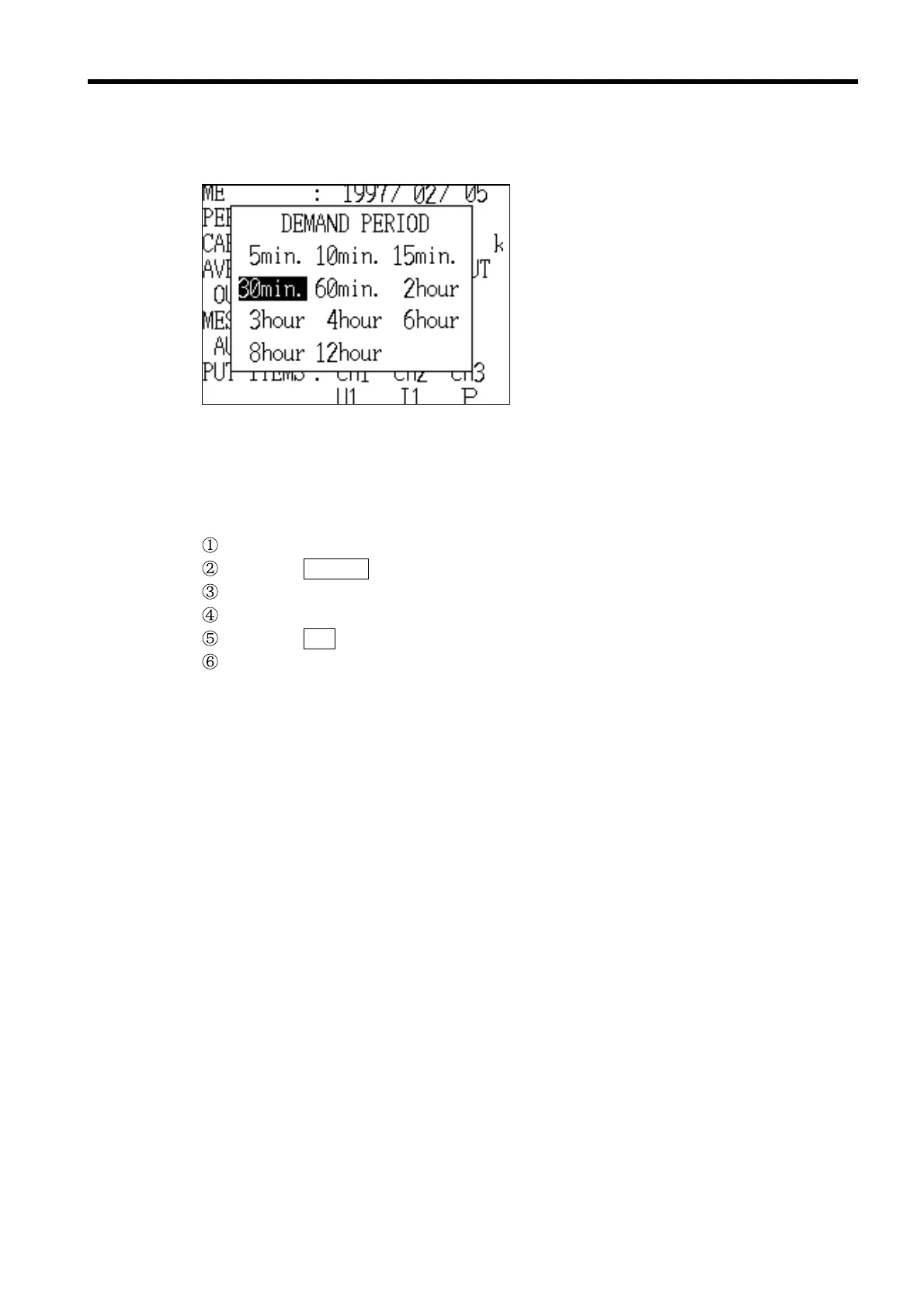
This item selects the demand period (the unit time for integration).
Options: 5, 10, 15, 30, or 60 minutes,
or 2, 3, 4, 6, 8, or 12 hours
* 30 minutes
Example Setting the demand period to 15 minutes
Position the cursor at "Demand period (DEMAND PERIOD)."
Press the CHANGE function key.
The "Demand Period" window is displayed.
Position the cursor at "15 minutes (15 min.)."
Press the SET function key.
The "Demand Period" window closes and "15 min." is displayed and set in the
"Demand period" field in the "Demand Measurement Setting" screen (page
1/2).



 To Next Page