55
────────────────────────────────────────────────────
5.5 Changing the Settings
────────────────────────────────────────────────────
.5.2 File Names
File Name Setting
Example Setting only the maximum values for voltage, current, and power for
printing
Position the cursor on "All (ALL)" in order to set all of the settings to "OFF."
Press the OFF function key.
All setting items are now displayed as "OFF."
This is the initial setting.
Position the cursor on "Maximum values (MAX)."
Press the ON function key.
The settings for the voltage, current, and power in the maximum values
column are all displayed as "ON."
If no other items are to be set, press the RET. function key to return to the
measurement screen.
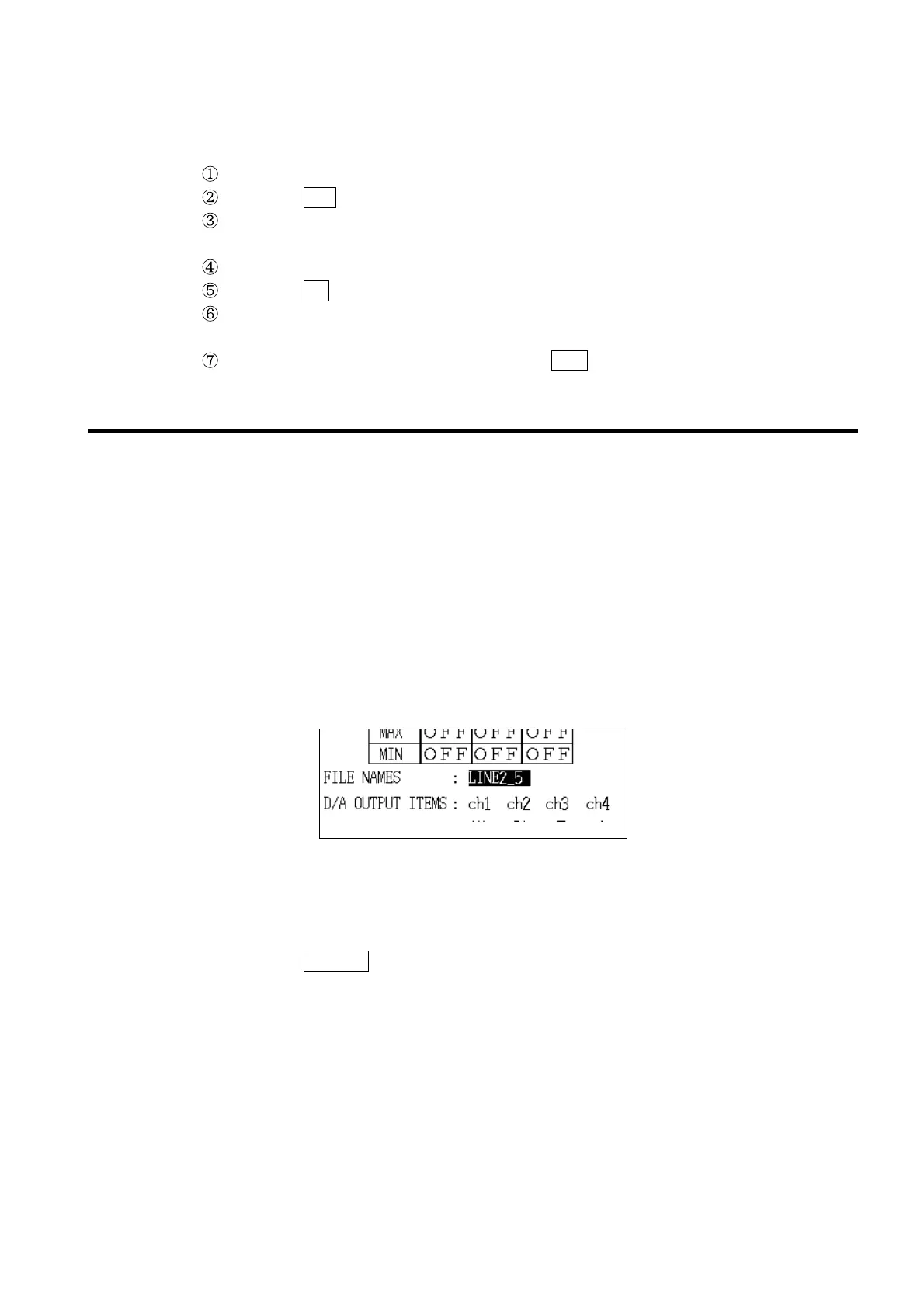
This sets the file name when measurement data is being saved to floppy disk.
The file name, the date and time at which measurement started, the
measurement data itself, and the date and time at which the measurement
data was saved are all saved on the floppy disk.
Setting range: Up to eight normal-width characters (alphanumerics, katakana)
or four double-width characters (kanji, hiragana, katakana).
* No file name is set when the power meter is shipped from the
factory.
(1) Setting the file name for the first time
1. Move the cursor to the file name item.
2. Press the
CHANGE function key.
3. The "Text Input" window is displayed.
The input cursor is displayed at the first character in the input field, and the
selection cursor is displayed in the normal-width character selection area.
Up to eight normal-width or four double-width characters can be input. Both
types can be used together.
Alphanumerics and katakana can be used for the normal-width characters,
and kanji, hiragana, and katakana can be used for the double-width
characters. JIS level 1 kanji can be used.



 To Next Page