117
────────────────────────────────────────────────────
7.5 Changing Settings
────────────────────────────────────────────────────
.5.6 FD Auto Output
FD Auto Output Setting
NOTE
.5.7 File Names
File Name Setting
NOTE
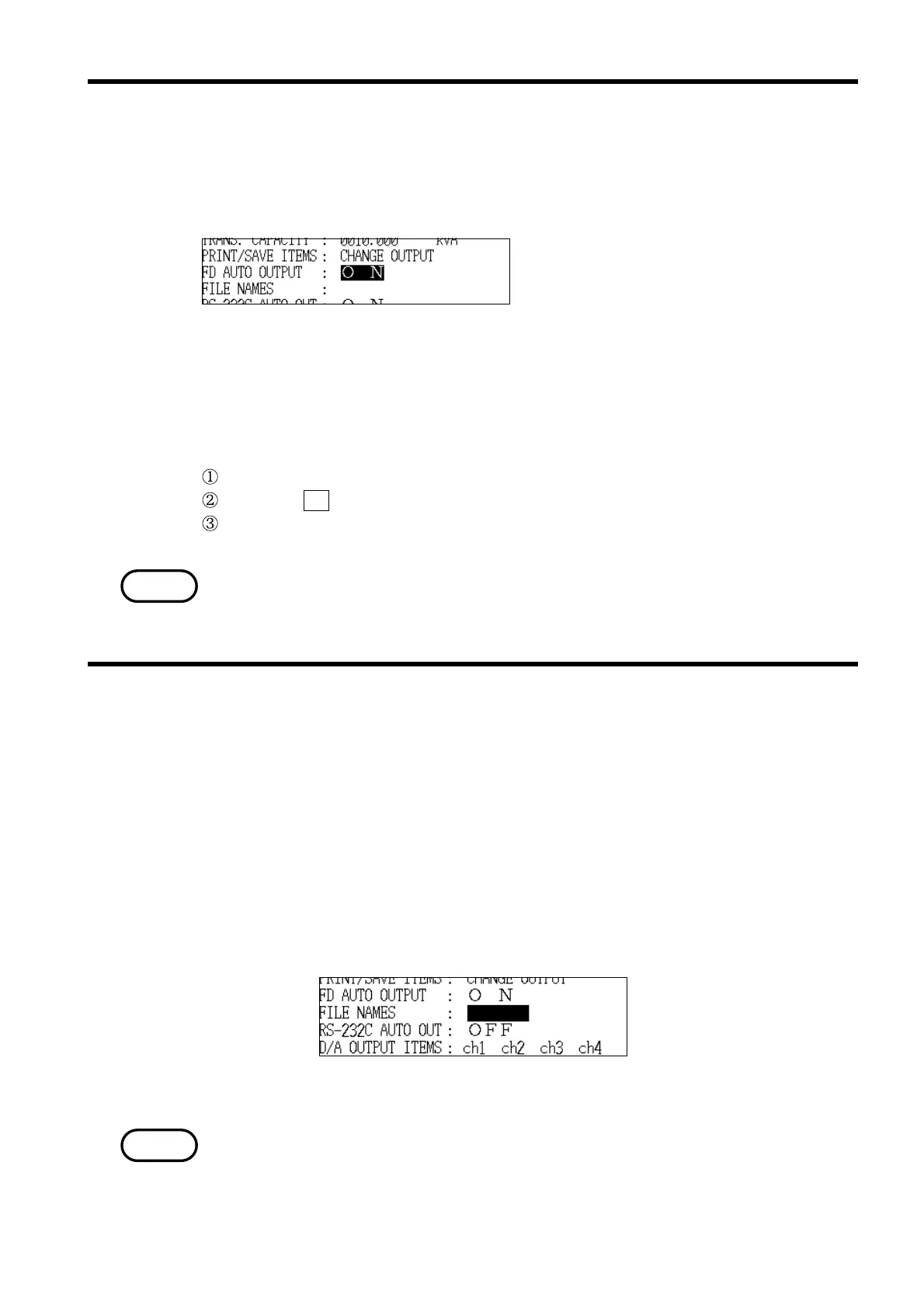
Select "ON" in order to save measurement data to floppy disk automatically.
The time interval at which the data is automatically saved is the time set for
the "demand period."
Options: ON/OFF
* OFF
Example With an 9595 FDD UNIT connected, automatically saving measurement
data on a floppy disk
Position the cursor at "FD auto output (FD AUTO OUTPUT)."
Press the ON function key.
"ON" is displayed and set in the FD auto output field.
When set to "ON", the optional 9595 FDD UNIT must already be connected to
the 3166.
This sets the file name when measurement data is being saved to floppy disk.
The file name, the date and time at which measurement started, the
measurement data itself, and the date and time at which the measurement
data was saved are all saved on the floppy disk.
Setting range: Up to eight normal-width characters
(alphanumerics,katakana) or four double-width
characters(kanji,hiragana,katakana).
* No file name is set when the power meter is shipped
from the factory.
For details on the specific method for setting the file name, refer to section
5.5.2, "File Names."



 To Next Page