106
────────────────────────────────────────────────────
7.4 Taking Measurements
────────────────────────────────────────────────────
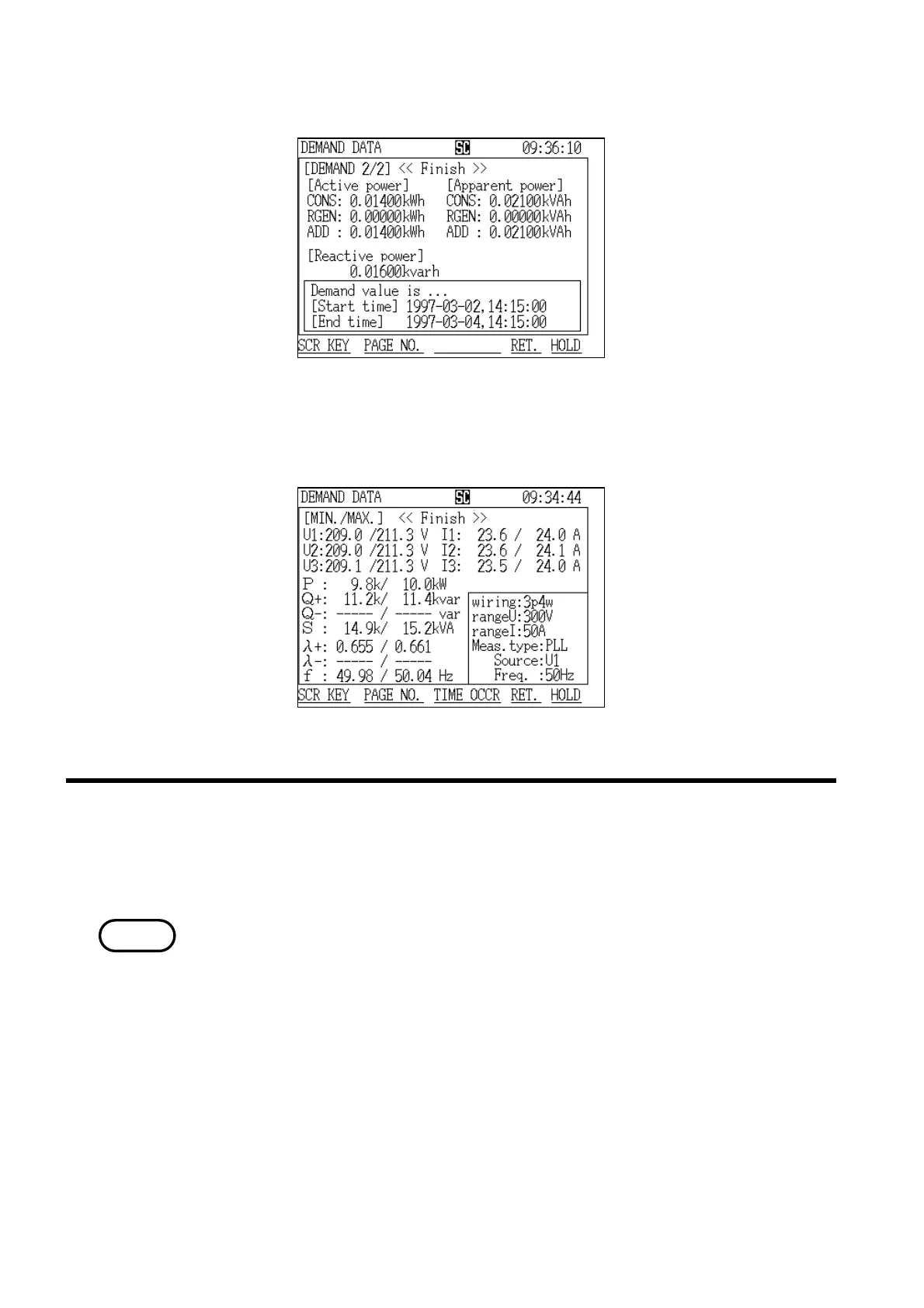
Demand Screen (page 2/2)
Demand Minimum/Maximum Screen
.4.7 Displaying a Daily Report
NOTE
(2) Displaying the "Integration" screen (page 2/2)
(3) Displaying the "Minimum/Maximum" screen
The screen that displays the daily report shows the measurement results for a
one-day (24-hour) period since the demand start time
・Measurement results are not displayed until at least one day of the demand
measurement period has passed.
・Once the current one-day period passes, the old demand data is cleared and
replaced with the new demand data.
・Use automatic output to a printer or floppy disk in order to keep a record of
daily report data.



 To Next Page