118
────────────────────────────────────────────────────
7.5 Changing Settings
────────────────────────────────────────────────────
.5.8 RS-232C Automatic Output
NOTE
.5.9 D/A Output Items
D/A Output Item Settings
NOTE
Select "ON" in order to print out measurement data automatically. The time
interval at which the data is automatically printed is the time set for the
"demand period."
Options: ON/OFF
* OFF
Example With a printer connected, automatically printing measurement data
Position the cursor at "RS-232C auto output (RS-232C AUTO OUT)."
Press the ON function key.
"ON" is displayed and set in the "RS-232C auto output" field.
When set to "ON", the printer must already be connected to the 3166. In
addition, the setting for the device connected to the RS-232C interface must be
"PRINTER" (refer to section 8.2.11, "RS-232C Device.")
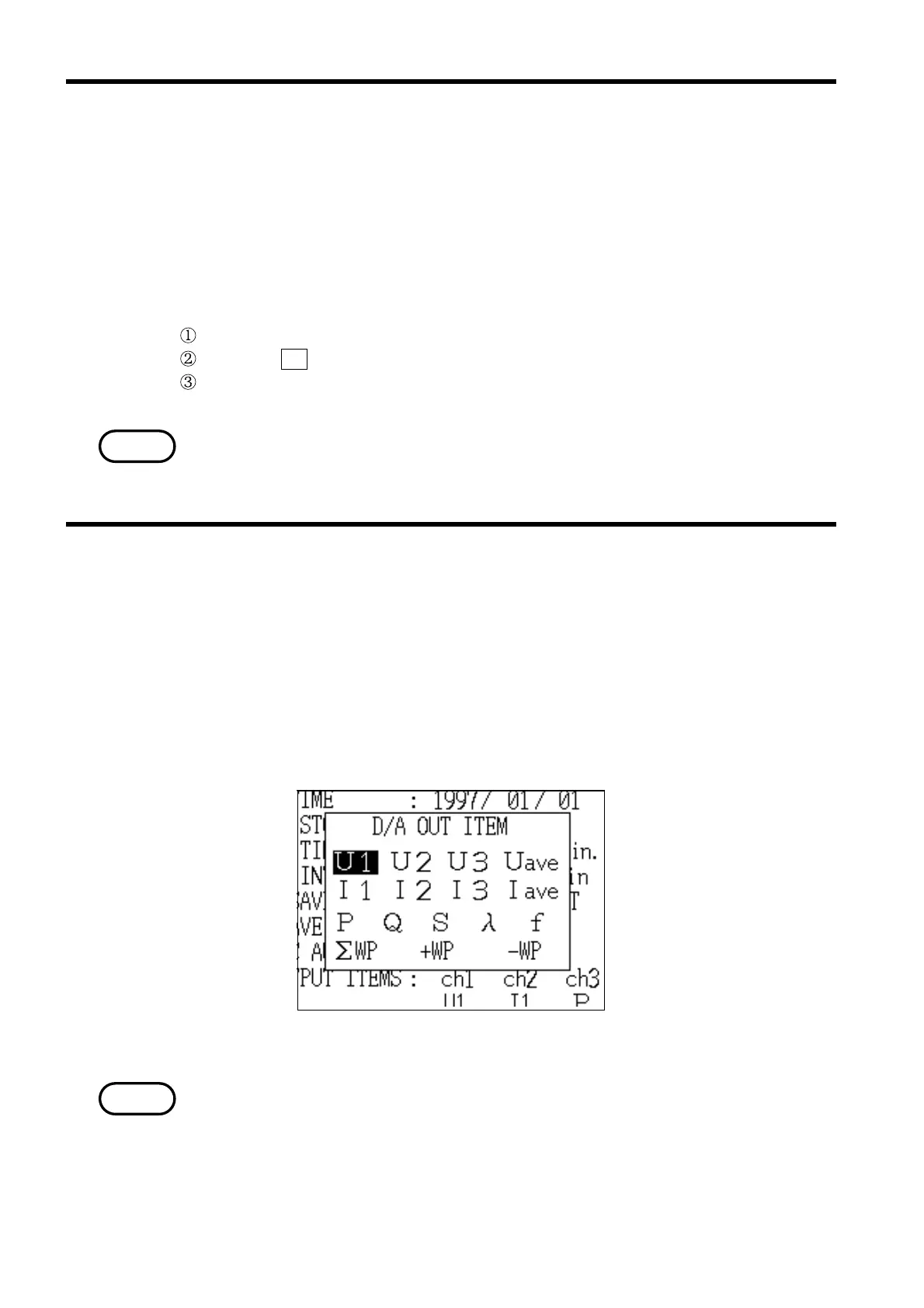
Four channels of D/A output can be output simultaneously.
The output voltage is DC±5 V/f.s.
* ch1:U1, ch2:I1, ch3:P, ch4:λ
Setting choices: Voltage (U1, U2, U3,Uave), current (I1, I2, I3,Iave), active
power (P), reactive power (Q), apparent power (S), power
factor (λ), frequency (f), and active power integration (+WP,
-WP, ΣWP)
・For details on the specific method for setting the D/A output items, refer to
section 5.5.3, "D/A Output Items."
・When using D/A output, the 9594 D/A OUTPUT (optional) must be installed
in the power meter.
・The output is updated according to the display update rate.
・If a fast output update rate is required, use "Normal Measurement" mode.



 To Next Page