112
────────────────────────────────────────────────────
7.5 Changing Settings
────────────────────────────────────────────────────
.5.1 Start Time
Start Time Setting
NOTE
.5.2 Stop Time
NOTE
.5 Changing Settings
The asterisk ("*") is used in this section to indicate initial values (initial
settings when the power meter is shipped from the factory).
●To display the integrated measurement setting screen, press the
CHECK key in the integration mode, and move the cursor to the
"Move to Setup" on the Check screen, and then press the EXEC.
function key.
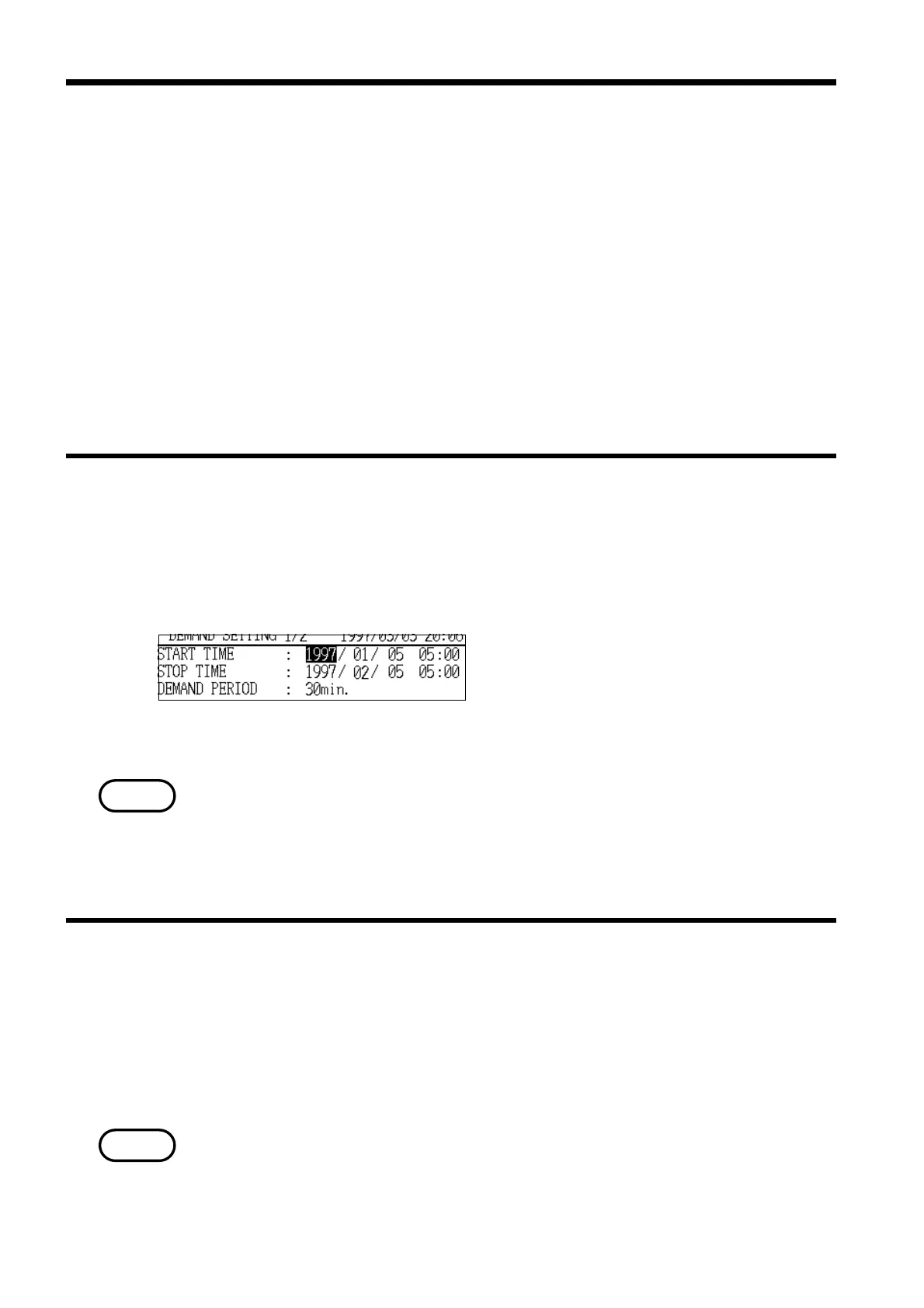
●Items that can be changed when the "Demand Measurement
Settings" screen (page 1/2) is displayed
Because the starting method for demand measurement is always "Time
specification," this item sets the starting date and time for demand
measurement.
Options: YYYY/MM/DD HH:MM
(24-hour time)
* 1997/01/01 00:00
・For details on the specific method for setting the start time, refer to section
6.5.2, "Start Time."
・The setting range extends to 2079/12/31 23:54.
・If a time in the past is specified, the demand measurement operation does not
begin.
Because the stopping method for demand measurement is always "Time
specification," this item sets the stopping date and time for demand
measurement.
Setting format: YYYY/MM/DD HH:MM (24-hour time)
* 1997/01/01 00:00
・The setting range extends to 2079/12/31 23:59.
・A time that is earlier than the demand measurement start time cannot be set.



 To Next Page