111
────────────────────────────────────────────────────
7.4 Taking Measurements
────────────────────────────────────────────────────
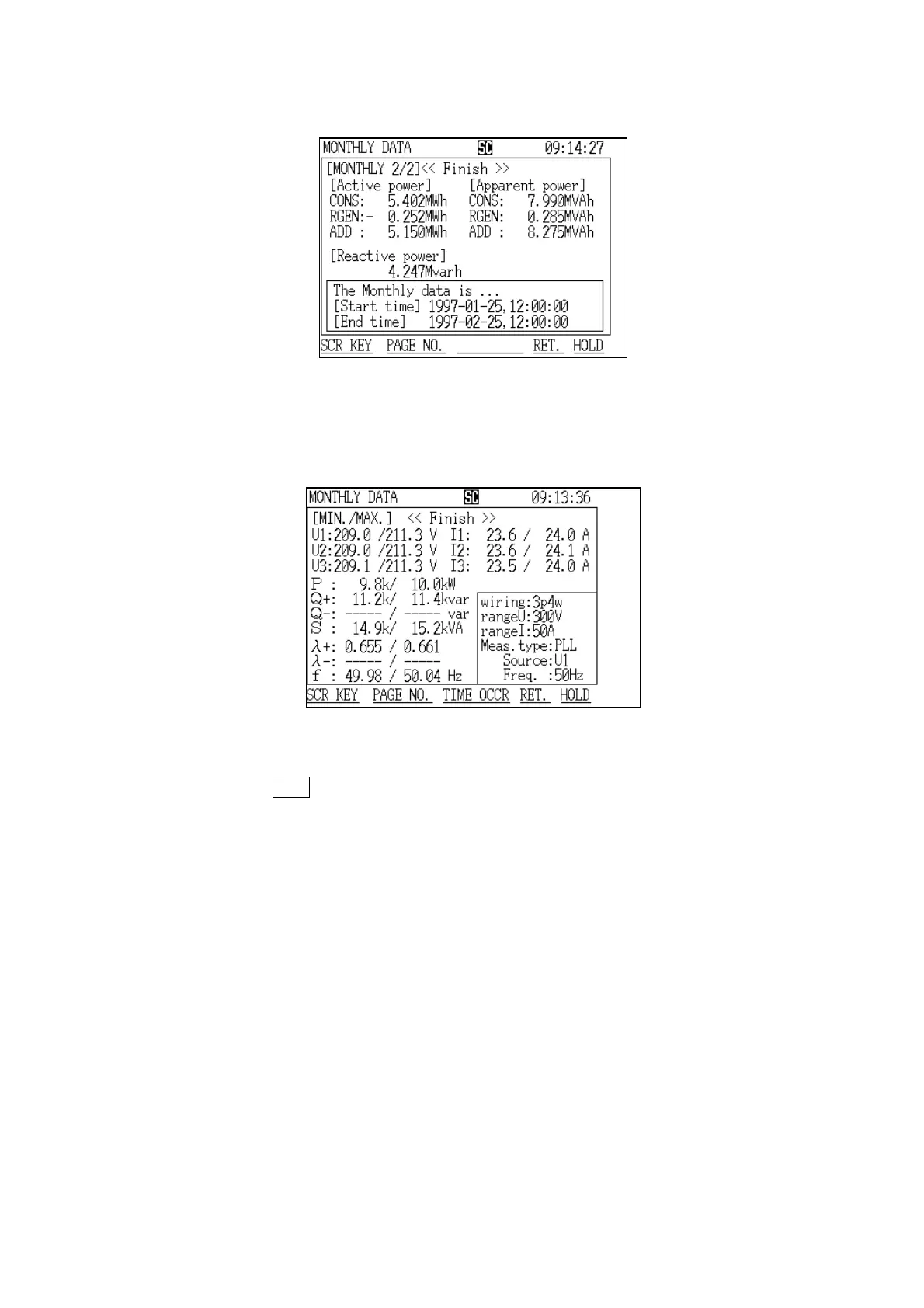
Monthly Report Screen (page 2/2)
Monthly Report Minimum/Maximum Screen
(2) Displaying the "Monthly Report" screen (page 2/2)
(3) Displaying the "Minimum/Maximum" screen
If the
RET. function key is pressed after the data has been cleared, a "Initial"
screen is displayed.
Reference The procedure for manually printing out measurement values or saving
measurement values on a floppy disk are the same as in "Normal
Measurement" mode. Refer to section 5.4.3, "Printing Measured Values on the
Printer," and section 5.4.4, "Saving Measured Values on Floppy Disk."



 To Next Page