246
────────────────────────────────────────────────────
12.3 Functions That Use the Modem (2)
────────────────────────────────────────────────────
2.3.1 Remote Control
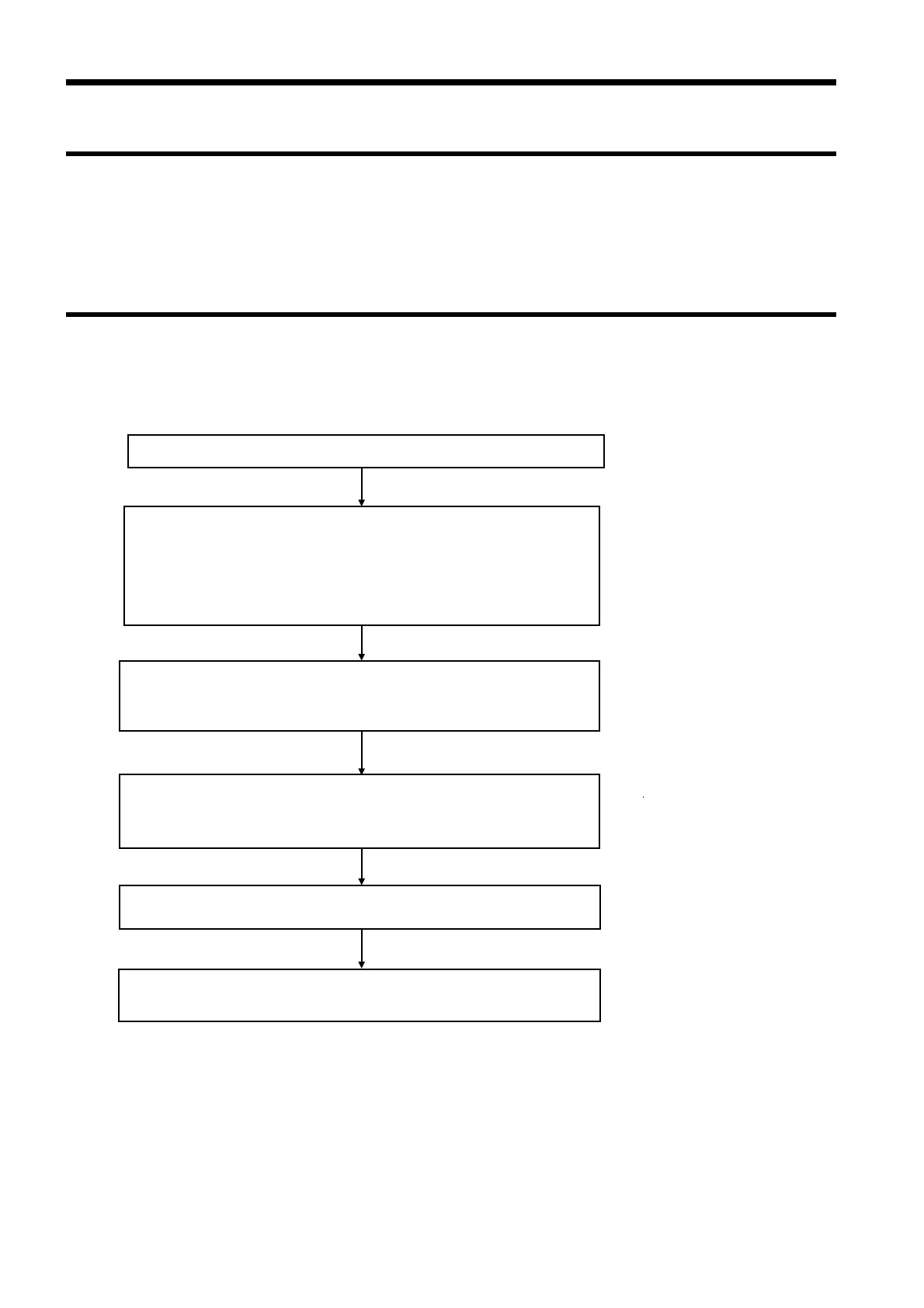
2.3.2 Operating Procedure
Setting the 3166
・Set the "RS-232C device" to "Personal computer"
・Set the baud rate, the data length, parity checking
stop bits, flow control, and the delimiter.
Setting the modem connected to the 3166
Use the terminal software to set the communications speed, et
Setting the modem connected to the personal computer
Use the terminal software to set the communications speed
the delimiter, and flow control
Send the remote control commands from the personal compute
After all commands and data have been sent, terminat
the line connection
Turn on the 3166, the modem, and the personal compute
2.3 Functions That Use the Modem (2)
It is possible to change the 3166’s settings and retrieve measurement data
through a modem. The procedure is similar to that used for communications
with a personal computer through the RS-232C interface.
Connect the RS-232C cable.



 To Next Page