81
────────────────────────────────────────────────────
6.5 Changing Settings
────────────────────────────────────────────────────
.5.6 Print/Save Items
Instantaneous
values
Voltage(U1, U2, U3, Uave
Current(I1, I2, I3, Iave)
Power(P, Q, S, λ, f)
Maximum
values
Voltage(U1, U2, U3)
Current(I1, I2, I3)
Power(P, Q, S, λ, f)
Minimum
values
Voltage(U1, U2, U3)
Current(I1, I2, I3)
Power(P, Q, S, λ, f)
Power
integration
Active power
(+WP, −WP, ΣWP)
Reactive power
(+WQ, −WQ, ΣWQ)
Apparent power
(+WS, −WS, ΣWS)
Average value
within a tim
period
Power(P, Q, S, λ)
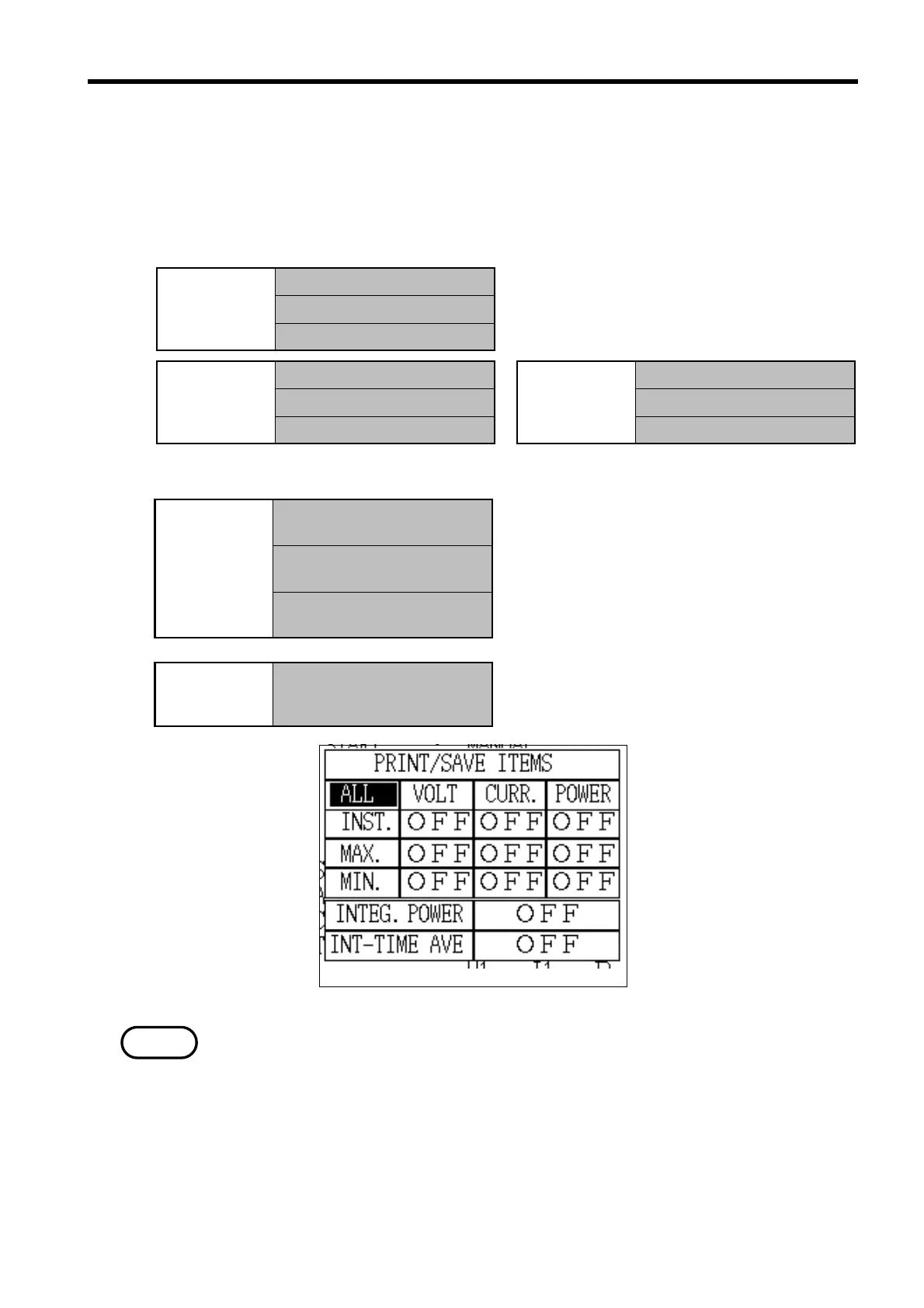
Display Selection Window
NOTE
These are used to set the items that are to be printed on the printer or saved
on floppy disk. The settings are shared for both devices; it is not possible to
set items so that they are printed on the printer but not saved on floppy disk.
Setting range: Set for 11 blocks
* Only the item of power integration is "ON."
* Minimum/maximum value data includes the time at which the
minimum/maximum was generated.
To output the minimum/maximum values,
power integration, average value within a
time period for output interval time, use
the demand measurement mode.
Average value within a time:
Integrated average values within a time
period, based on the power integration.
・For details on the specific method for setting the print/save items, refer to
section 5.5.1, "Print/Save Items."
・The items set here are output in both manual operation or automatic
operation.
・The items that are output differ, depending on whether the power integration
is measured using the reactive power meter method or not.
・If the cursor is positioned on "All", all items excluding power integration and
average value within a time period can be changed at one time.



 To Next Page