161
────────────────────────────────────────────────────
11.2 Overview of the RS-232C Interface
────────────────────────────────────────────────────
1
2
3
4
5
6
7
8
9
0
1
2
3
4
A
1.2.2 Setting Method
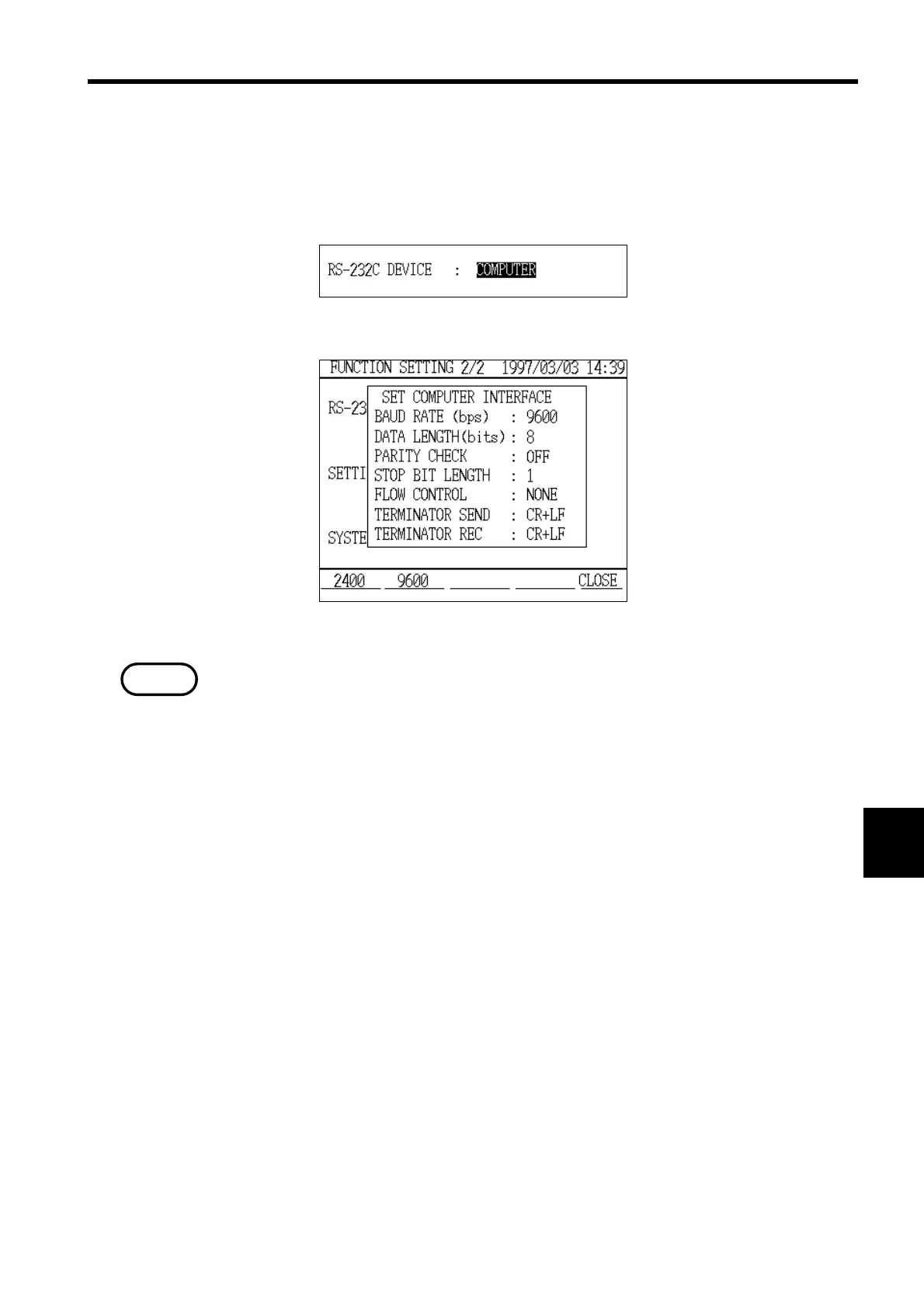
RS-232C Device Setting
Personal Computer Setting Window
NOTE
Set the RS-232C device item in "Setting" mode to personal computer.
Set the other personal computer interface items as necessary.
For specific details on these settings, refer to section 8.2.11, "RS-232C Device."
The communications conditions for the personal computer and the power
meter must match.



 To Next Page