10
────────────────────────────────────────────────────
2.1 Basic Operations
────────────────────────────────────────────────────
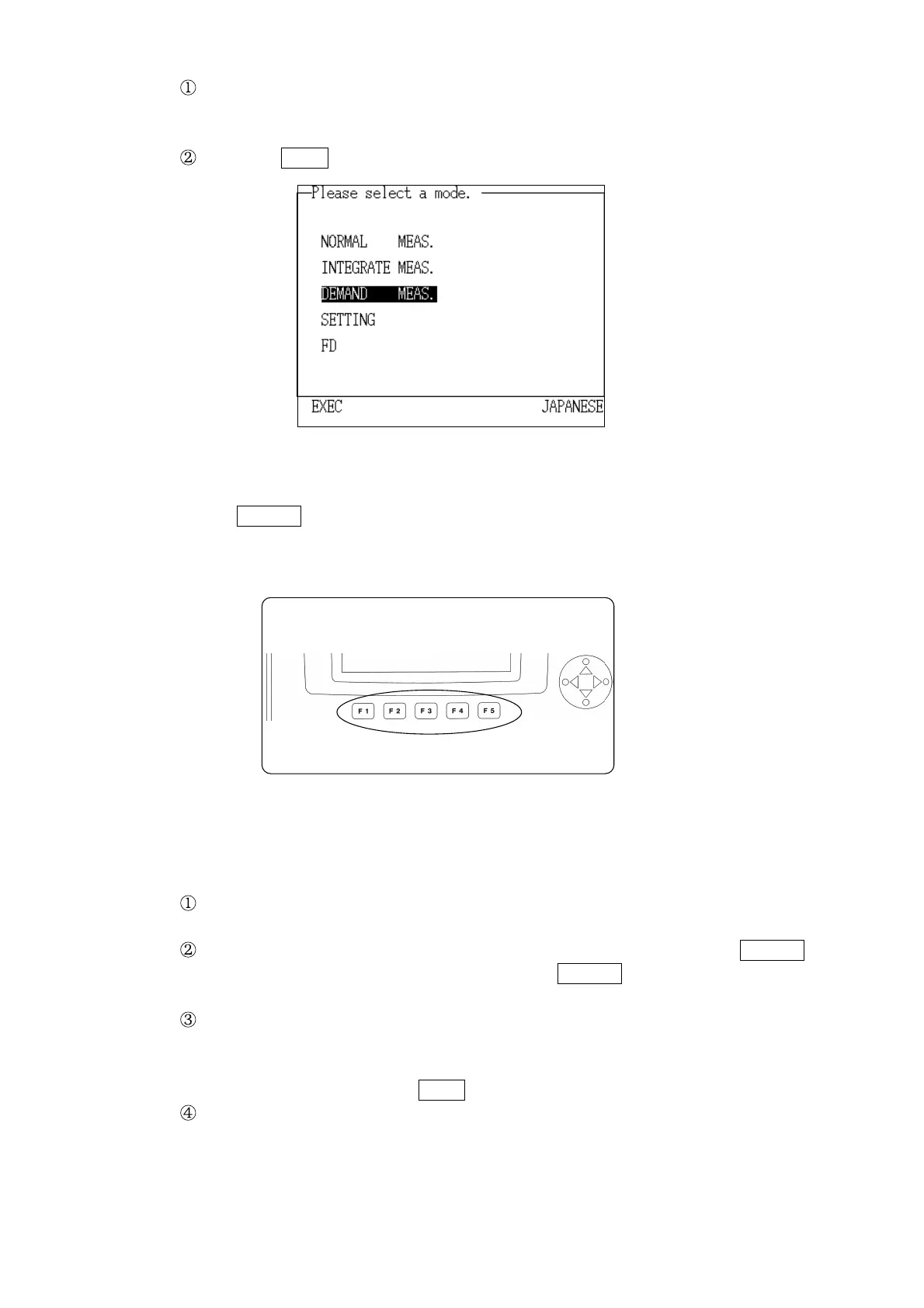
Item Selected by the Cursor
Function Keys
Press the cursor key and move the cursor on the screen to the desired
measurement mode. When a mode is selected with the cursor, that mode is
highlighted.
Press the EXEC. function key.
(2) The
Function keys can be used to directly select one of the options for a
particular setting.
Example Setting/changing an item in setting mode
Press the cursor key and move the cursor on the screen to the desired
selection.
Change the setting by selecting one of the options displayed in the Function
keys. The available options displayed in the Function keys vary according to
the item that is being set.
For some settings that have a large number of available options, a selection
window will open. In this case, use the
cursor key to move the cursor on the
screen to the desired option. When a option is selected with the cursor, that
option is highlighted. The
EXEC. function key is used for setting.
A window also opens for error messages, etc.



 To Next Page