11
────────────────────────────────────────────────────
2.1 Basic Operations
────────────────────────────────────────────────────
1
2
3
4
5
6
7
8
9
10
11
12
13
14
A
Function Enter Key
Special Key
1p2w
1p3w 3p3w 3p3w3
3p4w
NOTE
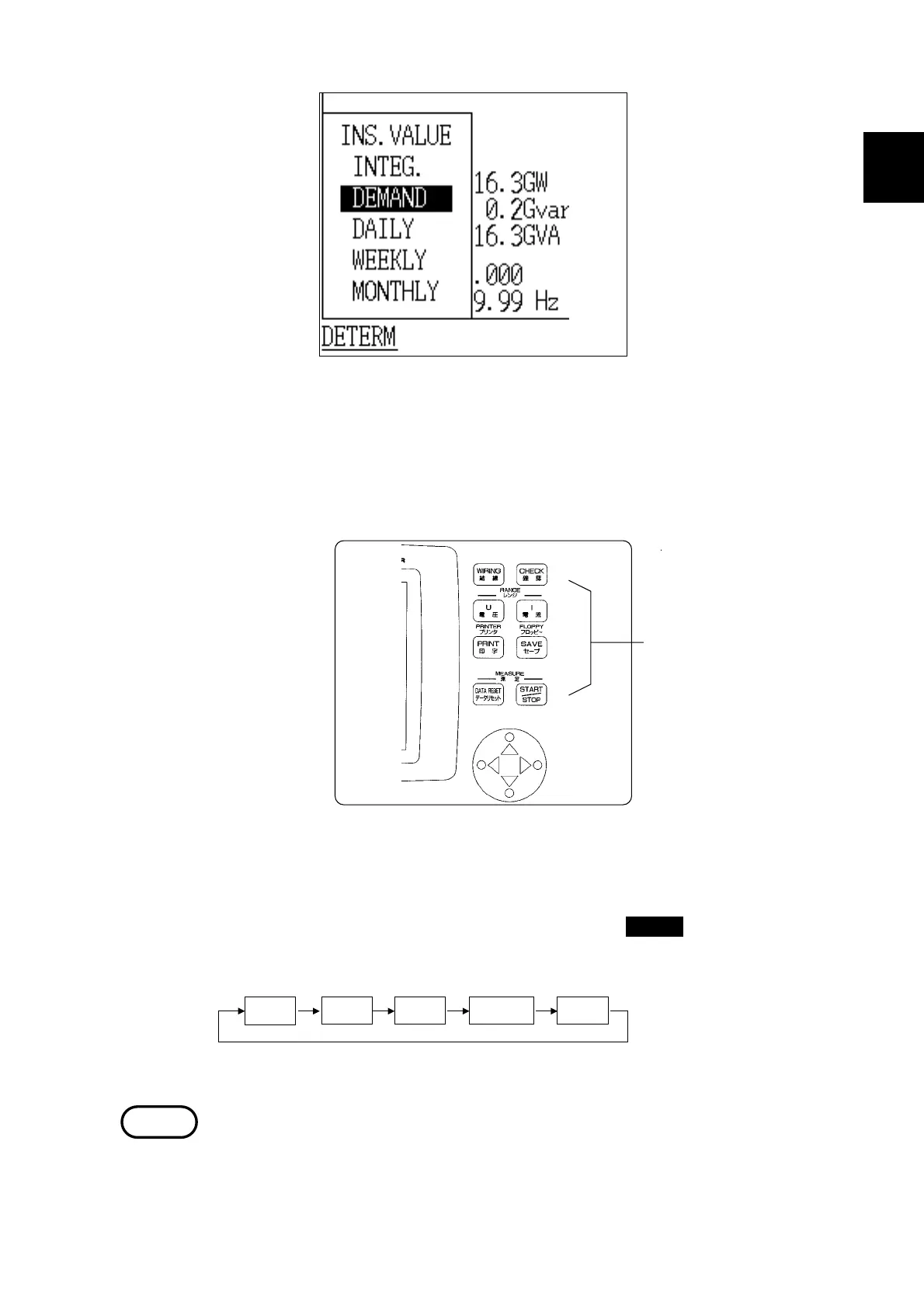
(3) Special keys are used for operations such as selecting the wiring method for
the line being measured, setting the voltage/current range, starting/stopping
measurement, printing manually, and saving data manually.
Example Changing the wiring method
The wiring method setting changes each time the WIRING key is pressed.
When using the 9298 CLAMP ON SENSOR (rated AC 100A), operate in the
20A-100A range.



 To Next Page