101
────────────────────────────────────────────────────
7.4 Taking Measurements
────────────────────────────────────────────────────
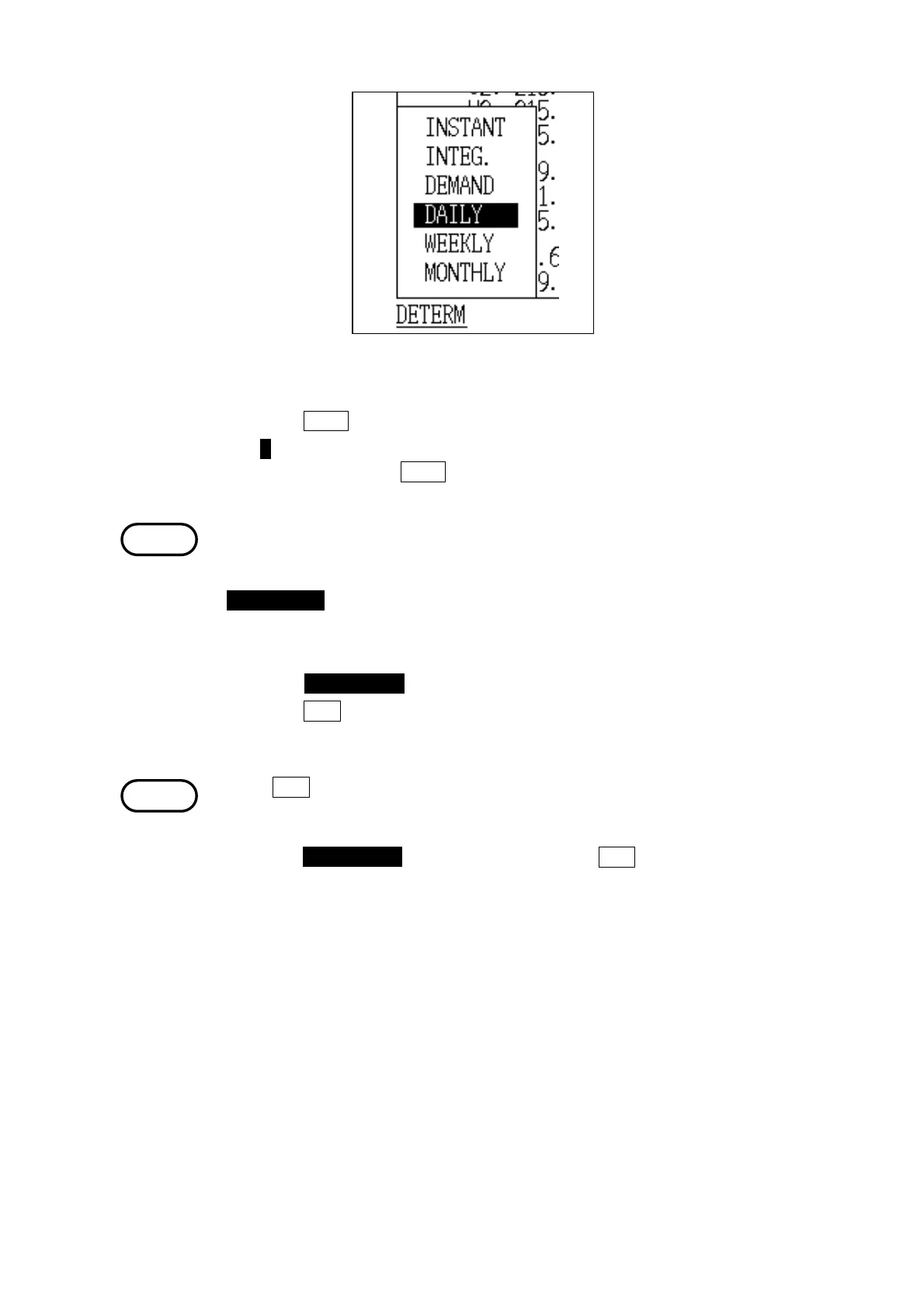
Display Selection Window
NOTE
NOTE
(2) Holding the display of measured values
1. Press the HOLD function key.
2. The H mark is displayed on the status line, and the display is held. To release
the display, press the
HOLD key again.
・Even if the displayed values are held, the power meter continues to record
measurements internally.
・In the standby mode, the key lock function is cancelled by pressing the
START/STOP key.
(3) Leaving "Demand Measurement" mode
1. Press the DATA RESET key. (The measurement data is cleared.)
2. Press the RET. function key.
3. The "Initial" screen is displayed.
If the
RET. key is pressed while demand measurement is in progress or after
demand measurement is complete, a message is displayed, and the display
does not return to the Initial Screen. Terminate demand measurement and
press the DATA RESET key before pressing the RET. key.
The message disappears when any of these keys is pressed.



 To Next Page