268
────────────────────────────────────────────────────
14.4 Using Floppy Disks
────────────────────────────────────────────────────
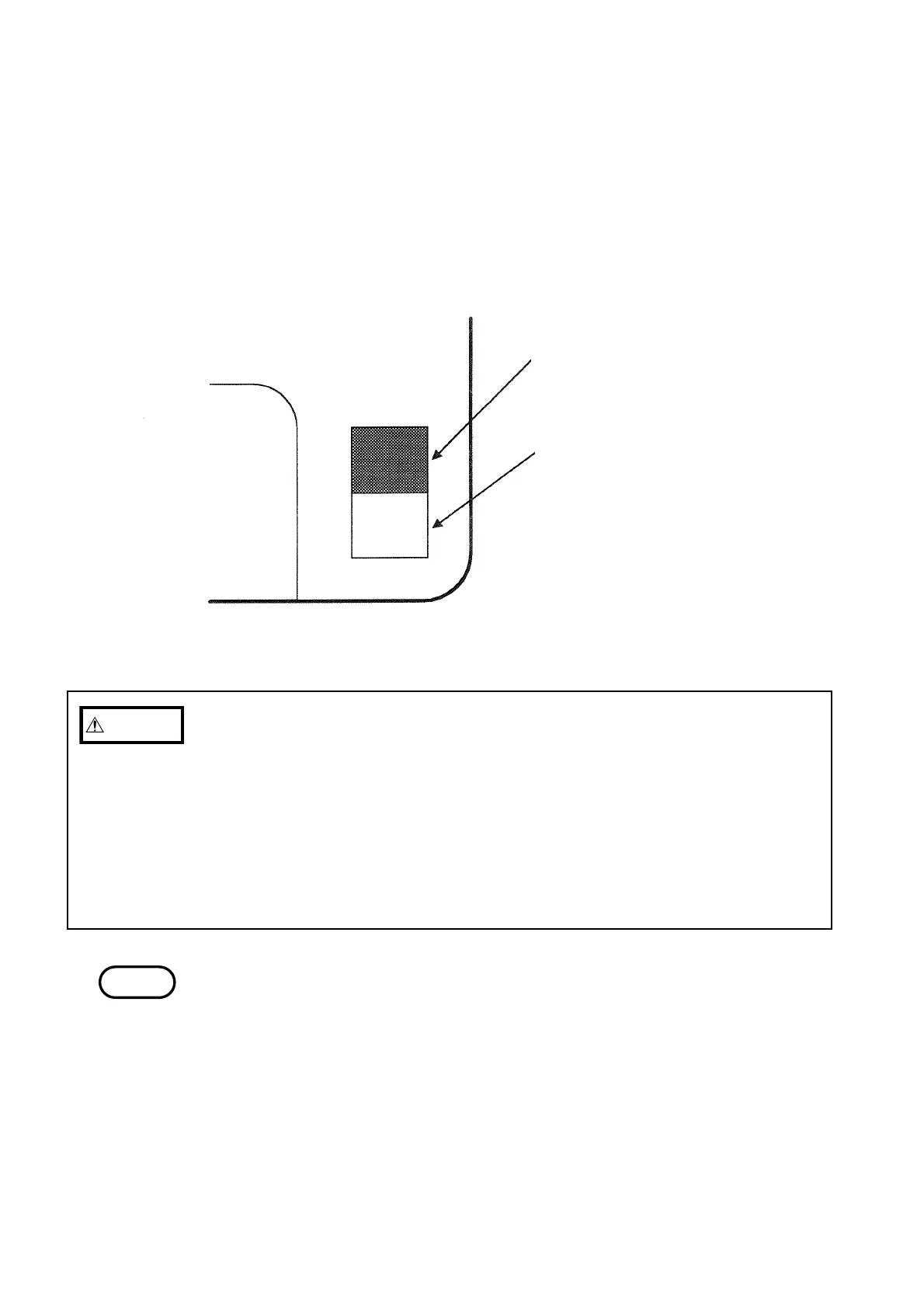
Back side of the floppy dis
Tab in upper position: Write-protection is
disabled (data can be saved to the flopp
disk)
Tab in lower position: Write-protection i
enabled (data cannot be saved to the
floppy disk)
Floppy Disk Write-protection
CAUTIO
・Do not use 2DD floppy disk.
・Do not remove the floppy disk while the FD aut output is complete and the
data saved.
・Inserting a floppy disk upside down, backwards or in the wrong direction may
damage the instrument.
・Do not remove the floppy disk while the drive is operating (the LED on the
floppy drive is on).
・Always be sure to eject any floppy disk from the floppy disk drive whenever
you will be carrying or transporting the 9595 FDD UNIT or the 3166.
NOTE
Protecting data on a floppy disk
Each floppy disk has a write-protect tab on it. If the write-protection is
enabled, it is impossible to do anything to the data on the floppy disk except to
read (load) it.
If you wish to perform some sort of operation on the data on the floppy disk
(aside from loading it), confirm the contents of the floppy disk and then
disable the write-protection.
When loading data to personal computer via floppy disk, verify that floppy
disk formatted in the 3166 is recognized on personal computer.



 To Next Page