32
────────────────────────────────────────────────────
4.4 Wiring Settings and Wiring Methods
────────────────────────────────────────────────────
Item Selected with the Cursor
Wiring Setting Display
Single-phase, two-wire setting 1p2w
Single-phase, three-wire setting 1p3w
Three-phase, three-wire, two-current setting 3p3w
Three-phase, three-wire, three-current setting 3p3w3i
Three-phase, four-wire setting 3p4w
.4 Wiring Settings and Wiring Methods
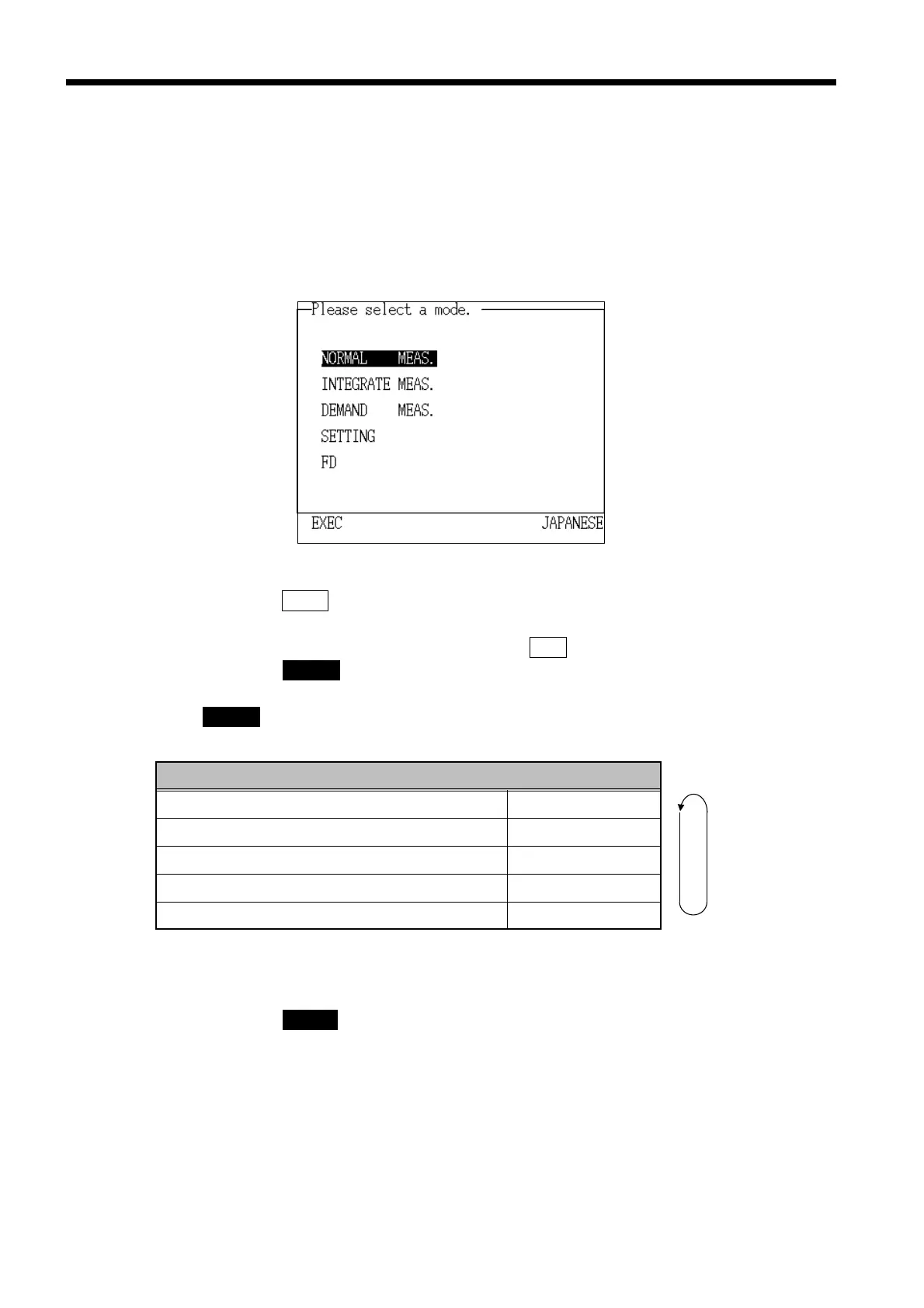
(1) Measurement mode selection
The following example will assume that "Normal Measurement" is to be
selected.
1. On the initial screen, move the cursor to "Normal Measurement."
The selected item is highlighted.
2. Press the
EXEC. function key.
3. The "Measurement Value" screen is displayed.
To return to the initial screen, press the
RET. key.
4. Press the WIRING key, and set the wiring that is suited for the line being
measured. The wiring setting display is displayed in alternation, press the
WIRING key every one time.
(2) Wiring diagram display and wiring
1. Press the CHECK key.
2. The "Check" window is displayed.



 To Next Page