48
────────────────────────────────────────────────────
5.3 Preparations for Measurement
────────────────────────────────────────────────────
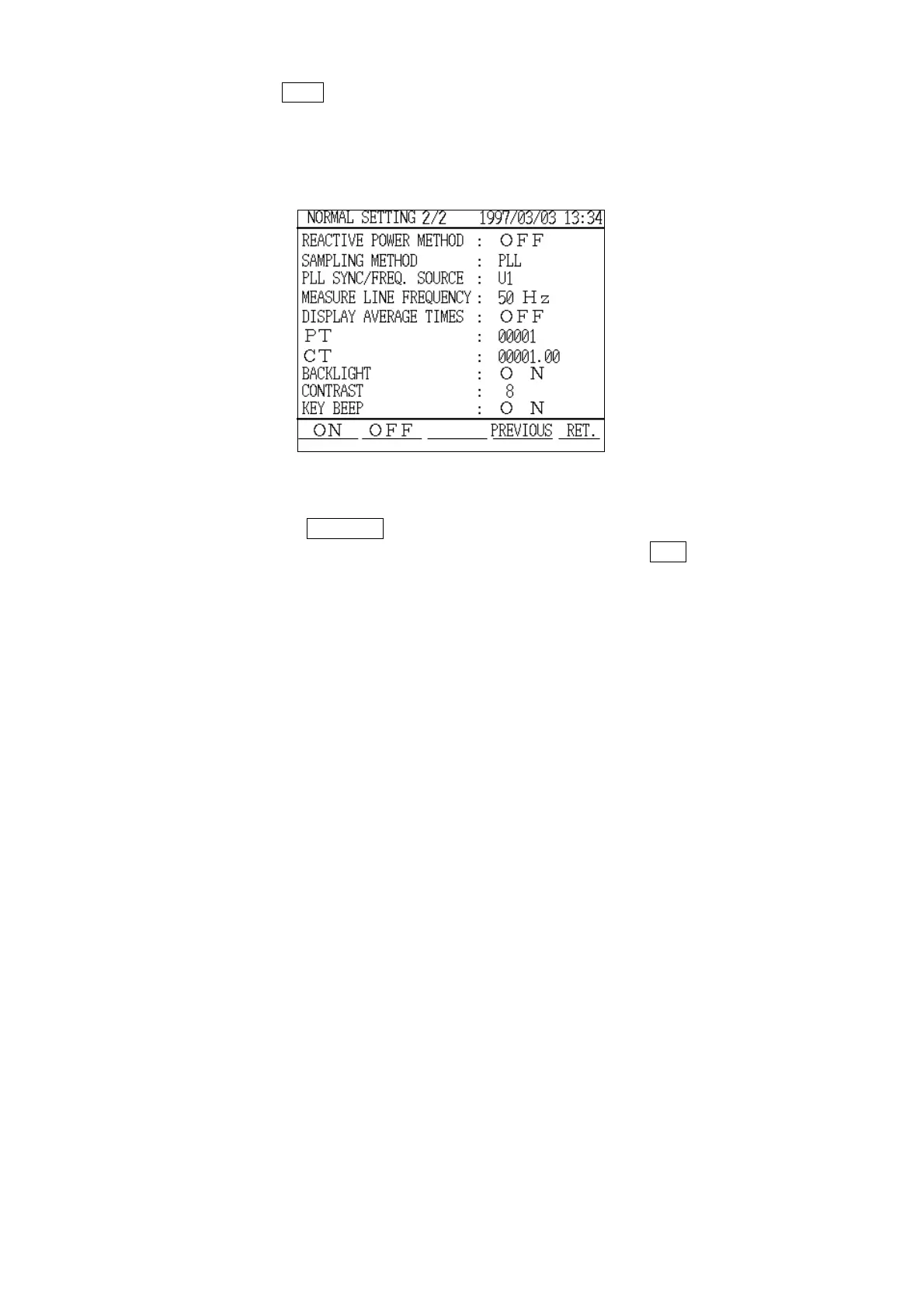
Normal Measurement Setting Screen
(page 2/2)
5. Press the
NEXT function key.
6. The "Normal Measurement Settings" screen (page 2/2) is displayed.
The settings necessary for measurement are displayed and can be confirmed
on this screen.
7. Pressing the
PREVIOUS function key returns the display to the "Normal
Measurement Settings" screen (page 1/2). Pressing the
RET. function key
returns the display to the "Measurement" screen.
For details on how to change the settings, refer to section 5.5, "Changing the
Settings."



 To Next Page