INSTRUMENTS (AND AVIONICS) / ELT 13-43
CHANGE C2 ICON A5 / MAINTENANCE MANUAL
Consumables
None
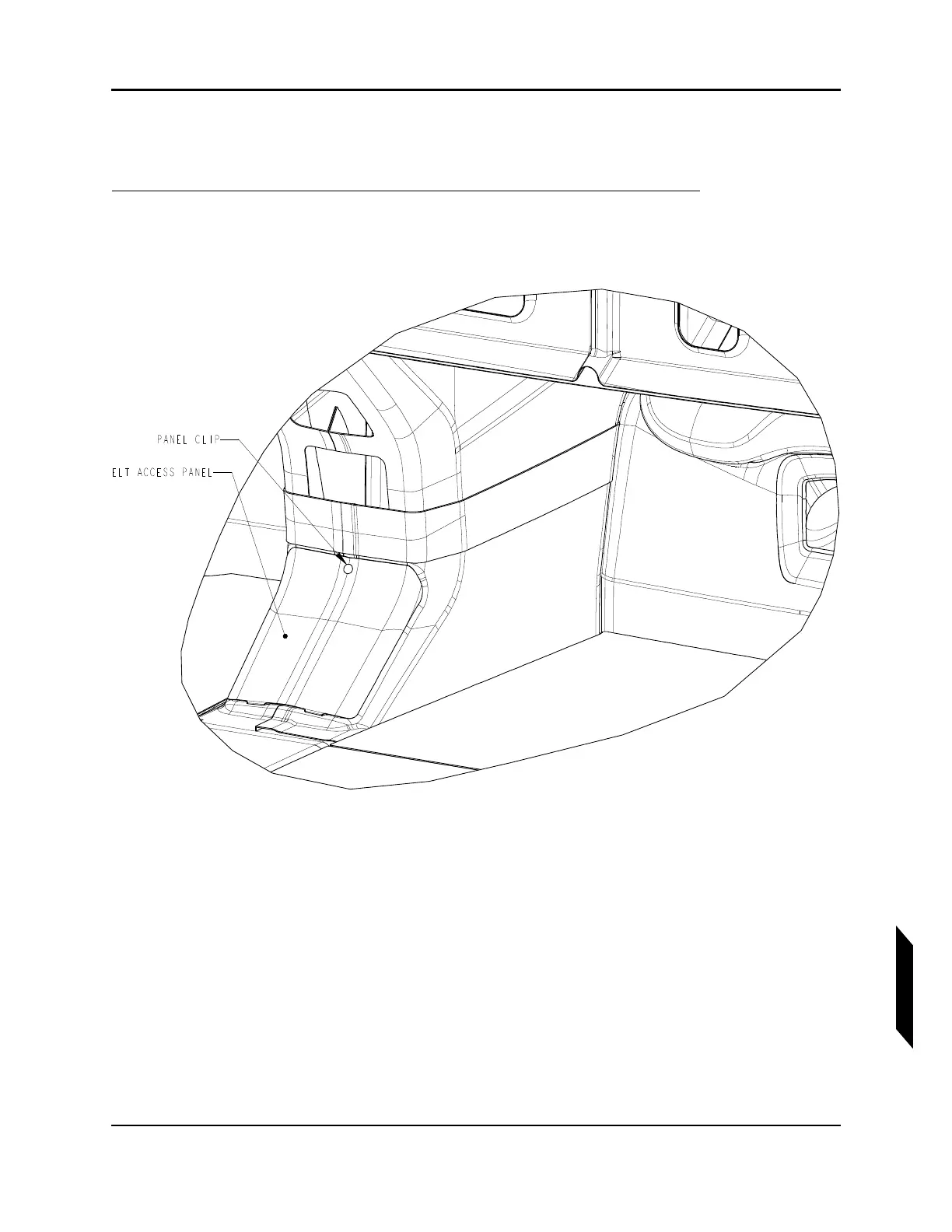
1. Pry the panel clip off the ELT access panel using a flathead screwdriver.
The access panel is located at the bottom of the forward side of the center console near the kneed
pads.
2. Swing the top edge of the access panel forward, then remove it by pulling it up, disengaging the
retention tabs on its lower edge.
3. The ELT can now be accessed for service. The figure below shows the view looking aft into the
ELT bay. Note the orientation of the toggle switch positions.



 To Next Page