INSTRUMENTS (AND AVIONICS) / PITOT-STATIC-ANGLE OF ATTACK (AOA) SYSTEM 13-73
CHANGE C2 ICON A5 / MAINTENANCE MANUAL
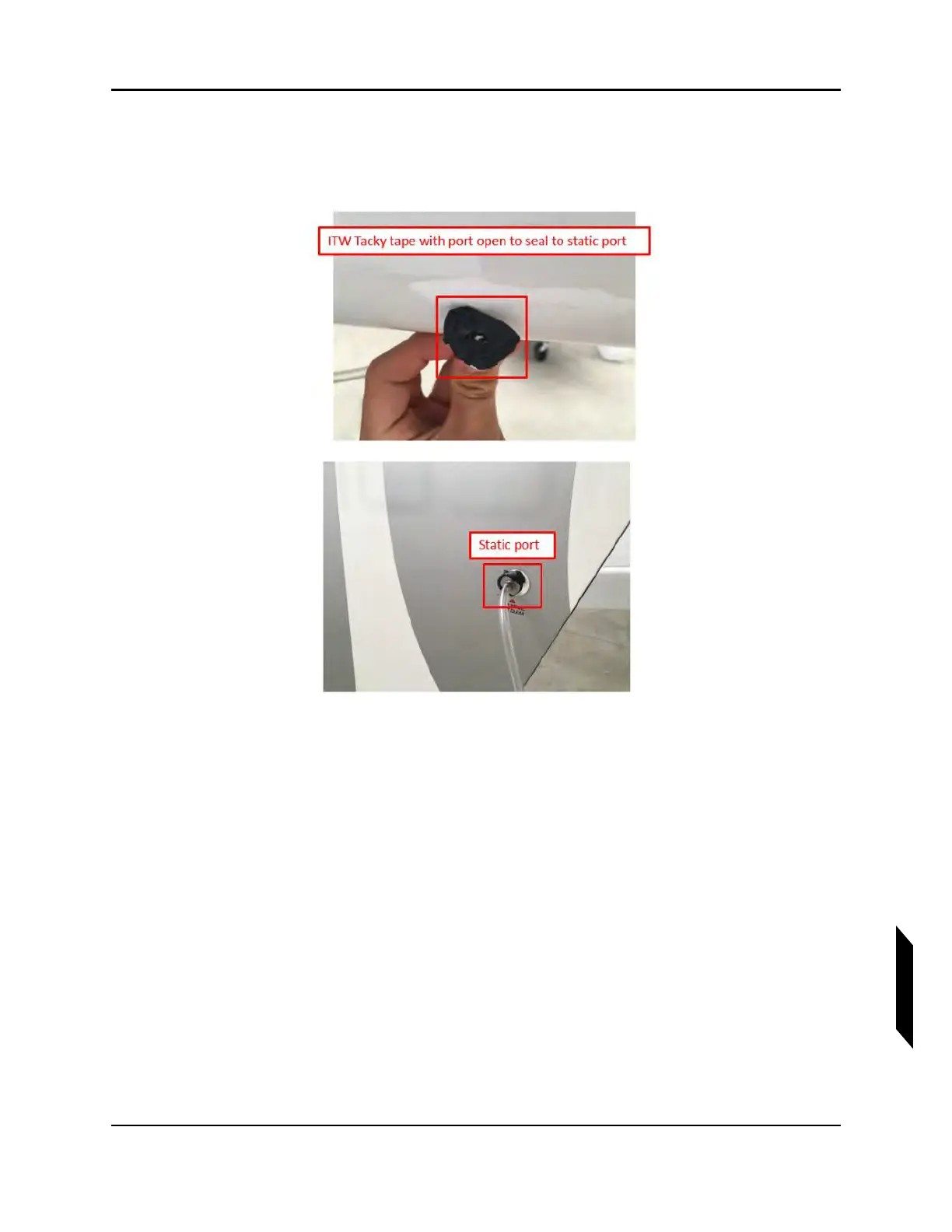
4. Locate left side static port. Using ITW Tacky Tape, secure the BFST26-820 connector to the
surface of the vertical tail ensuring there is no air leak. Ensure the center of the connector is clear
to allow for air flow.
5. Seal the right side static port with aluminum tape and ensure that an air tight seal is completed
by using a plastic scraper to rub the tape around the static port.



 To Next Page