INSPECTIONS / GENERAL INSPECTION TASKS 3-35
CHANGE C2 ICON A5 / MAINTENANCE MANUAL
1. If removing the panel, loosen each of the fasteners and remove the panel. If installing the panel,
place the panel in position and hand tighten each fastener (reference FAA AC 43-13).
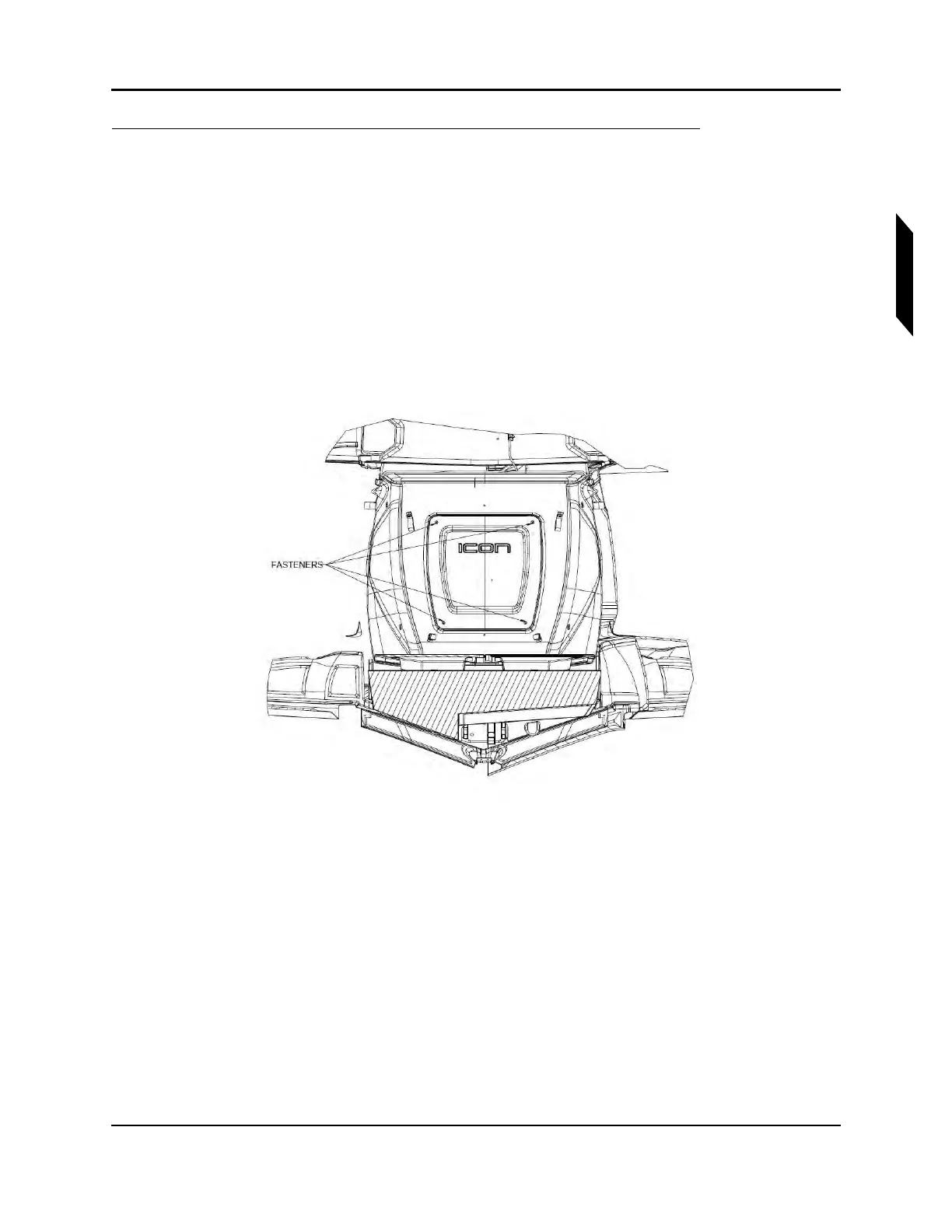
• Aft Bulkhead Baggage Panel—4X Torx head 10-32 fasteners using a T20 Torx driver.
• Water Rudder Access Panel—8X Torx head 8-32 fasteners using a T15 Torx driver.
• Air Rudder Access Panel—7X Torx head 8-32 fasteners using a T15 Torx driver.
• Horizontal Tail Tip Access Panel—2X Torx head 6-32 fasteners (under each tip) using a
T10 Torx driver.
• Wing Fold Access Panel—9X Torx head 8-32 fasteners (on each wing) using a T15 Torx
driver.
• Aileron Access Panel—4X Torx head 8-32 fasteners (on each wing) using a T15 Torx
driver.
FIGURE 3-3
AFT BULKHEAD BAGGAGE PANEL.
VERIFICATION METHOD:
Visually inspect that the panel is removed or check that all the fasteners are hand tightened, as desired.



 To Next Page