Scanning Documents
2
IC-402 2-69
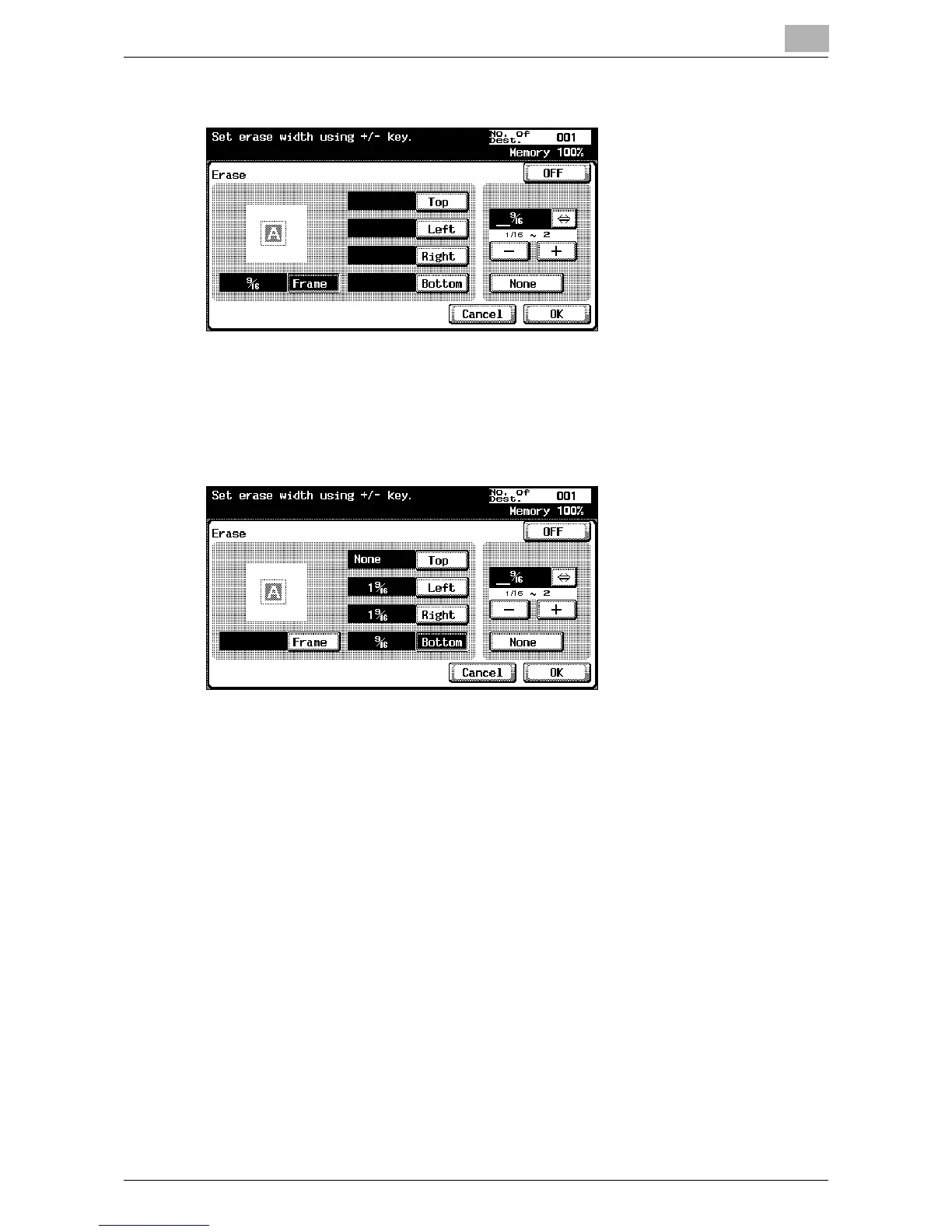
4 Specify the width to be erased.
– To erase all sides with the same width, touch [Frame] and enter the
value.
– To specify the width separately for the top, left, right, and bottom
sides, touch the corresponding button and enter the value. To
specify that no area is erased, touch [None].
– For North American users, touch [⇔] to switch between the integer
and the fraction.
5 Touch [OK], and then touch [OK] in the next two screens that appear.













 To Next Page