Using PageScope Web Connection
7
IC-402 7-16
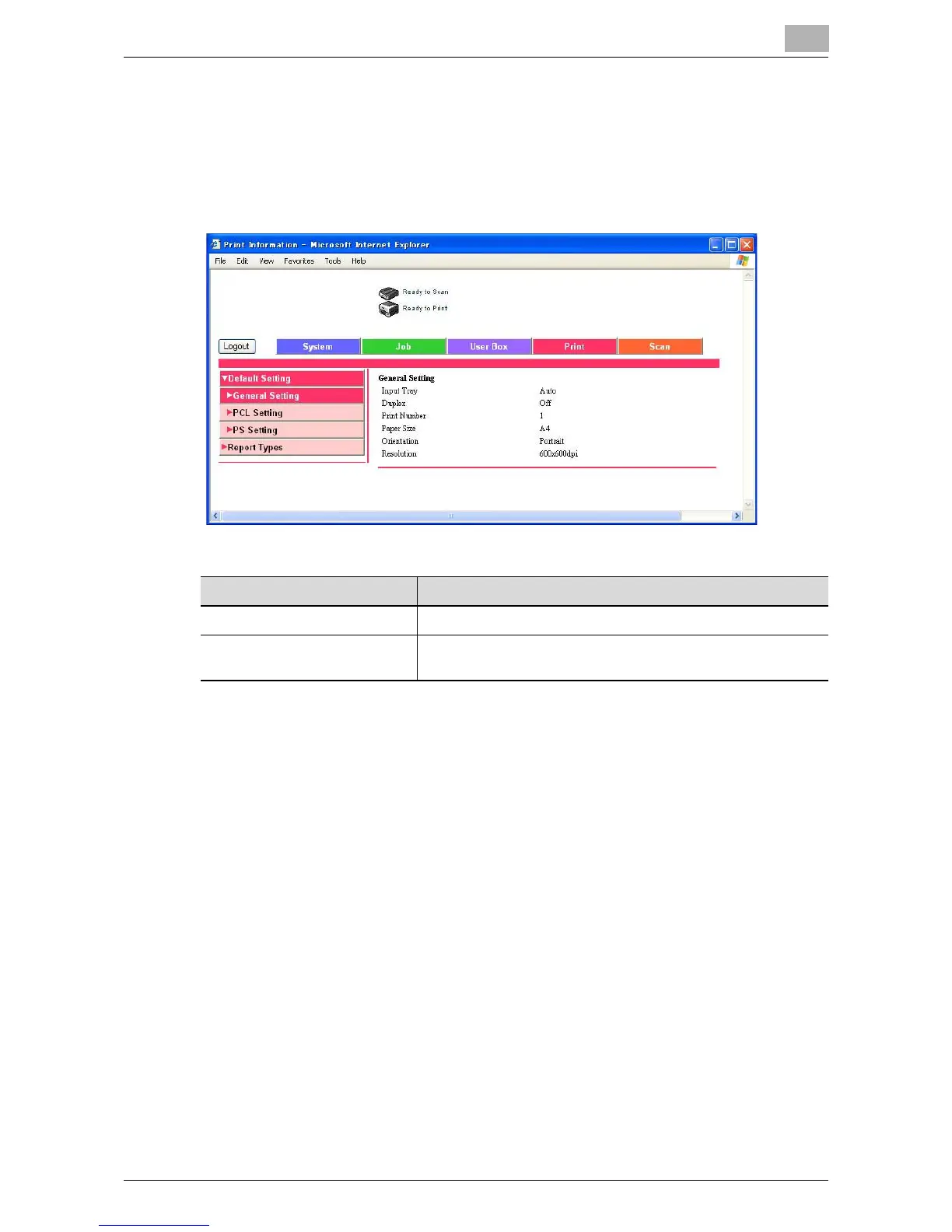
7.7 Print Tab (User Mode)
Settings related to printing with the image controller can be viewed.
In addition, the configuration page (setting information) and font list can be
printed.
Menu Item Description
Default Setting Displays the default PostScript settings.
Report Types Prints the configuration page (setting information), PostScript
demo page, PostScript font list, and color chart.













 To Next Page