Scanning Documents
2
IC-402 2-80
To change the e-mail settings
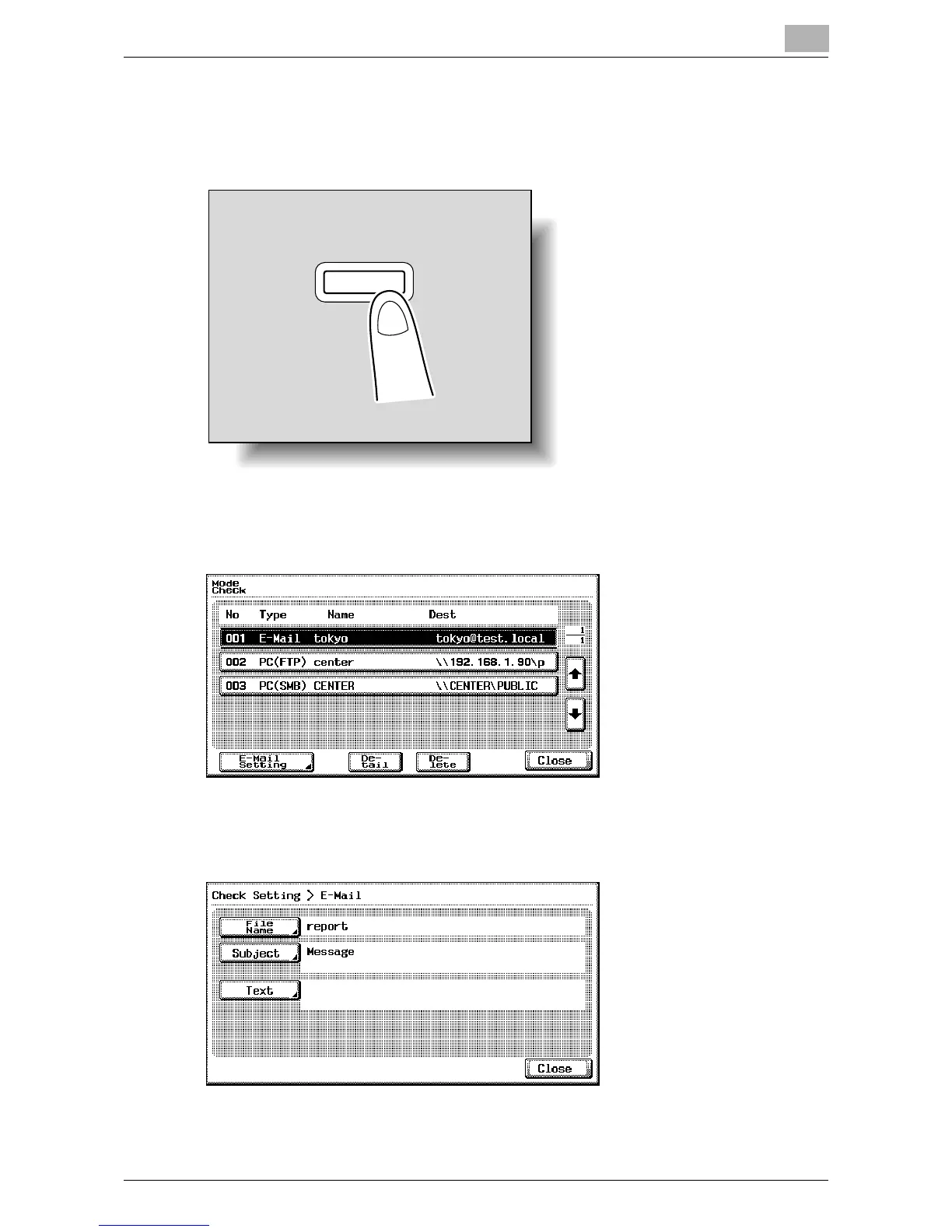
1 Press the [Mode Check] key in the control panel while the Scan mode
screen is displayed.
The Mode Check screen appears.
2 Touch [E-Mail Setting].
A confirmation message appears.
3 Check the information and change it as necessary.
4 Touch [Close], and then touch [Close] in the next screen that appears.
Mode Chec
k













 To Next Page