Copier Network Functions
6
IC-402 6-25
!
Detail
For the procedure to enter characters using the keyboard that appears
on the screen, refer to “Entering Text” on page 9-2.
When entered as a host name, a DNS server must be specified from the
image controller. Specify the setting for the following parameter from the
setup screen of the image controller.
[Network Setup]—[Protocol Setup]—[TCP/IP Setup]—[DNS Setup]
For details on displaying the setup screen, refer to “Displaying the Setup
Screen” on page 5-4.
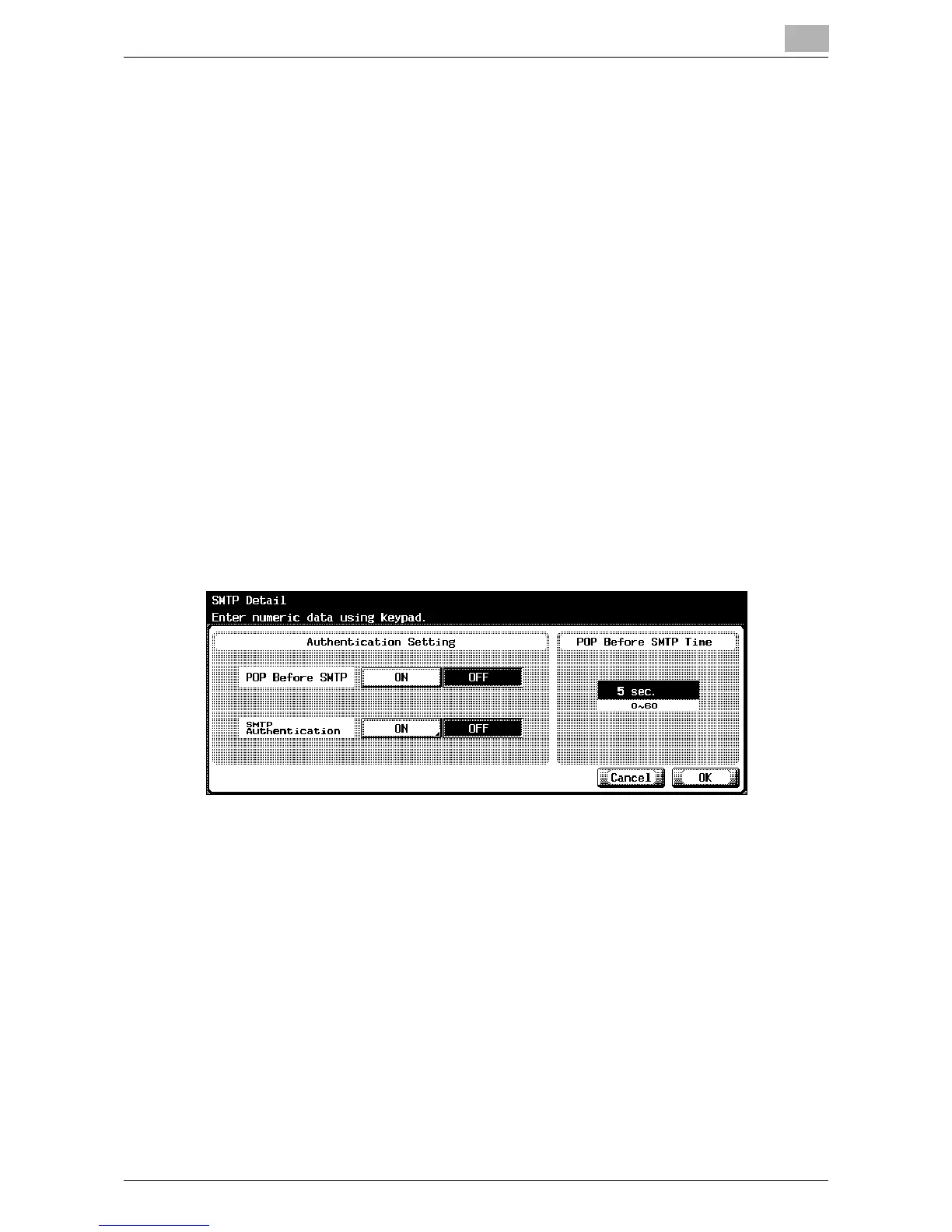
SMTP Detail
You can specify the SMTP details.
1 In the E-Mail TX (SMTP) screen, touch [Detail Setting].
The SMTP Detail screen appears.
2 Specify the desired settings.
!
Detail
To perform user authentication with POP Before SMTP, the settings that
will allow POP to access the e-mail server must be specified. For details,
refer to “E-Mail RX (POP) Settings” on page 6-28.













 To Next Page