Copier Network Functions
6
IC-402 6-8
6.4 Enabling LDAP Settings
The LDAP function to which the machine can connect and search and re-
trieve information can be enabled/disabled.
Enabling LDAP Parameters
The Enabling LDAP parameters are as follows:
To specify Enabling LDAP settings
1 In the Administrator Setting screen, touch [5 Network Setting]. (Refer to
page 1-17 for more details.)
2 In the Network Setting screen, touch [4 LDAP Setting].
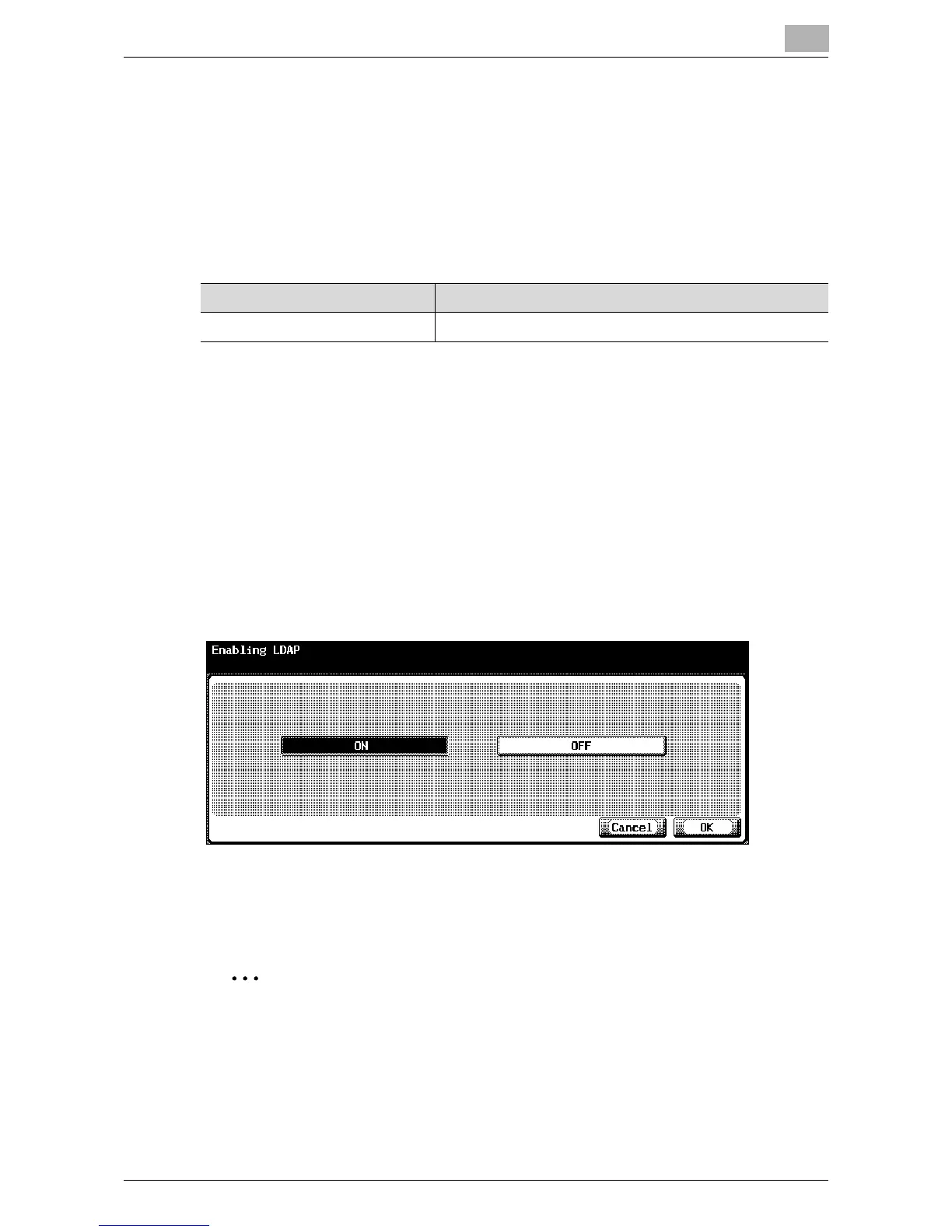
3 In the LDAP Setting screen, touch [1 Enabling LDAP].
The Enabling LDAP screen appears.
4 Specify the desired settings.
5 Touch [OK].
The LDAP function is set.
2
Note
To cancel changes to the setting, touch [Cancel].
To quit specifying the Utility mode setting, touch [Exit] in the sub display
area. Otherwise, cancel the Utility mode by touching [Close] in each
screen until the screen for the Copy, Fax, Scan or Box mode appears.
Item Description
Enabling LDAP Set whether or not to use the LDAP function.













 To Next Page