Scanning Documents
2
IC-402 2-24
Selecting Destinations From the Address Book
“Address book” refers to the collection of abbreviated destinations that have
been registered in advance and appear so that the desired destination can
be selected. The following procedure describes how to send data by select-
ing destinations from the address book. Multiple addresses can be specified
simultaneously from the address book.
For details on registering addresses in the address book, refer to “Register-
ing Abbreviated Destinations” on page 3-2.
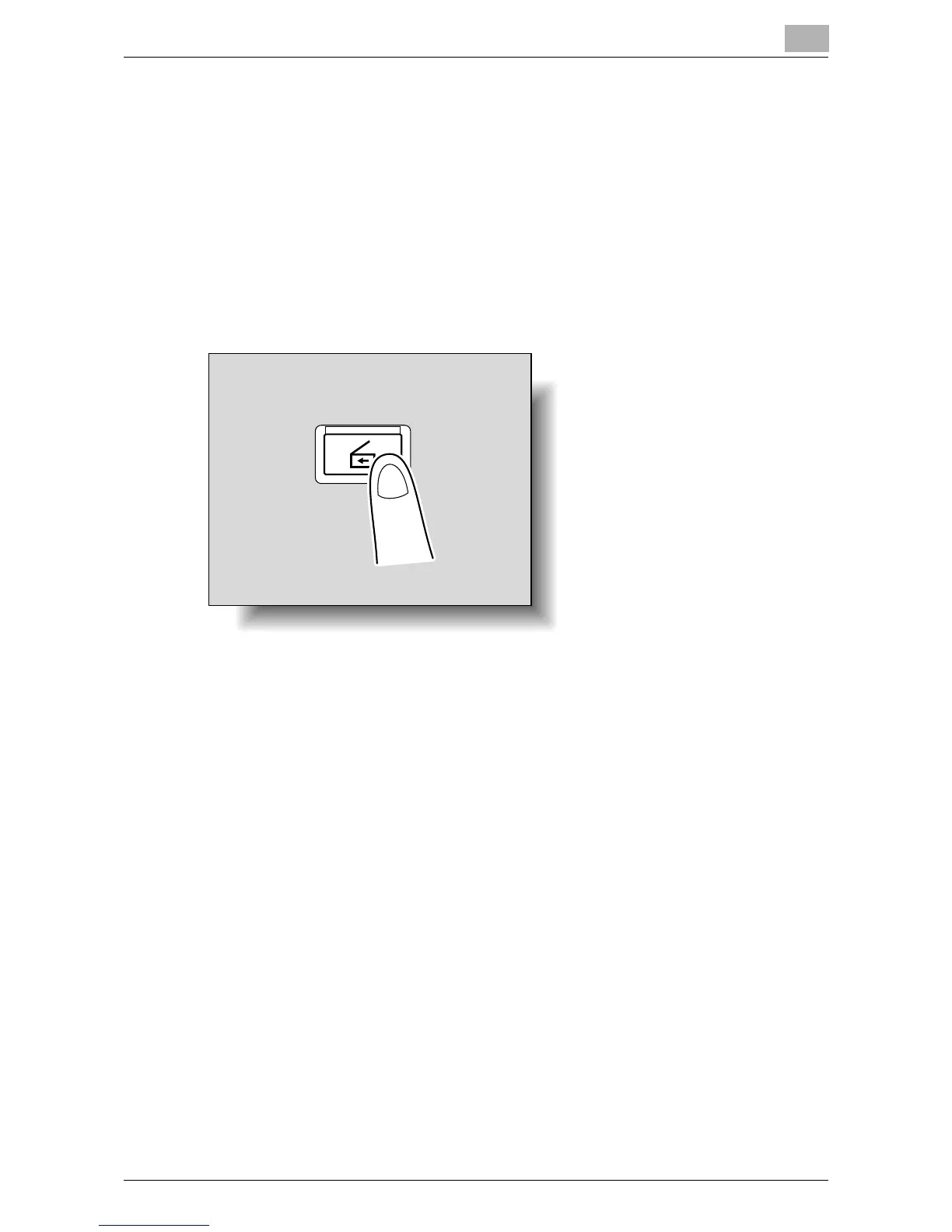
1 Press the [Scan] key on the control panel.
The Scan mode screen appears.
Scan













 To Next Page