Scanning Documents
2
IC-402 2-31
2.5 Sending Data to a PC on the Network (Scan to SMB)
Scan to SMB
The Scan to SMB operation can be used to directly send the scanned data
to a specific computer on the network.
To use the Scan to File (SMB) function, specify the Windows shared file set-
ting on the PC that is to receive the data in advance.
2
Reminder
To send to a Windows shared folder, enter the host name and folder
name using capital letters when registering the destination.
2
Note
For the SMB transmission procedure, refer to “Sending the Scanned
Data to a Computer on the Network (SMB)” on page 1-5.
Using Programs
“Program” refers to a set of destination computers and scan settings that are
registered together. The following procedure describes how to send data by
selecting a program that has been registered in advance.
For details on registering programs, refer to “Registering Program Destina-
tions” on page 3-18.
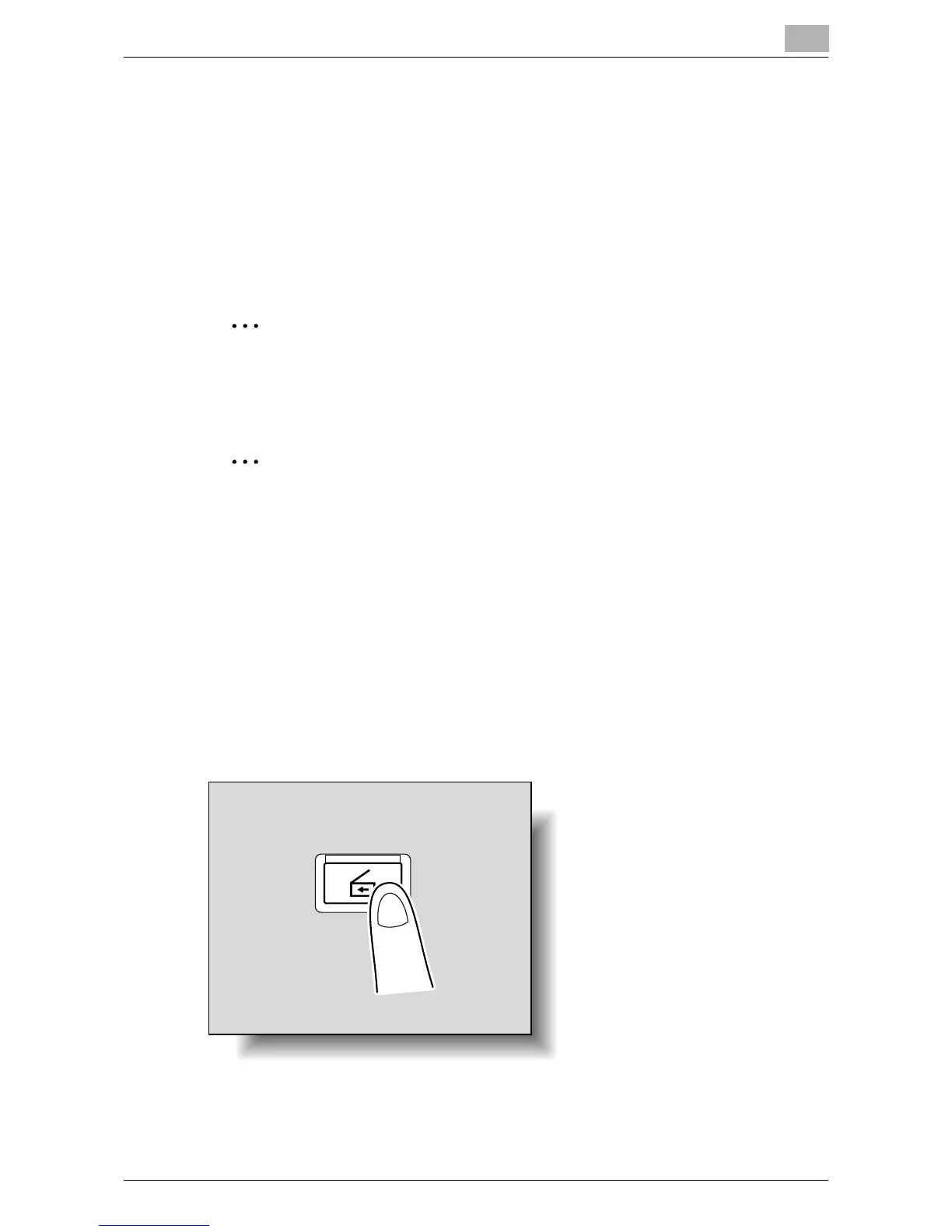
1 Press the [Scan] key on the control panel.
The Scan mode screen appears.
Scan













 To Next Page