Scanning Documents
2
IC-402 2-66
Book Scanning (Application)
Select this function when scanning page spreads. The four scanning meth-
ods listed below are available. In addition, frame erasing and center erasing
can be specified.
Specify the spread document size for the scan size.
Shadows that occur from scanning page spreads can be erased from the
scans.
2
Note
If the width to be erased is specified using the Book Erase functions in
the Book Scanning screen, the same value is set for the “Erase” function
on the Application screen.
To use the “Book Scan” function
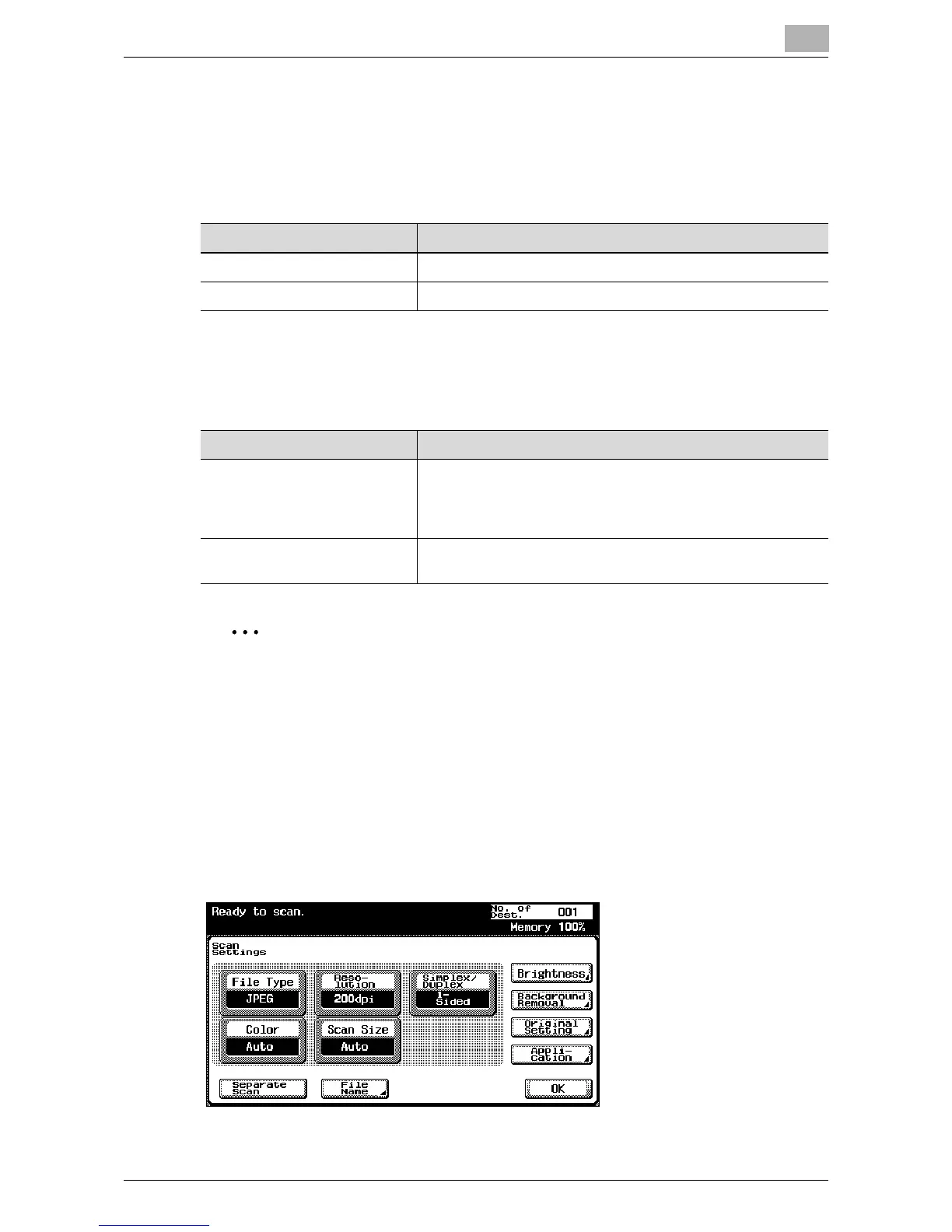
1 Touch [Scan Settings] in the Scan mode screen.
2 Touch [Application].
Item Description
Book Spread Scans a spread as one page.
Book Separation Scans a spread as separate left and right pages (2 pages).
Item Description
Erase Erases the perimeter of the document. The width to be erased
can also be specified separately for the top, left, right, and
bottom sides within the range of 1/16 in. to 2 in (0.1 mm -
50 mm).
Center Erase Erases the shadow along the center binding. The width can be
set within the range of 1/16 in. to 1-3/6 in (0.1 mm - 30 mm).













 To Next Page