Using PageScope Web Connection
7
IC-402 7-45
7.18 Prefix/Suffix
2
Note
Transmission settings and information and settings concerning the ad-
dress book limitations are displayed on the Scan tab.
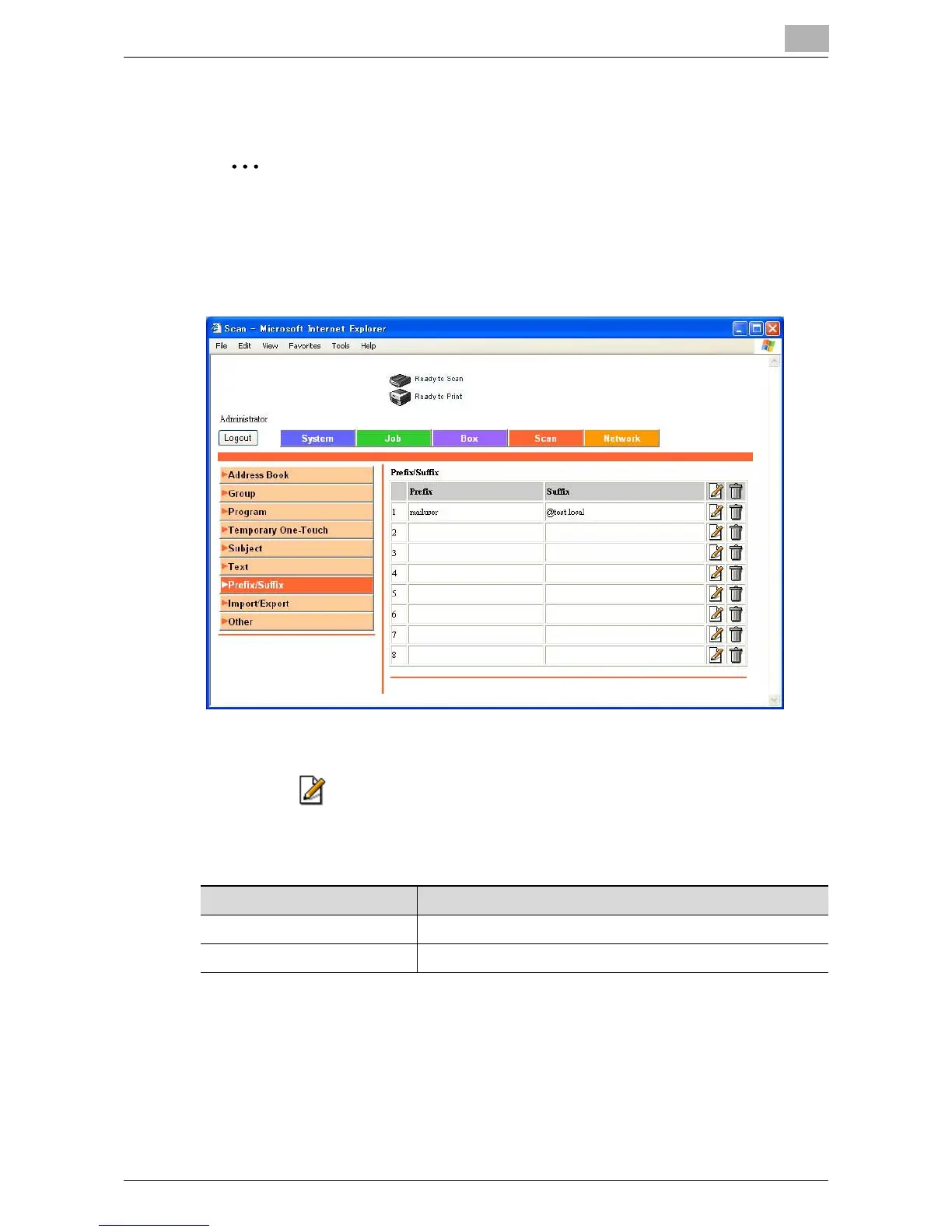
The prefix and suffix that are provided as destination information when send-
ing e-mail can be registered.
To register prefixes and suffixes
1 Click beside the prefix/suffix to be registered or edited.
2 Specify the prefix/suffix, and click [Apply].
Item Description
Prefix Register a prefix. (setting: up to 20 characters).
Suffix Register a suffix. (setting: up to 64 characters).













 To Next Page