Copier Network Functions
6
IC-402 6-41
4 Specify the desired settings.
5 Touch [Close].
2
Note
To quit specifying the Utility mode setting, touch [Exit] in the sub display
area or press the [Utility/Counter] key. Otherwise, cancel the Utility mode
by touching [Close] in each screen until the screen for the Copy, Fax,
Scan or Box mode appears.
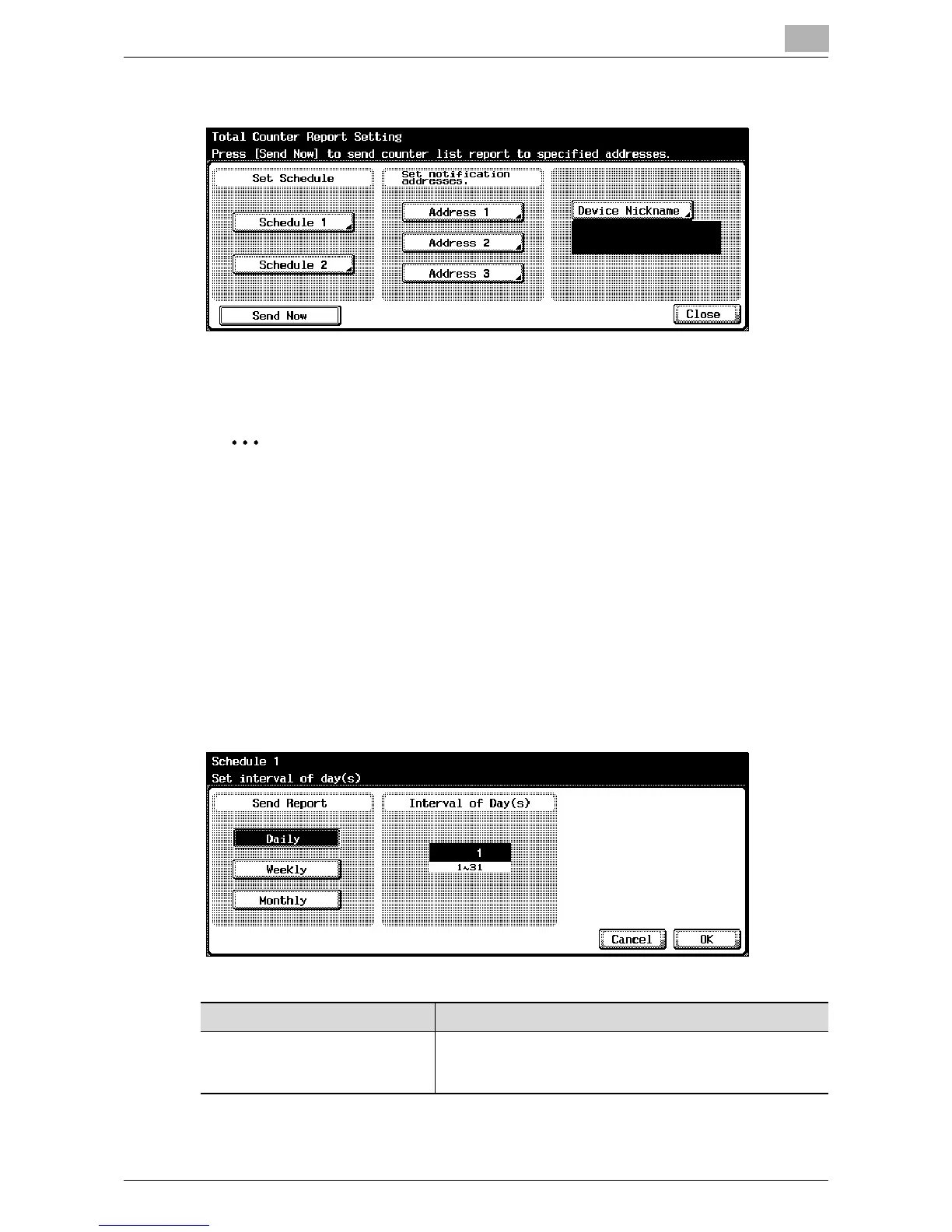
Schedule Setting
You can specify the schedule for sending the total counter. An example for
specifying “Schedule1” is described below.
The settings that can be specified are described below.
When “Daily” is specified as the report period
Item Description
Interval of Day(s) Enter the days each month for sending the schedule. To
change the value, press the [C] (clear) key, and then use the
keypad to type in the value (between 1 and 31).













 To Next Page